18
At a glance
Working day activities
A working day is defined in the VU by the
activities carried out by driver 1 and driver 2.
Each activity has a start time and an end
time. Some activities are selected by the VU
automatically, others must be entered
manually by the driver.
The VU selects the activity for each driver
automatically according to the current driv-
ing situation.
Any activity other than work for driver 1 or
availability for driver 2 undertaken when the
vehicle is stationary must be selected manu-
ally. The following activities can be selected
manually:
앫 Rest
앫 Availability
앫 Work
To change activities during a working day
(컄 Change of activity during the working
day‚ page 28).
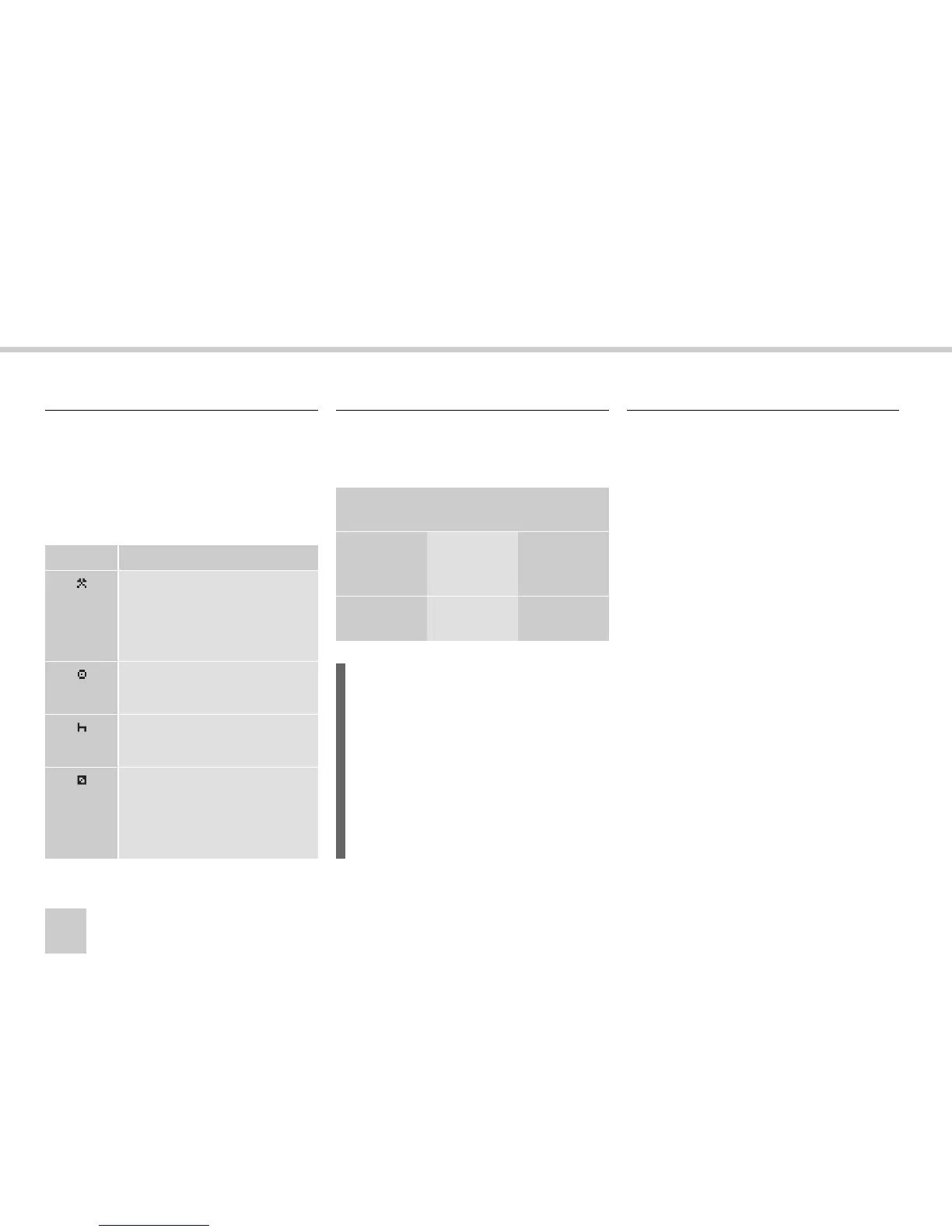
Working day definitions
Symbol Activity
Work
Activity while the vehicle is
not in motion, e.g. loading the
vehicle
Driving
Driving the vehicle
Rest
For breaks
Availability
Activity before the journey
commences, e.g. filling out
paperwork
Automatically selected activities
Driving
situation
Driver 1 Driver 2
Pulling
away/
driving
Driving Availability
Stopping/
stationary
Work Availability
L
For Driver 1 the automatic change of ac-
tivity is stored:
앫 from Driving to Work if the vehicle
has been stationary more than two
minutes.
앫 from Work to Driving if the vehicle
has been driven within the last
minute.
Activities selected manually



 To Next Page