82
Practical Advice
Changing the paper roll
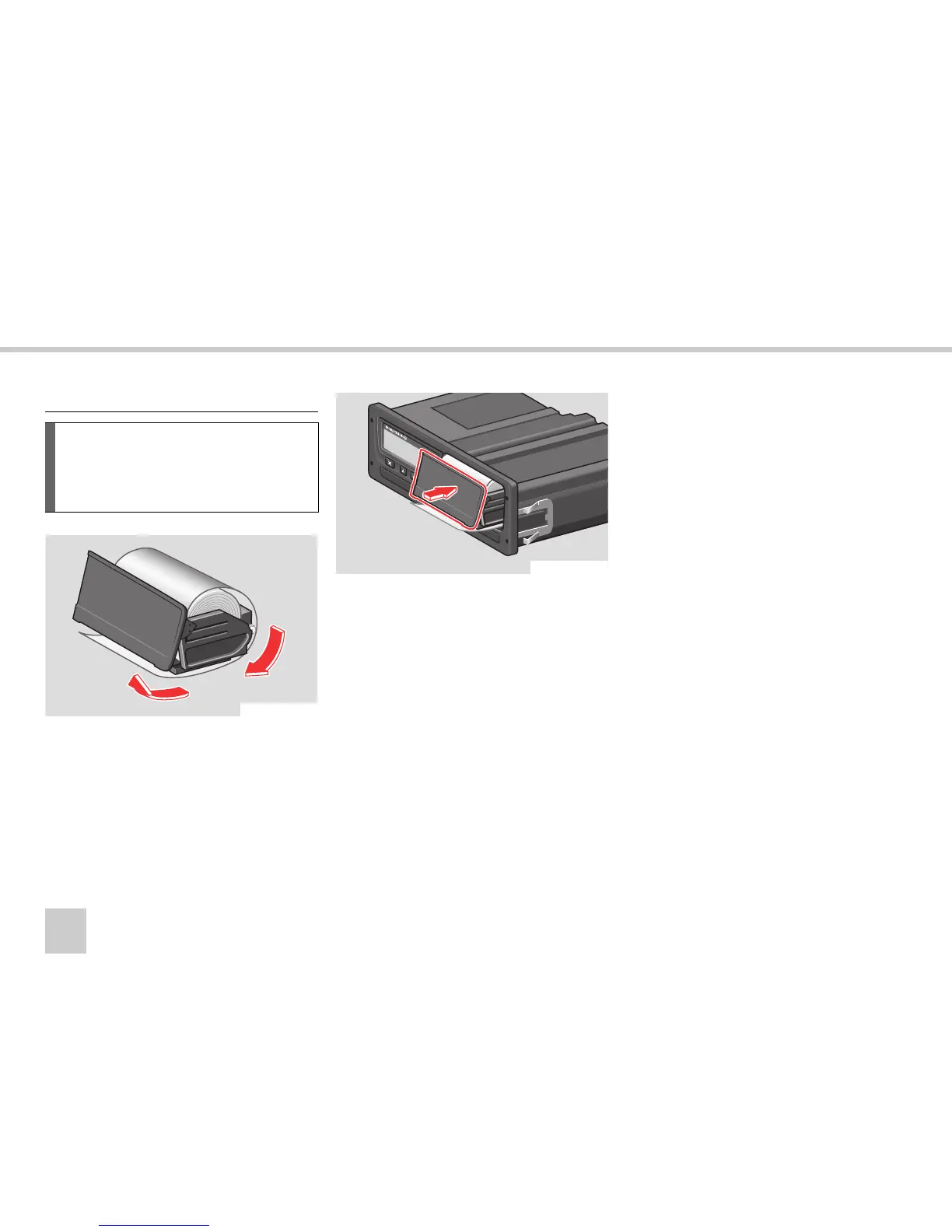
왘 Insert the paper roll and feed the paper
around the back of the paper cassette
and forwards towards the lower edge of
the panel.
왘 Insert the paper cassette into the fixtures
of the VU.
왘
Press the middle of the panel and slide
the paper cassette into the VU until it en-
gages.
Insert a paper roll
!
Only use printer paper approved by
Stoneridge, otherwise
there is a risk of
printer malfunctions.
N54.61-2125-31
N54.61-2126-31



 To Next Page