32
Controls in detail
In case manual entries are needed
You are continuing the present working day,
but you have for a period worked with no
driver card inserted.
왘 (컄 Initial displays and entries‚ page 24)
왘 Continuing present working day?
Select (yes) using the or
button and press the button.
왘 Enter all activities carried out today after
this days last withdrawal of driver card
until it was inserted again.
(컄 Enter activity type and times‚
page 40)
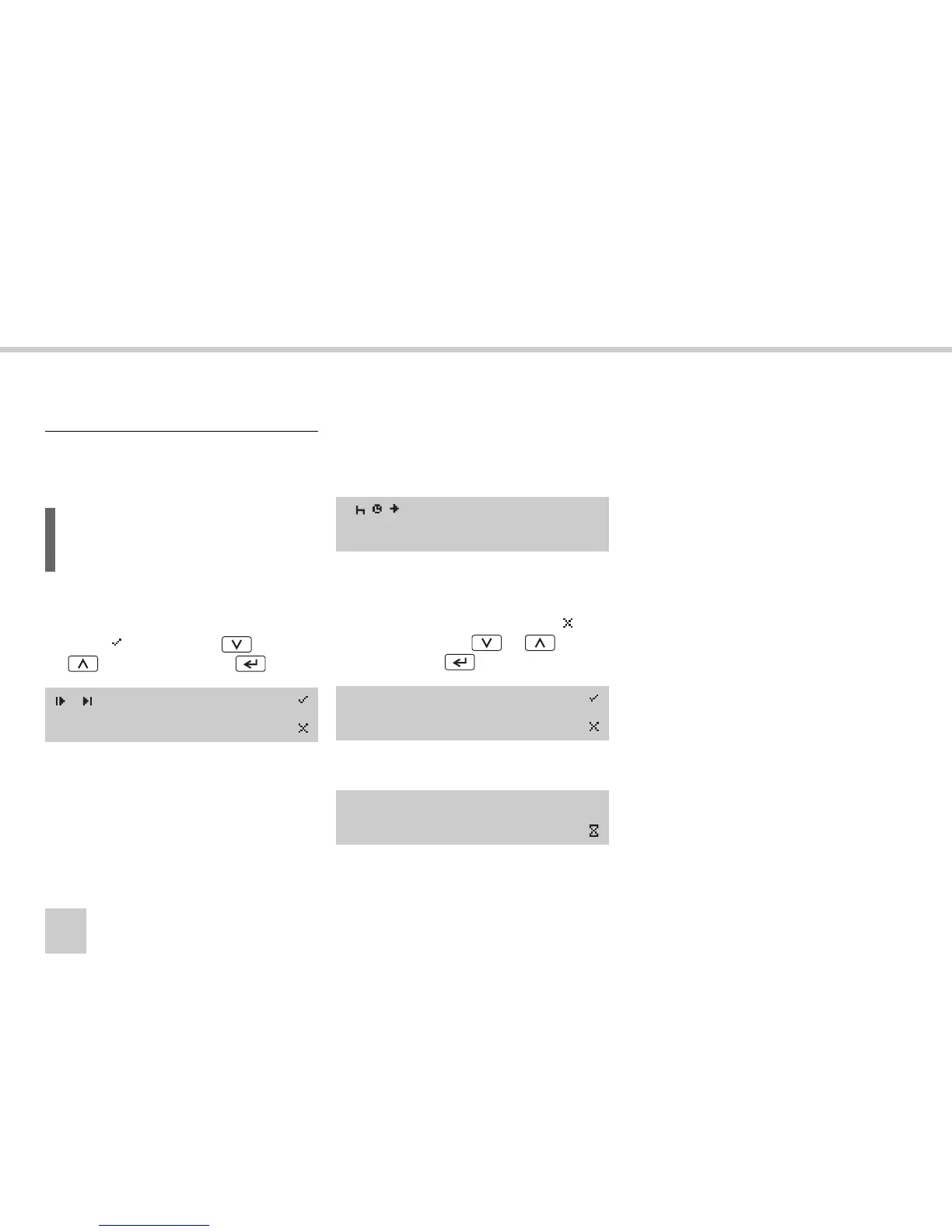
왘 Returning here from
“Enter activities manually”.
왘 Confirm the entries by selecting
(not
modify) using the or button
and press the button.
The following message appears:
The VU is now operational and you will see
the standard display.
(컄 VU standard display‚ page 16).
User scenario 2: Continuing
present working day
L
It is possible to enter up to a maximum
of 16 activities.
? Cont. day.?
15:23 08.07.2005
1 01M
16:15 08.07.2005
Modify
Entries?
Saving
activities



 To Next Page