45
Controls in detail
In case manual entries are needed
You can modify manual entries as follows:
앫 Change activities
앫 Add activities
앫 Delete activities
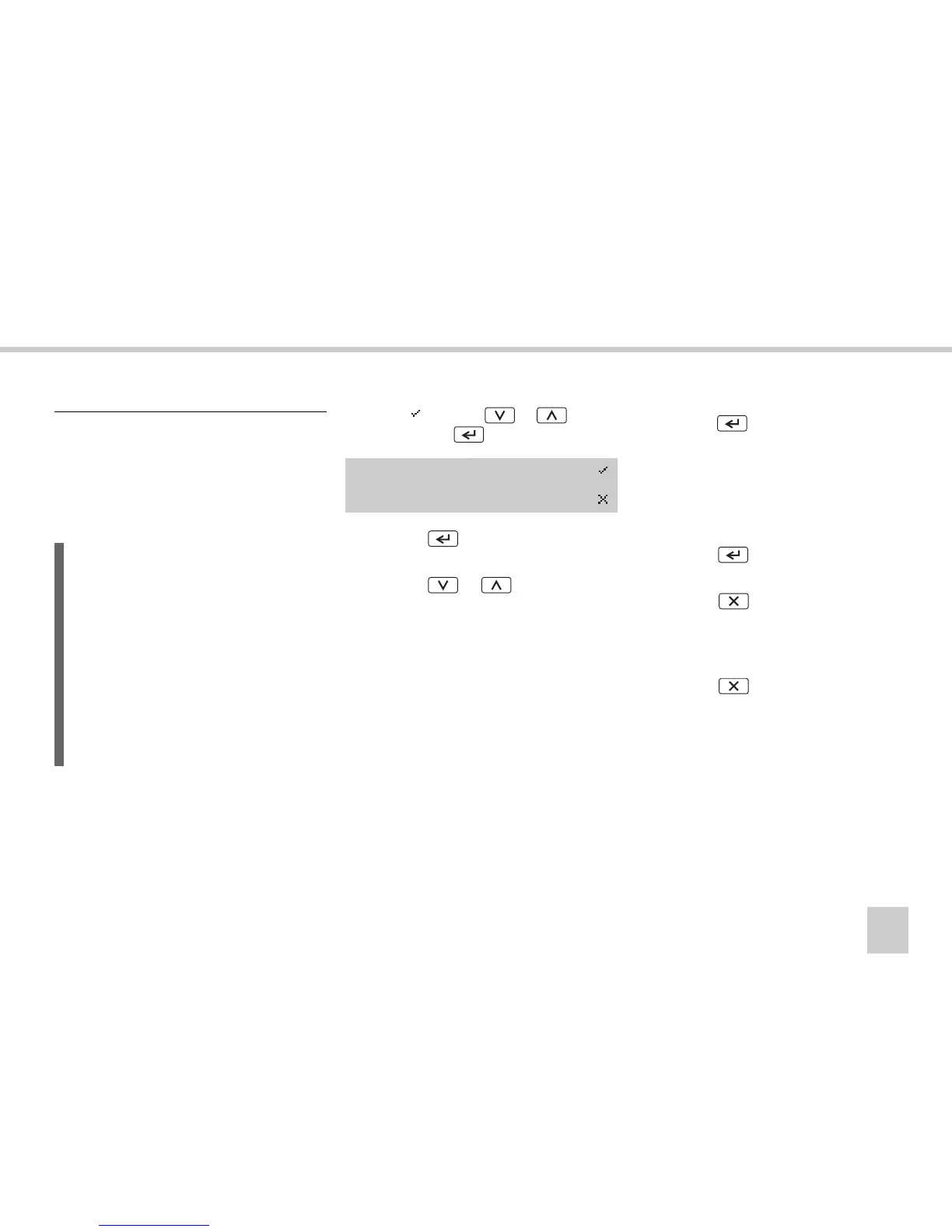
왘 Modify entries?
Select
using
the or button
and press the button.
왘 Press the button. The activities
counter is highlighted.
왘 Press the or button to scroll
through the activities entered.
Change activities
왘 Press the button to select the activ-
ity.
왘 Activities are changed in the same way as
they initially are entered
(컄 Enter activity type and times‚
page 40).
왘 Press the button to move along to
the activities counter.
왘 Press the button to go back to
Modify entries?
.
Move backwards in present entry
왘 Press the button repeatedly
Modify manual entries
L
You can not modify your manual entries
after:
앫 They have been confirmed.
(컄 Save the entries‚ page 46).
앫 You have exit the modify entries
mode (컄 There are several ways to
exit the manual entries mode without
completing the entries:‚ page 47).
앫 You have begun driving.
Modify
Entries?



 To Next Page