46
Controls in detail
In case manual entries are needed
Add activities
왘 Press and hold .
왘 Select + using the or button
and press the button.
왘 Enter the activity
(컄 Enter activity type and times‚
page 40).
왘 Press the button to go back to
Modify entries?
.
Delete activities
왘 Press and hold .
왘 Select – using the or button
and press .
왘 Press the button to go back to
Modify entries?
(컄 Modify manual entries‚ page 45).
Save the entries
왘 Select
and press the button.
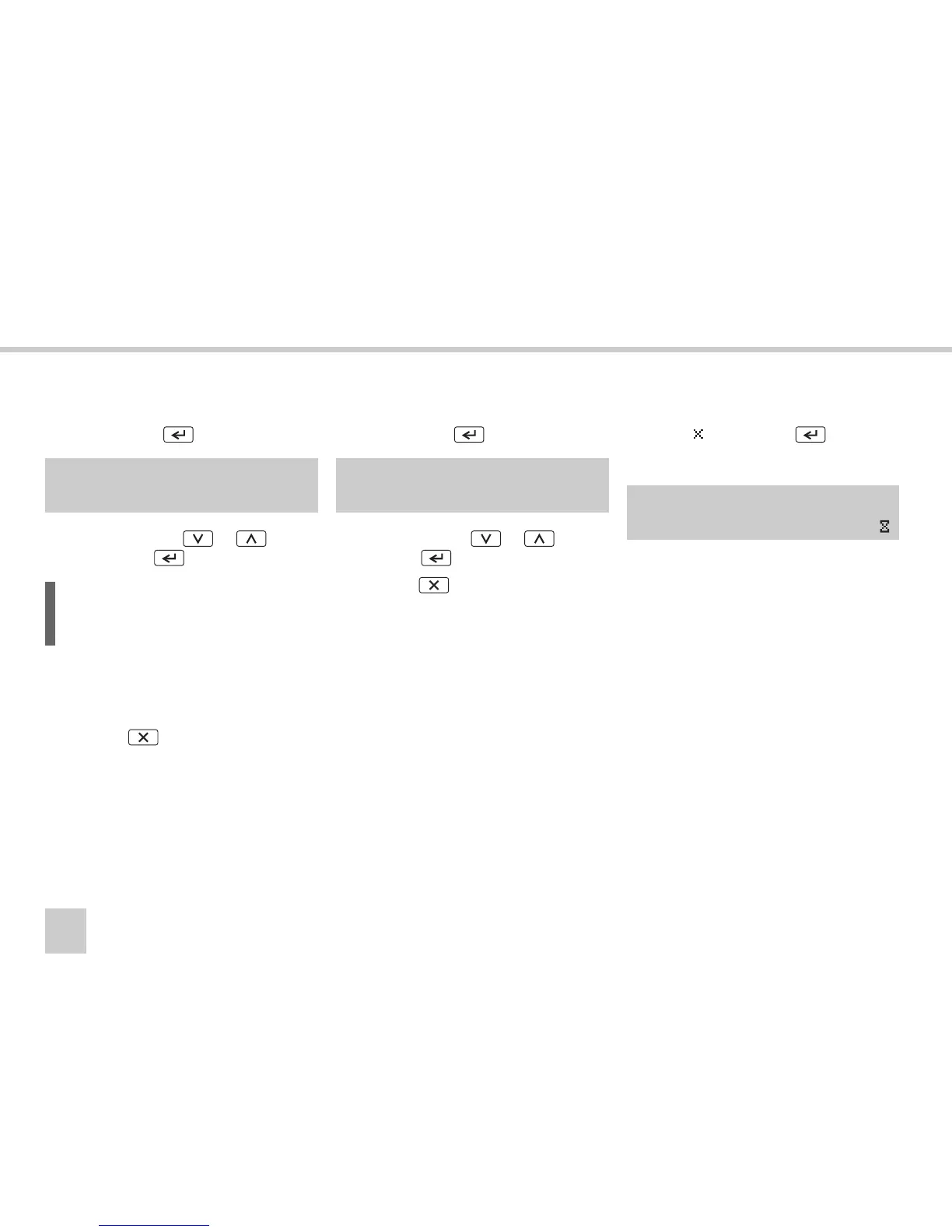
The following message appears:
The VU is now operational and you will see
the standard display
(컄 VU standard display‚ page 16).
M Add or +
delete entry -
L
The new activity will be inserted before
the selected entry.
M Add or +
delete entry - Saving
activities



 To Next Page