51
Controls in detail
Printouts
It is possible to create different printouts of
VU and driver card data.
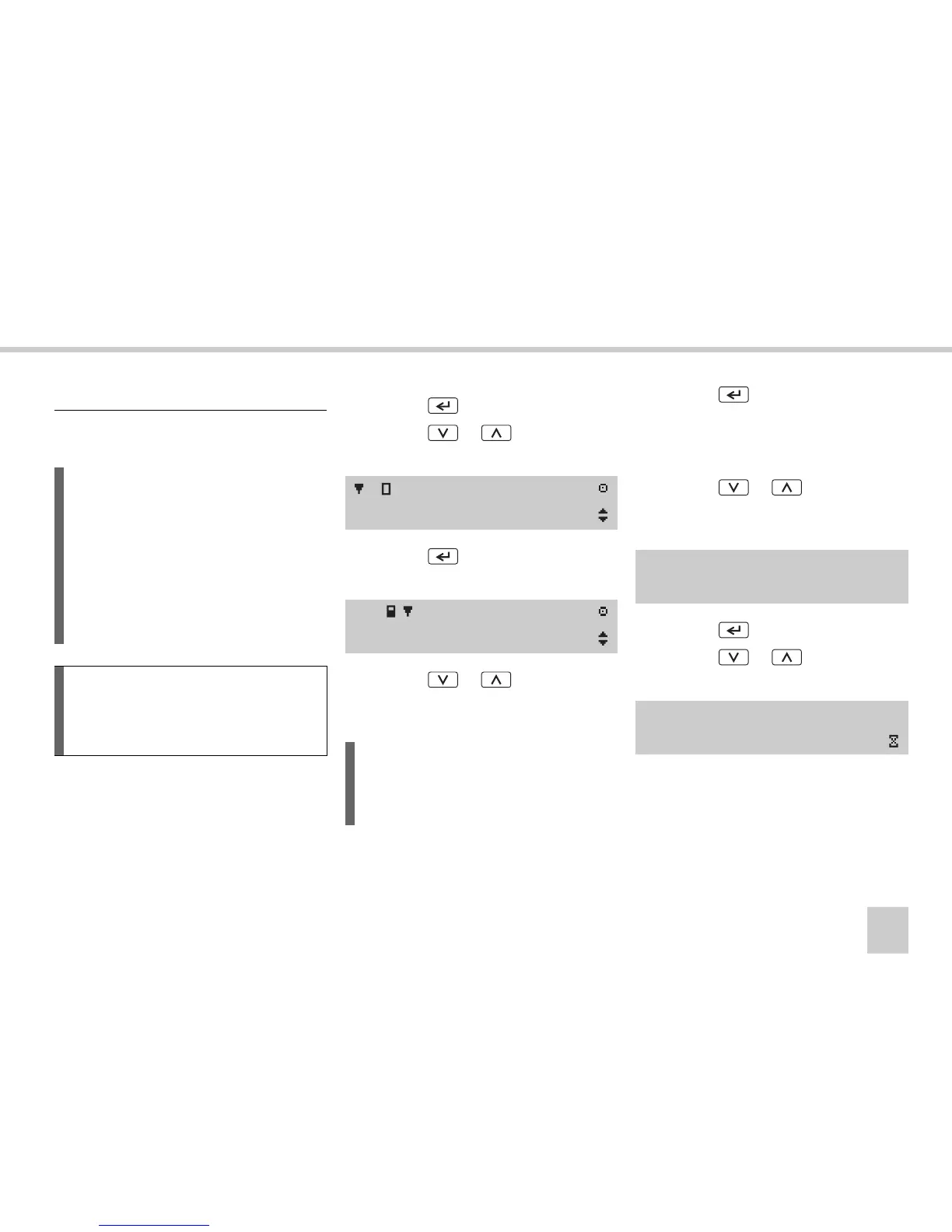
왘 Press the button.
왘 Press the or button until
Print menu
appears in the display.
왘 Press the button. The first print
menu item is shown on the display.
왘 Press the or button to select
the type of print out
(컄 Types of printout‚ page 53).
왘 Press the button.
Depending on the type of print out, it may
also be necessary to select the driver card
and the date:
왘 Press the or button to select
the driver card inserted in the slot for
driver 1 or driver 2.
왘 Press the button.
왘 Press the or button to select
the day for the desired date.
Create a printout
L
앫 The data can also be shown on
the display.
앫 It is only possible to print out
when the vehicle is stationary.
앫 It is possible to print out data from
up to 8 days ago for the driver card
inserted.
!
Keep the slot on the paper cassette un-
obstructed, otherwise there is a risk of a
paper jam in the printer.
/ Print
menu
24h Print
24h card
L
There is a sub menu,
Additional Print menu
, that contains
another three types of printouts.
Select card 1
1 or 2 2
Enter Date



 To Next Page