52
Controls in detail
Printouts
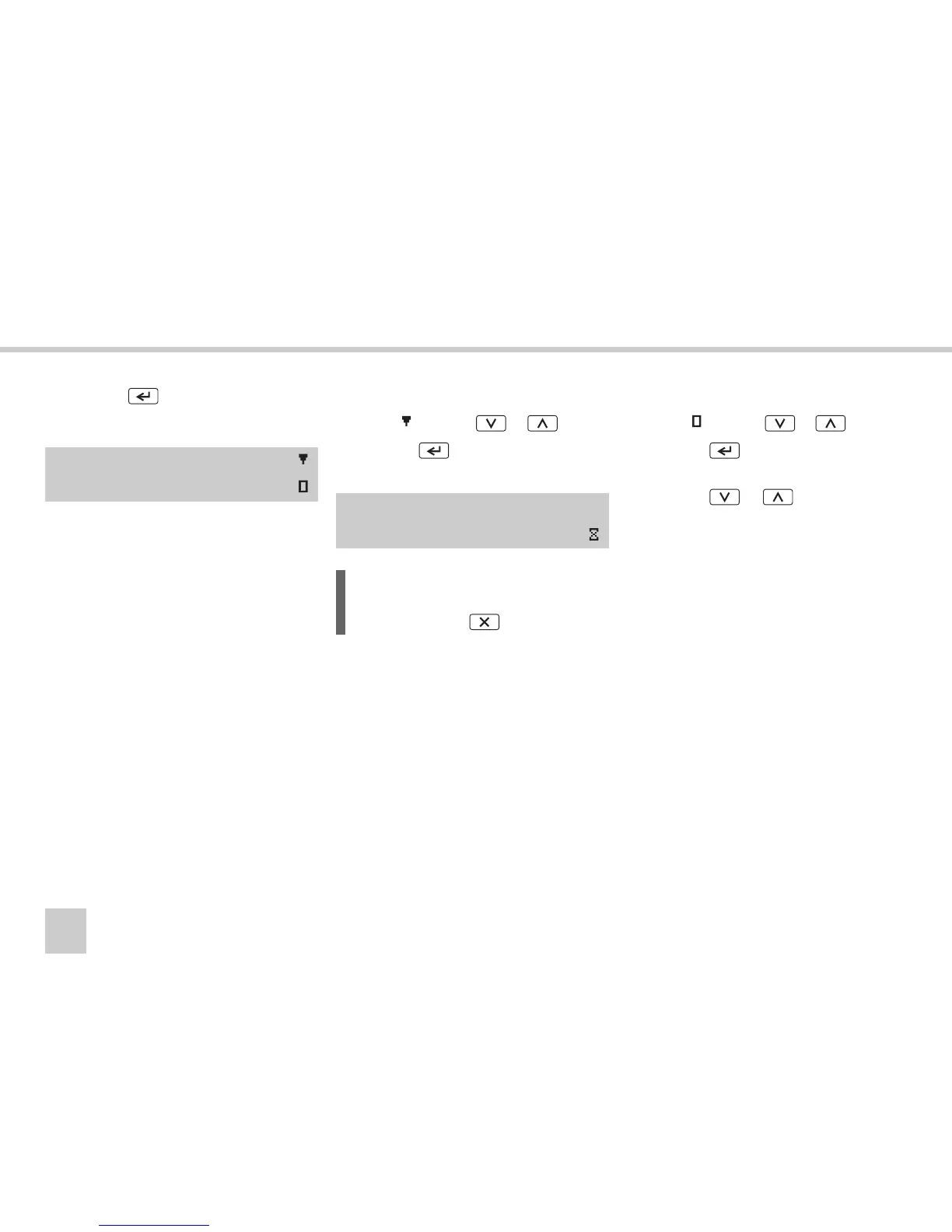
왘 Press the button.
왘 Choose where to show the printout.
Printing out data
왘 Select using the or button.
왘 Press the button to print out the
data.
왘 As soon as the
Printing busy
message
is cleared:
pull the printout upwards and tear it off.
Displaying data on the display
왘 Select using the or button.
왘 Press the button to display the da-
ta.
왘 Press the or button to scroll
through the data.
Select print
or display
Printing
Busy
L
You can cancel the ongoing printing
process using the button.



 To Next Page