47
Controls in detail
In case manual entries are needed
There are several ways to exit the manual en-
tries mode without completing the entries:
앫 Begin driving.
앫 Insert or withdraw a driver card.
앫 Do not interact with the VU for
1minute.
앫 Accept the VU default times, based on
last driver card withdrawal and insertion
times.
앫 Cancel modify mode by pressing and
holding the button.
Accept the default times
왘 Press the button to move along
through the default start and end time of
the activity.
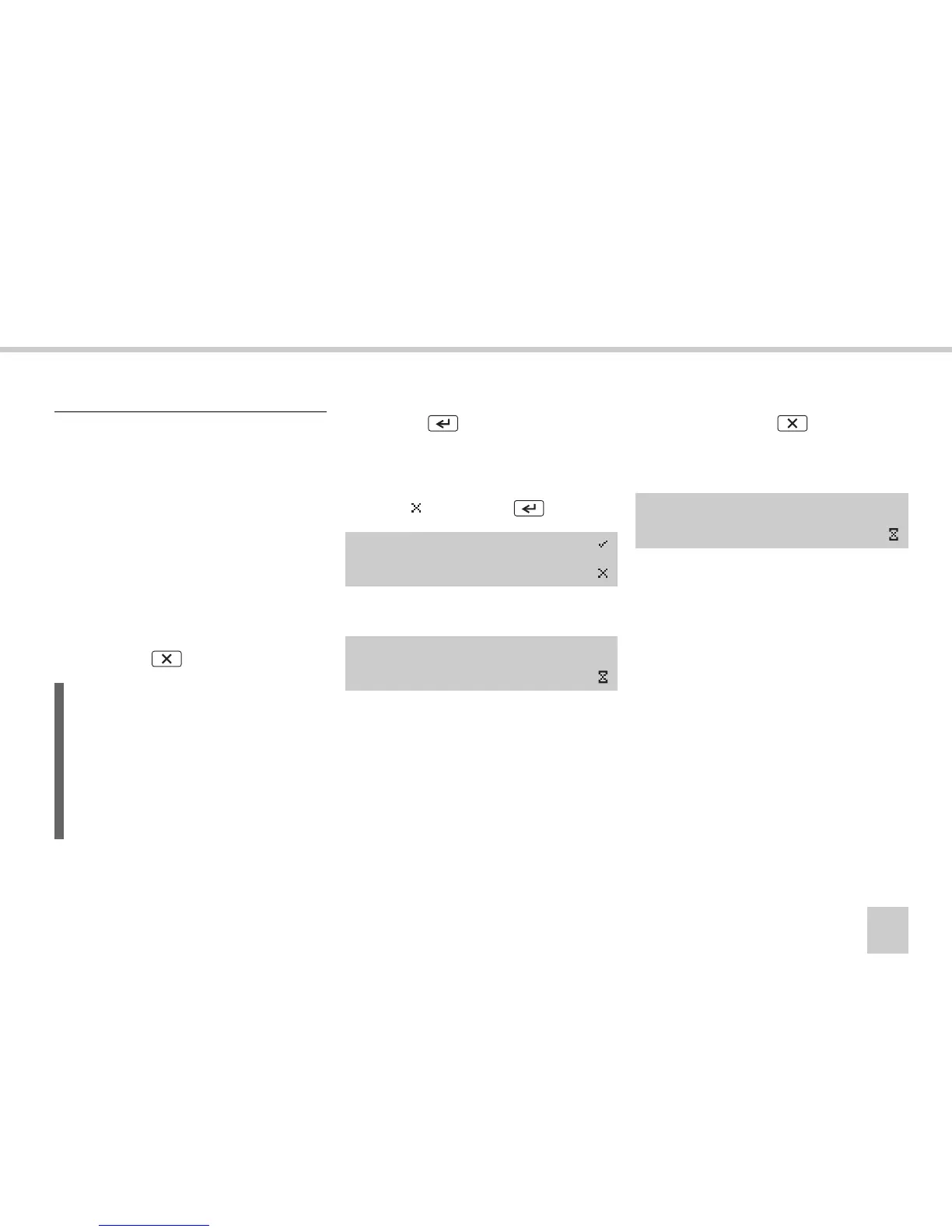
왘 Save the modified entries?
Select
and press the button.
The following message appears:
The VU is now operational and you will see
the standard display
(컄 VU standard display‚ page 16).
Cancel modify mode
왘 Press and hold the button.
The entries are saved and the following
message appears:
The VU is now operational and you will see
the standard display
(컄 VU standard display‚ page 16).
Exit manual entries mode
L
If you exit the modify entries mode with-
out completing the entries, the manual
entries you have made will be saved.
The VU will be operational and you will
see the standard display
(컄 VU standard display‚ page 16).
Modify
Entries?
Saving
activities
Saving
activities



 To Next Page