44
Controls in detail
In case manual entries are needed
You must specify where the vehicle was/is
during a working day. You can do this:
앫 Whenever during a working day using
main menu item
Begin Place
or
End Place
.
앫 When automatically prompted at each
insertion and withdrawal of a driver card
(컄 Initial displays and entries‚ page 24).
앫 During manual entries of activities
(컄 Manual entries overview‚ page 30).
Whenever during a working day
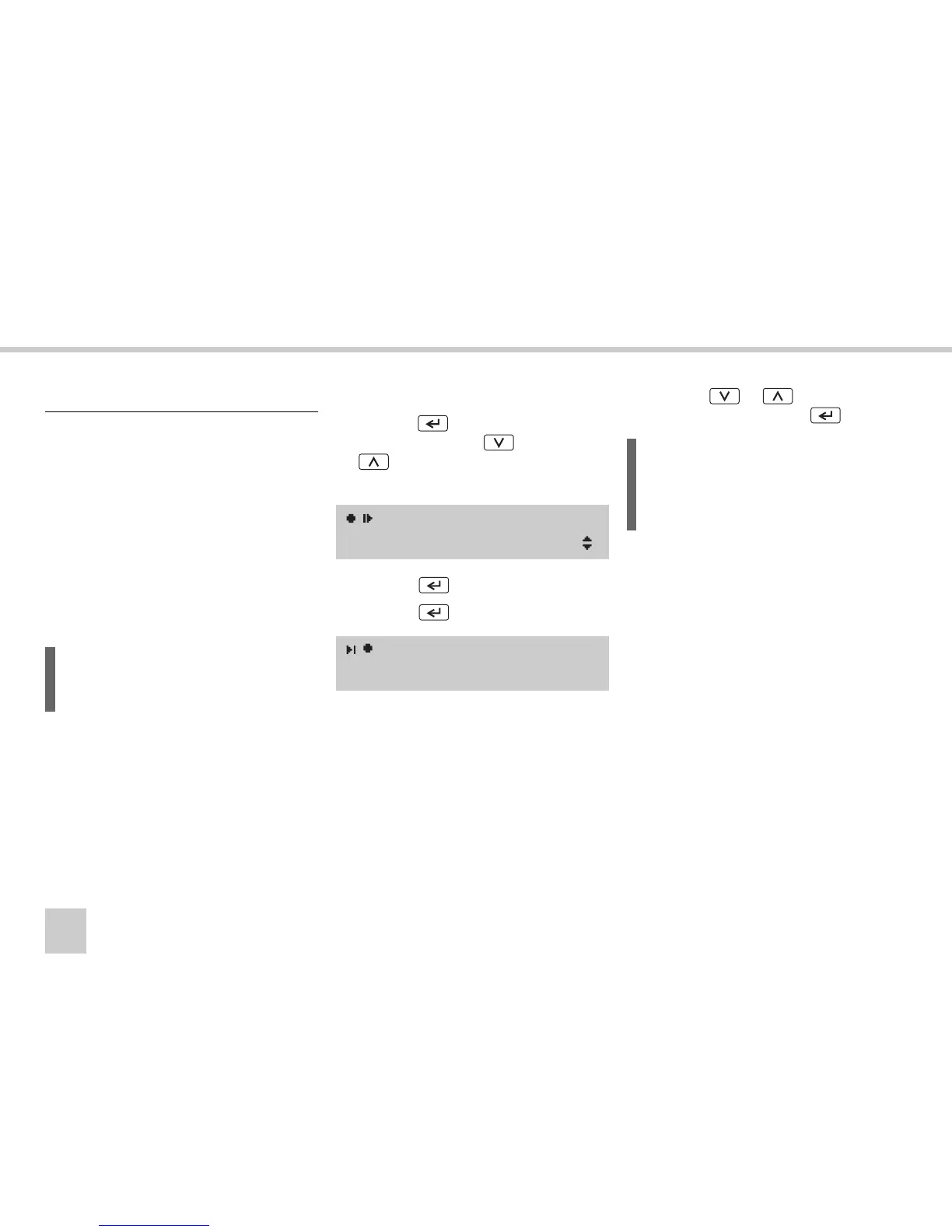
왘 Press the button to show the main
menu and press the or
button to select menu
Begin Place
or
End Place
.
왘 Press the button.
왘 Press the button again.
You will find a list of all countries available
in the VU in the appendix
(컄 Available countries‚ page 99).
왘 Press the or button to select
the country and press the button.
Enter the country
L
Manual entries can be made only when
the vehicle is stationary.
Begin Place
Select country
European Com.
L
For Spain, it is also necessary to select
the region.
(컄 Spanish regions‚ page 100)



 To Next Page