29
Controls in detail
Normal working day procedure
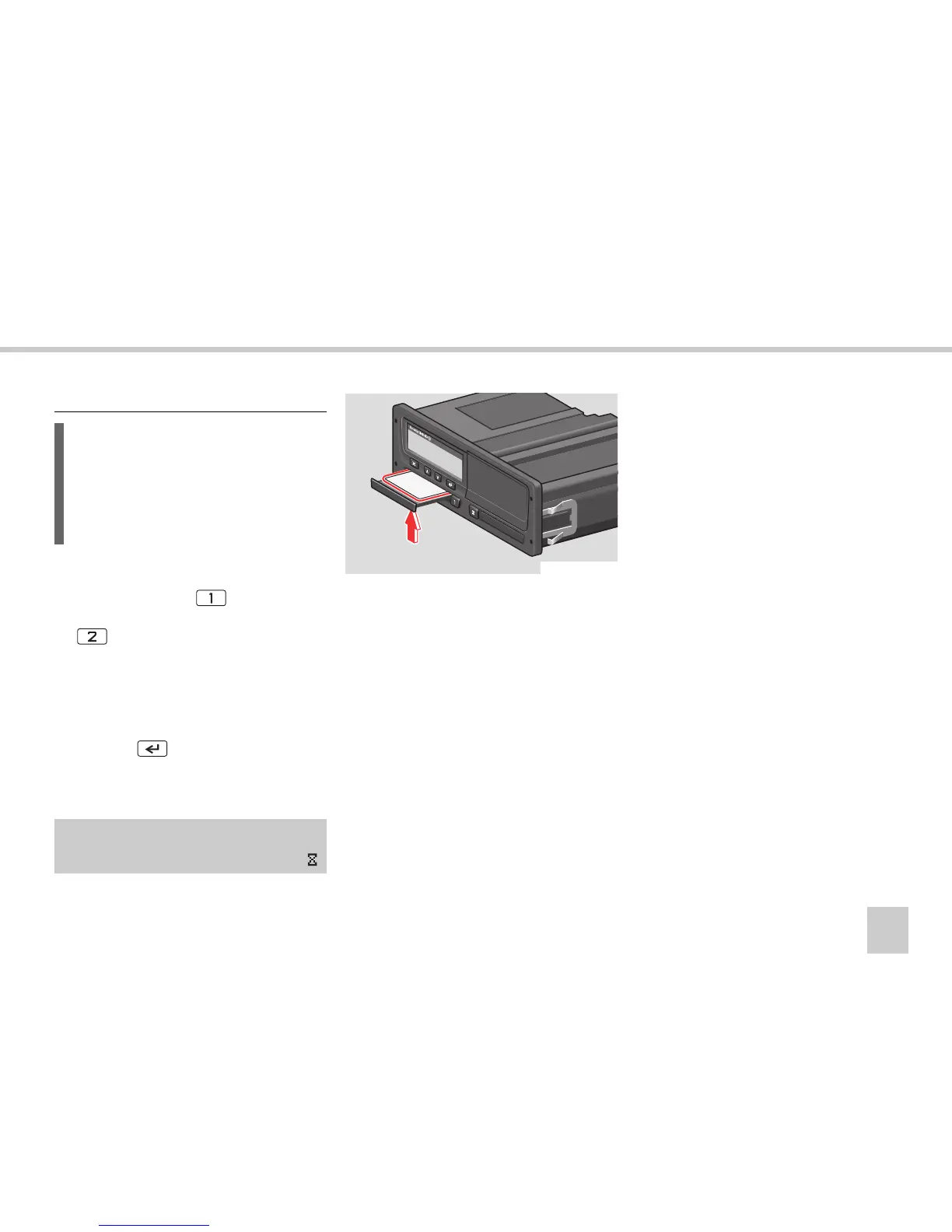
To withdraw a driver card:
왘 Press and hold the button for the
driver 1 driver card slot or the
button for the driver 2 driver card
slot.
왘 Enter the country in which you are cur-
rently present.
(컄 Enter the country‚ page 44).
왘 Press the button.
The VU stores data on the driver card
and opens the slot.
왘
Press the driver card up slightly from un-
derneath through the opening in the tray.
왘 Remove the driver card.
왘 Close the slot by pr
essing it carefully.
Withdraw a driver card
L
The driver cards remain in the slots of
the VU for the entire duration of the
working day. They are withdrawn only at
the end of the working day or if there is
a change of drivers.
Ejecting
card 1
N54.61-2118-31



 To Next Page