50
Controls in detail
Journey where no recording is required
Deactivate out of scope mode
To deactivate Out of scope mode:
앫 Automatically:
withdraw or insert a driver card.
앫 Manually enter end of Out of scope
mode.
Manually enter end of out of scope
mode
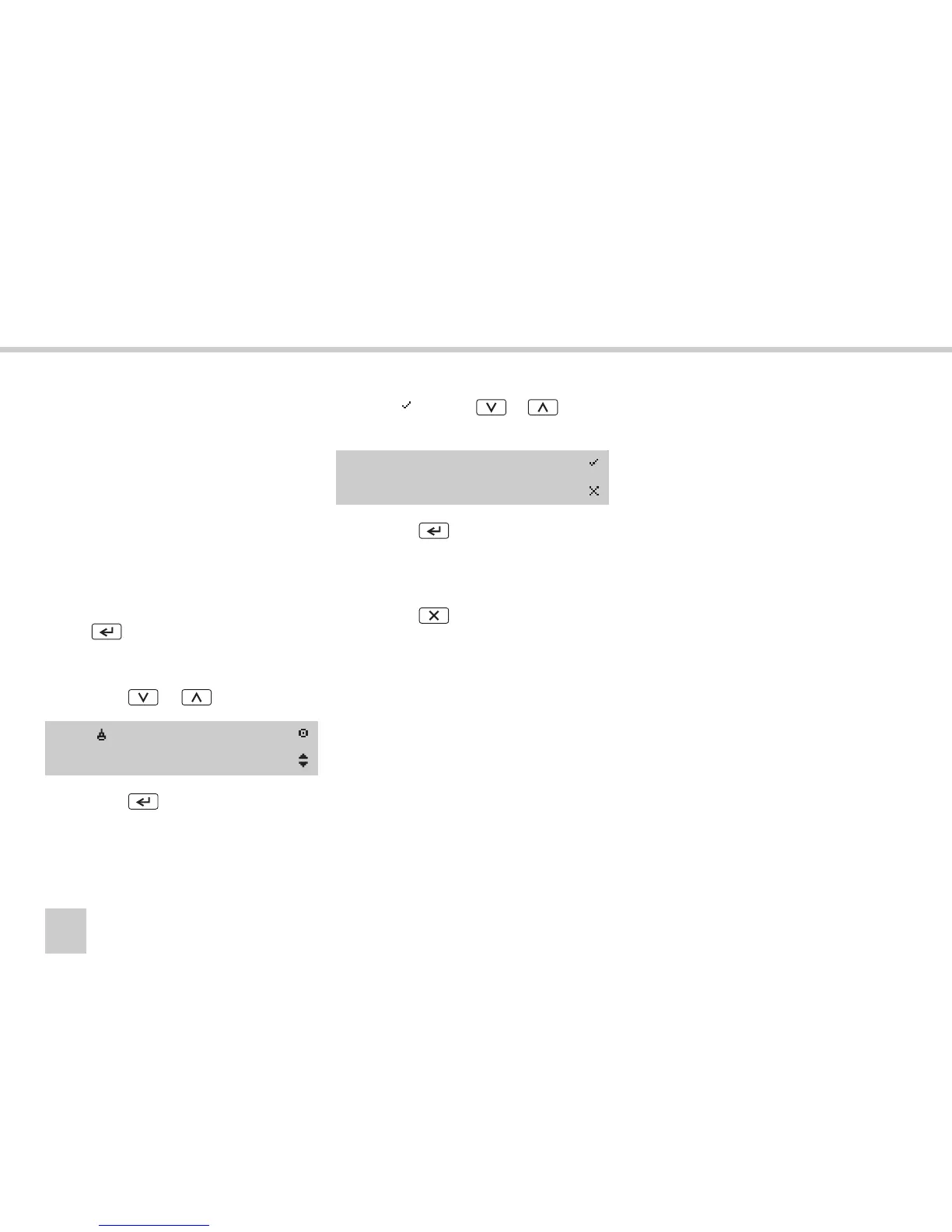
왘 Show the main menu display by pressing
the button.
(컄 VU main menu display‚ page 17)
왘 If not already shown, select menu
OUT
using the or button.
왘 Press the button.
왘 Select using the or button
to end out of scope (ferry/train).
왘 Press the button.
Out of scope mode is deactivated.
This can be seen only at the standard dis-
play.
왘 Press the button to return to the
standard display. The Out of scope
symbol
OUT
is no longer in the position
for activity.
(컄 VU standard display‚ page 16)
OUT/
OUT of scope
End Out
of scope?



 To Next Page