Stonex S9III Plus GNSS Receiver – User Manual 27
5. STONEX® Assistant for S9III PLUS
STONEX® Assistant is a tool which is conceived for aiding the user to make
easier different operations with the receiver S9 III PLUS. It is contained in the
bundle CD, the actual version is 2.0.
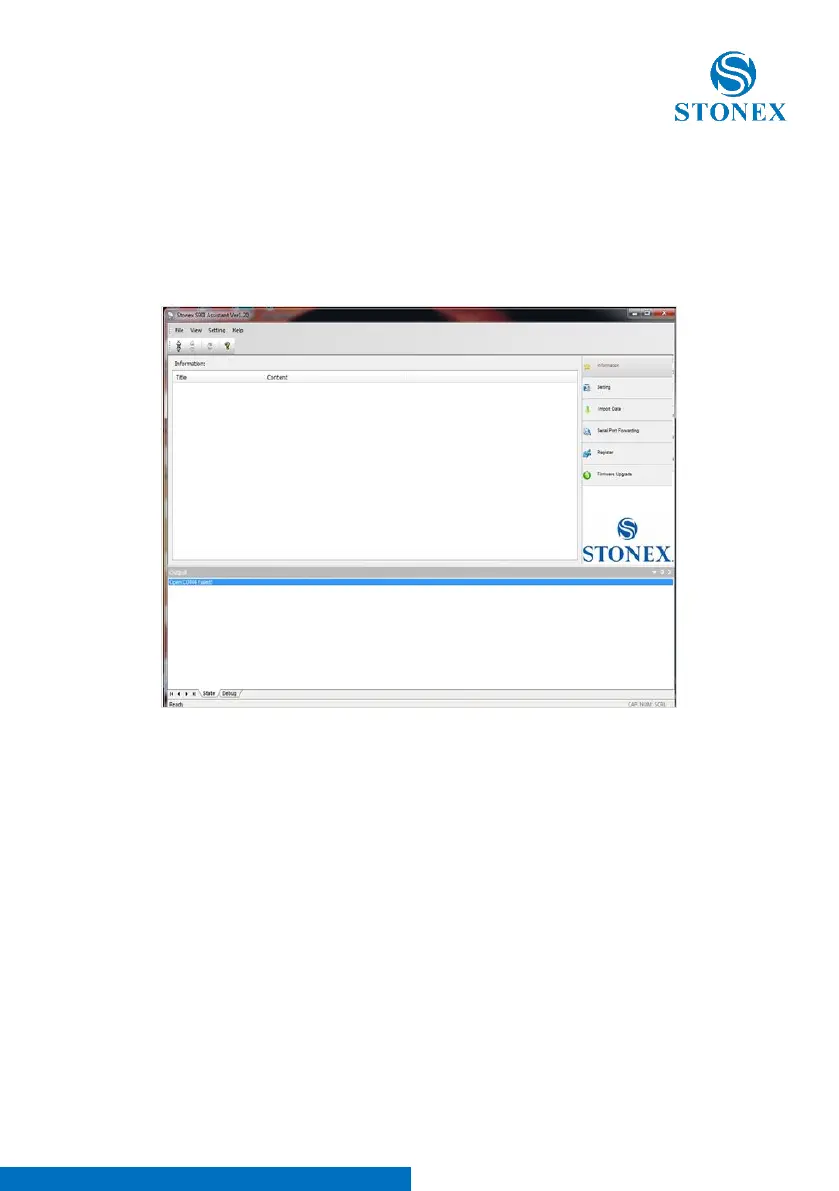
Fig. 5.1 – Main page of Stonex Assistant
The opening page is showed in Fig. 5.1.
It reports internal system configuration of the GPS receiver S9III PLUS after get
PC connection.
5.1. Start Stonex Assistant on your PC
Connect the S9III PLUS to the PC using Lemo7 – USB/Serial cable.
Switch on the receiver: automatically the program should search the COM port
where the receiver is connected. If this doesn’t happen, for example at the first
starting of Assistant in the Pc, you have to disconnect from the wrong port



 To Next Page