Stonex S9III Plus GNSS Receiver – User Manual 36
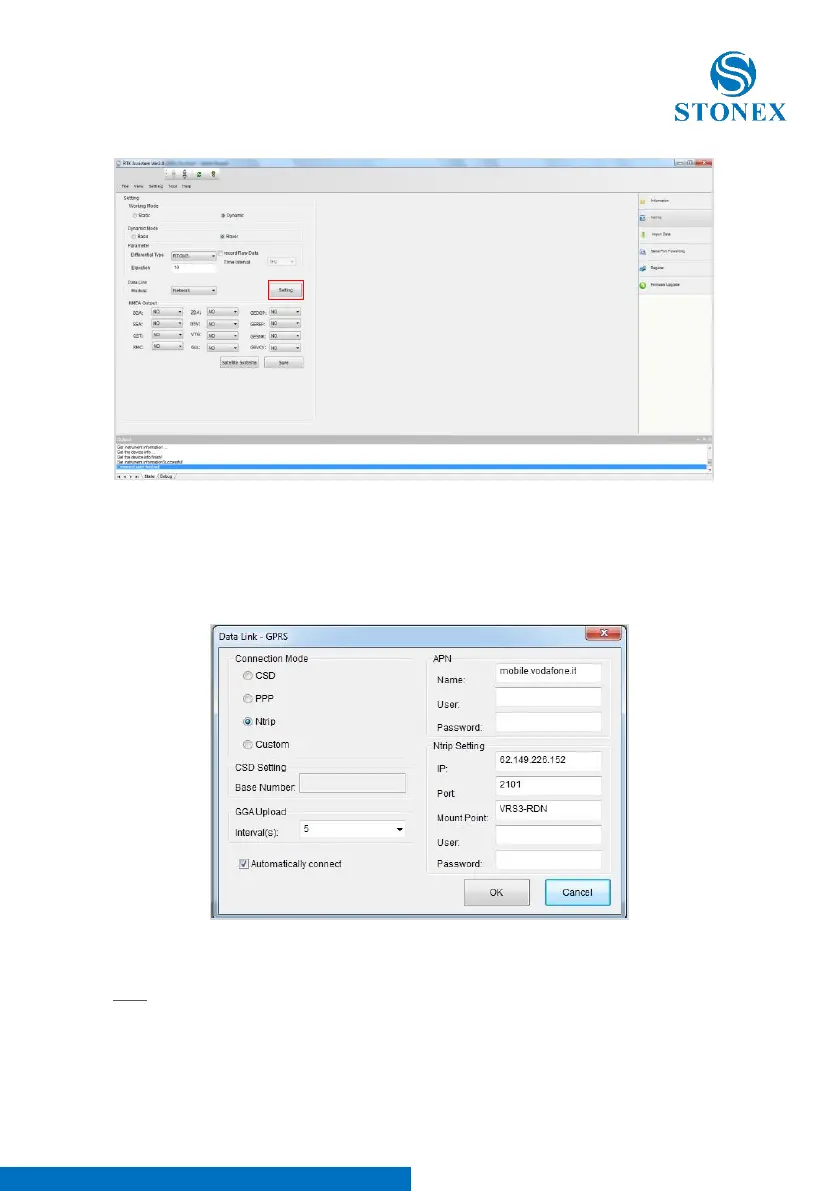
Fig. 5.11 – Network
If you will click on the button “Settings” (red rectangle in Figure 5.11), a new
form will open. From here you can choose the type of connection:
Fig. 5.12 – Network menu
CSD: Normal dial GSM call, using a phone number that you can insert in “Base
Number“ text box. When user need to set a rover for a direct call, the right
part of the page becomes grey (see in Figure 5.13), in the left part he should
insert:



 To Next Page