Stonex S9III Plus GNSS Receiver – User Manual 51
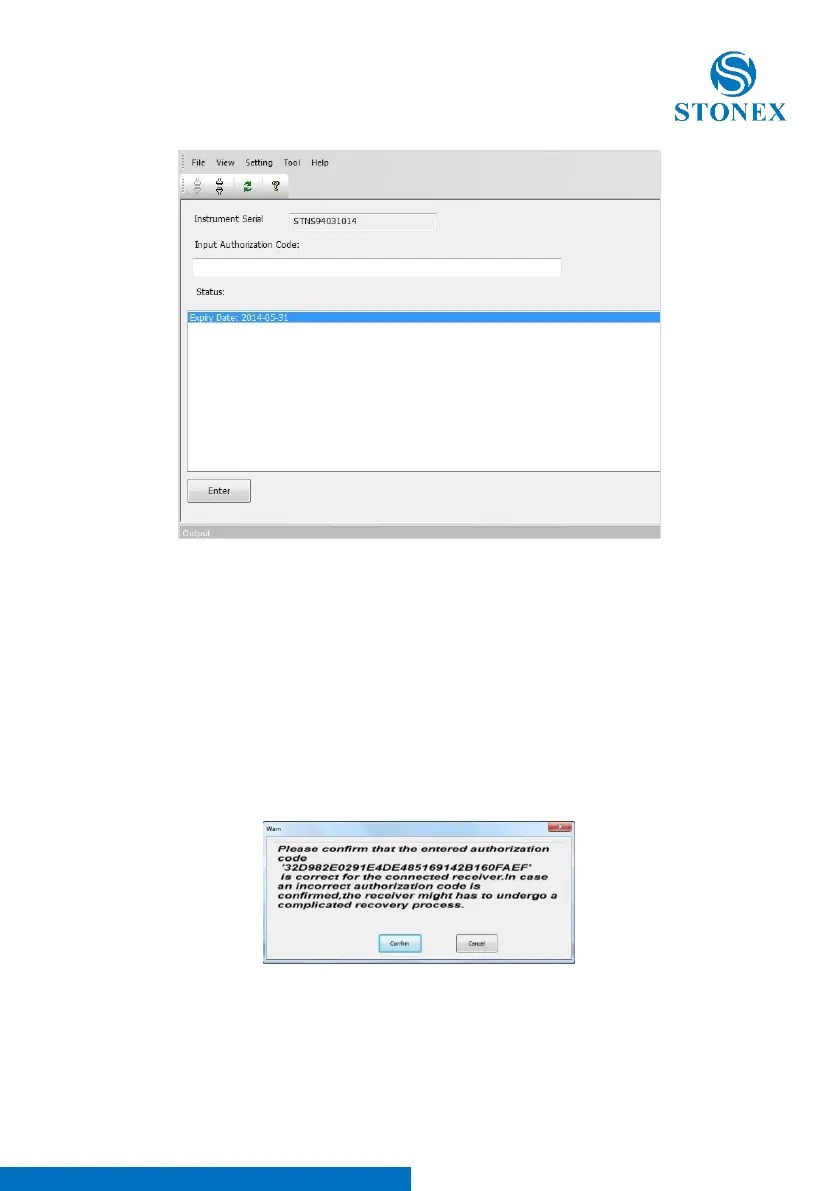
Fig. 5.28 – Register the receiver
1) In the “Status” window, you can see the data of expiry of the license, if the
expire date contains the year 2050, it means that the license is already
permanent.
2) In the “input authorization code” window you can insert the new temporary
or permanent code provided by Stonex. Click on “Enter” to confirm. A
confirmation box is opened, push “Confirm” to allow the new code installation.
Fig. 5.29 – Confirmation window



 To Next Page