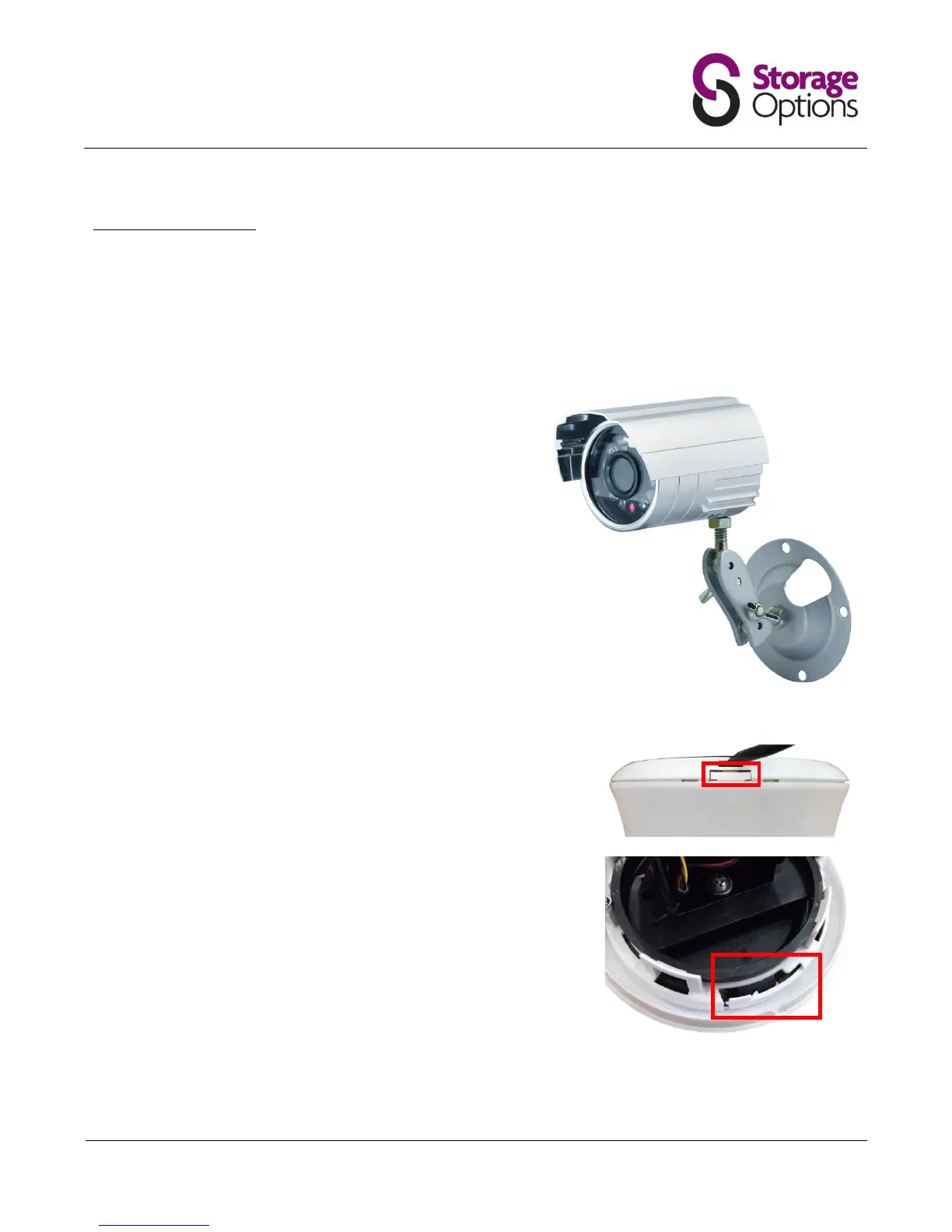
3.1 – Mounting Cameras
The cameras are supplied with mounting kits for attaching to a wall. Before you affix the cameras in position, please
ensure the cable is of adequate length to reach the DVR.
To mount each camera on a wall or ceiling, follow these instructions:
1. Ensure the surface you want to mount the cameras on is solid
and can support the weight.
2. Accurately mark on the wall the position of the holes to be
drilled.
3. Drill to the correct depth in the wall, as indicated by the plugs.
4. Insert plugs into the drilled holes.
5. Secure the bracket to the wall using the provided screws.
Locate the unlock catch on the top edge of the chassis and press it to
release the dome. Gently pull the units apart.
To unlock the mounting plate, locate the locking mechanism and pull it
towards the outer edge of the chassis.



 To Next Page