ISP Immersive Sound Processor
25
mixed into this channel. When a Bass Zone is
set, define the mixing level to apply between
0dB and -20dB. This level should be adjusted
considering the overall acoustical response
of the system.
This feature is useful in multiple use cases:
• When the room is big enough, it is a common
practice to have one or two subwoofers below the
screen reproducing the LCR redirected bass and
the LFE channel, one or more subwoofers in each
side of the room reproducing their respective side
speakers bass and finally one or more subwoofers
in the back of the room handling the surround
rear speakers low frequencies. You can even add
one or two subwoofers for the Ceiling speakers
bass reproduction.
• When speakers are capable enough in the low
frequency to reproduce the bass of the system,
you can emulate the same system response as
with a speaker and subwoofer combination, by
carefully creating the Bass Zones and routing
them to the appropriate speakers.
The Expert Bass management is a highly
flexible tool that can bring ultimate bass
performance. Nevertheless, one must keep in
mind that such approach require to monitor
the adjustments by careful measurements to
ensure the right balance of bass reproduction
is achieved. Also, using speakers as bass
reproducer require heavy power handling
capability to allow for reasonable acoustical
pressure in the room in the low frequency
region without reaching their limit.
8. Subsonic filter
In Exper mode, there is the possibility
to adjust a Subsonic filter for each Bass
reproducer, whether being a speaker or a
subwoofer channel. Change the setting from
None to any desired slope (from 12 to 48 dB)
and adjust the crossover frequency.
9. Bass delay
Each Bass Zone and LFE reproduced channel
has an individual delay adjustment, useful
to carefully align the phase response of the
system
Note that after making any changes, you must press the
SAVE button near the top right of the screen or you will loose
your changes.
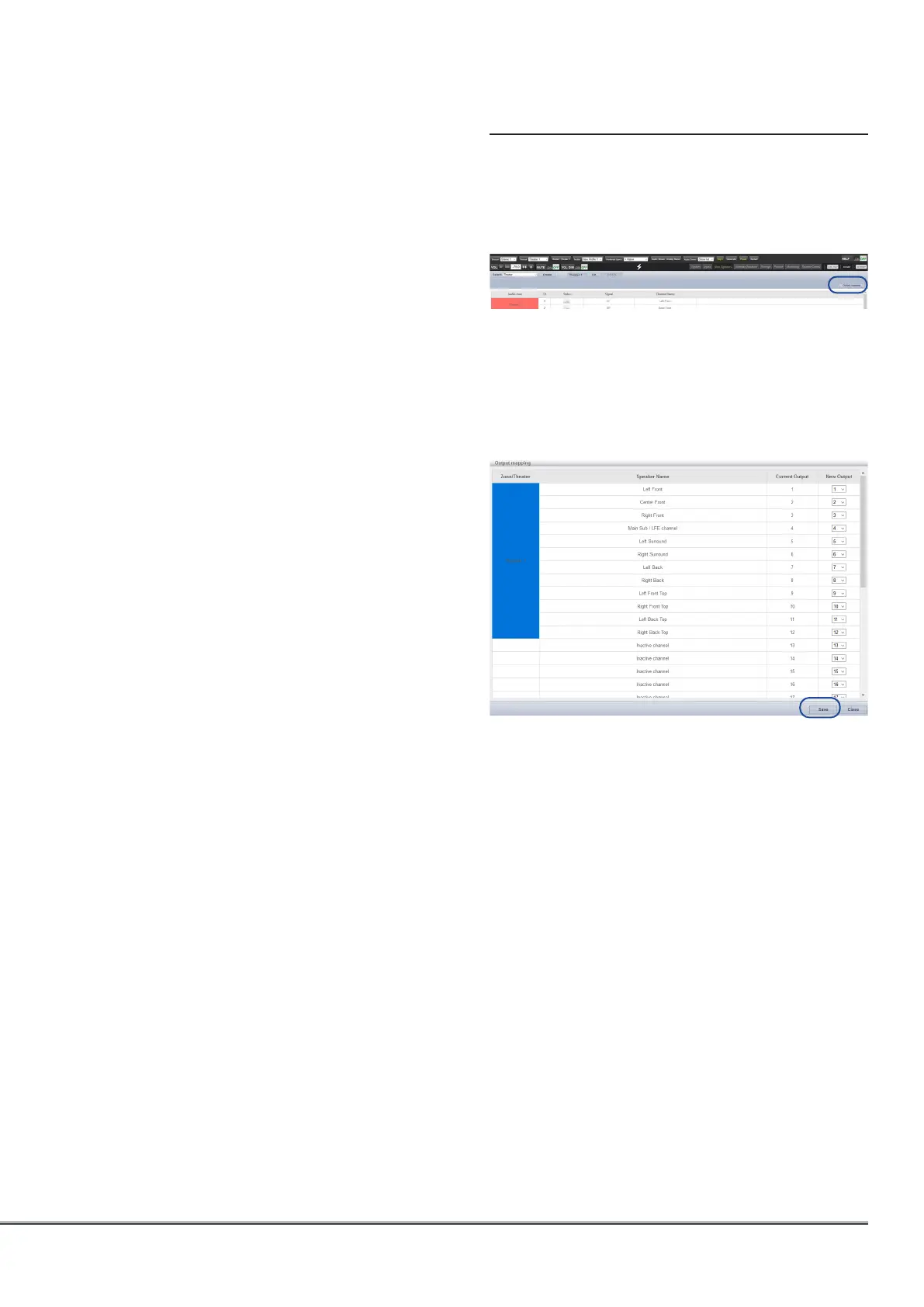
Output Mapping
Should you wish to map a physical analog
output channel to a loudspeaker other than the
default assignment, you may do so from the
Main Speakers page. Click Output Mapping.
Using the New Output column on the right of
the pop-up menu, select a new output channel
assignment. If you choose a currently occupied
new output channel, that channel will be
automatically reassigned (swapped). Save to exit
and go back to Main Speakers summary page.



 To Next Page