138
TEMPERATURE STATUS
OVEN TEMPERATURE
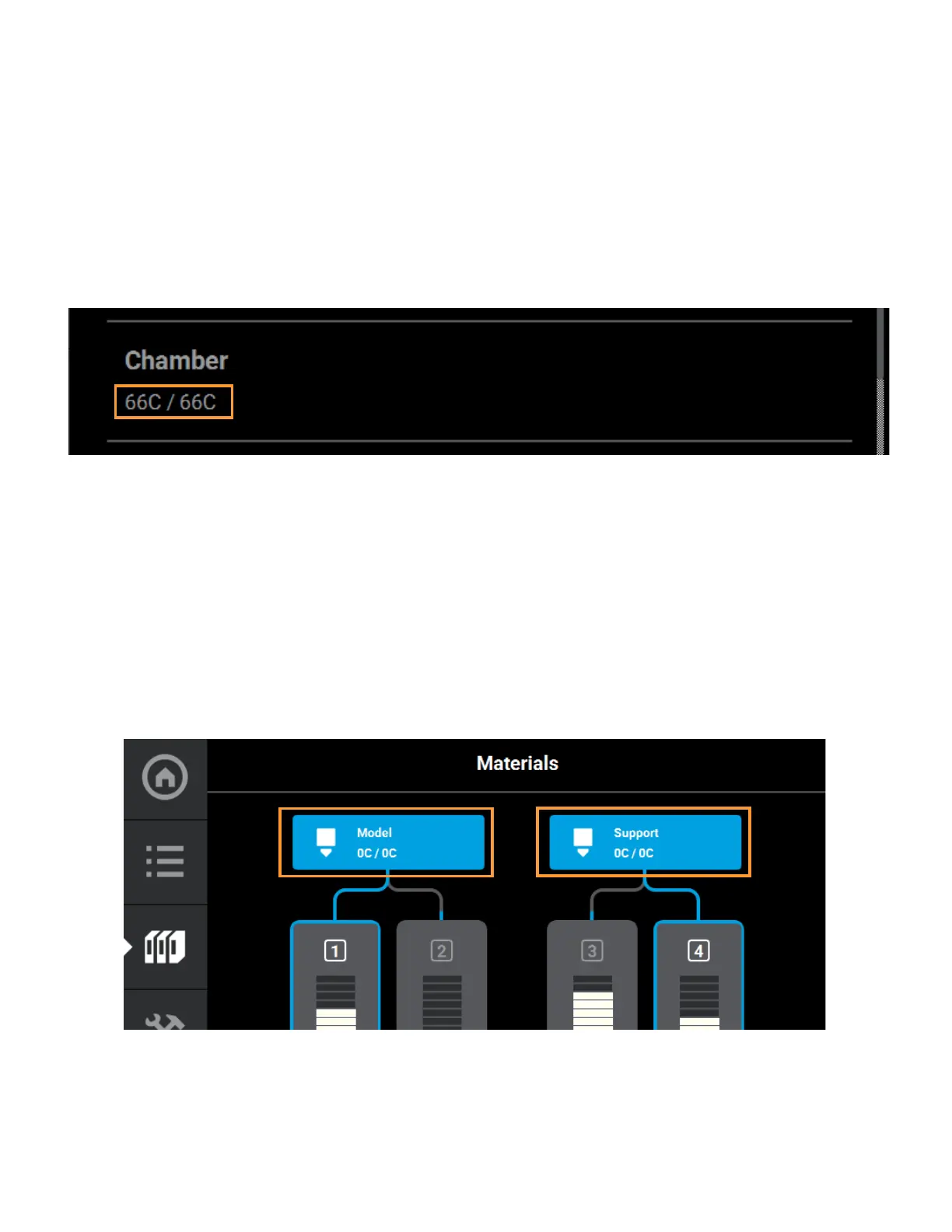
The oven’s temperature can be viewed via the Maintenance page. To locate this information:
1. Press the Tools button within the Navigation Menu; the Tools page will be displayed.
2. Press the Maintenance button within the Tools page; the Maintenance page will be displayed.
3. Locate the Chamber row within the page. The printer’s current and set point oven chamber
temperatures are displayed within this row.
Figure 5-27: Maintenance Page Oven Chamber Temperature
HEAD TEMPERATURE
To view temperature information pertaining to the model and support heads within the Materials page:
1. Press the Materials button within the Navigation Menu; the Materials page will be displayed.
2. The Display Area of this page contains two Head Status Icons, one corresponding to the model
head and the other corresponding to the support head. (See “Head Status Icons” on page 61 for
details). The head’s current temperature as compared to its set point temperature is displayed
within the lower portion of the icon.
3. Touching one of these icons on the screen will open that head’s Head Details page. The same
temperature information is displayed within this page for both the model and support heads.
Figure 5-28: Materials Page Head Temperatures














 To Next Page