70
MATERIAL LOAD CONTROLS
The Material Load Control buttons are used to load and unload material to the liquefier within the head, as well
as cancel a material load or unload in process. The Material Load Control buttons are displayed in the lower-
right portion of the Material Details page; however, the visibility of these buttons is dependent upon the spool’s
load status. Button states are explained within the tables below.
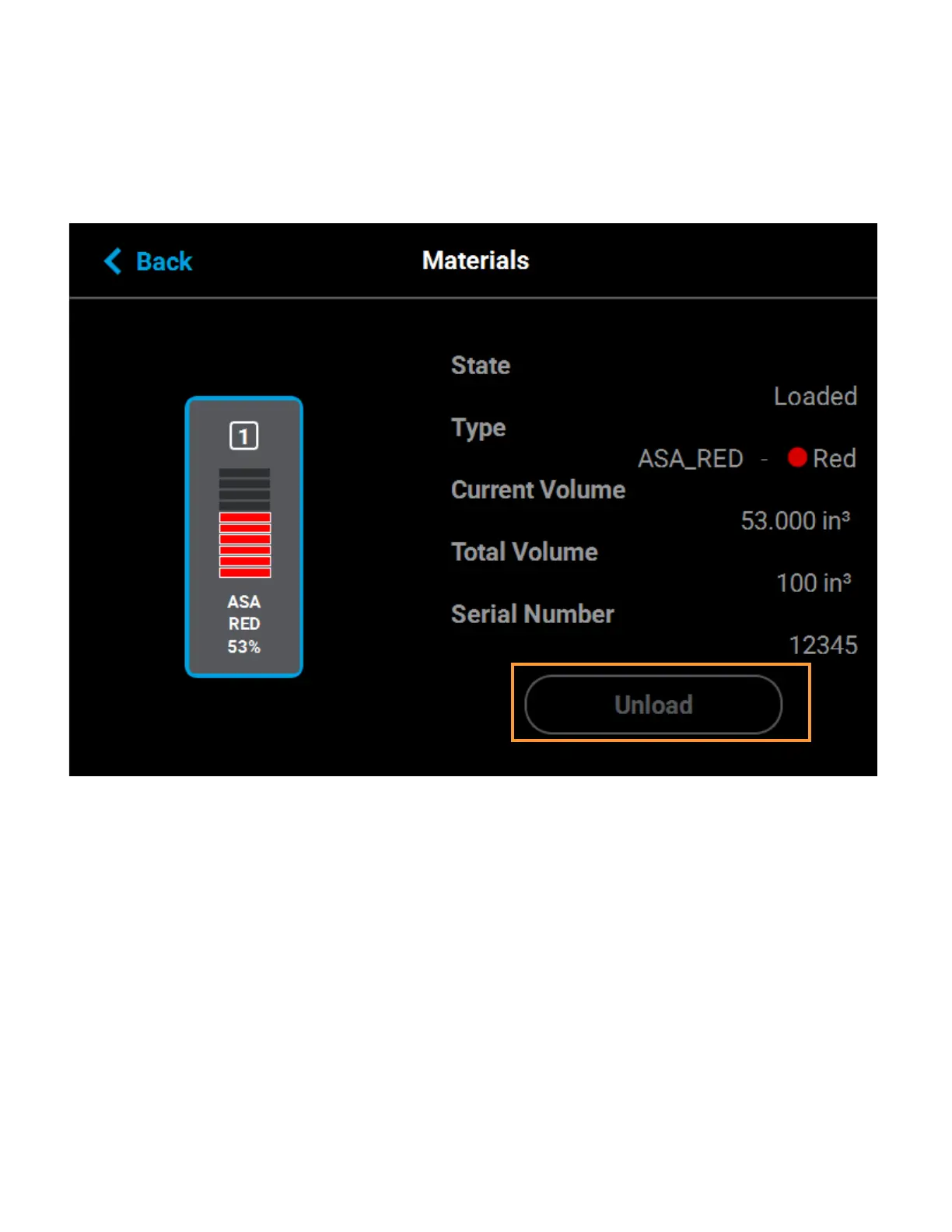
Figure 4-30: Material Load Control Buttons
The Unload button will be displayed for all material spools whose filament is loaded to the corresponding head.
Pressing this button will instruct the printer to begin the process of unloading material (see “Unloading Material”
on page 113 for details).
The Load button will be displayed for all material spools whose filament has contacted the filament present
switch in the material drive but is not yet loaded to the head, given that material from another spool is not
already loaded to the corresponding head. Pressing this button will instruct the printer to begin the process of
loading material (see “Loading Material” on page 108 for details). If the corresponding head is already loaded
with material, the Load button will appear in its disabled state.
The Cancel button will be displayed for a spool only after the spool’s corresponding Unload or Load button has
been pressed. Pressing this button will instruct the printer to cancel the material load or unload already in
process (see “Material Load/Unload Cancellation” on page 75 for details).














 To Next Page