75
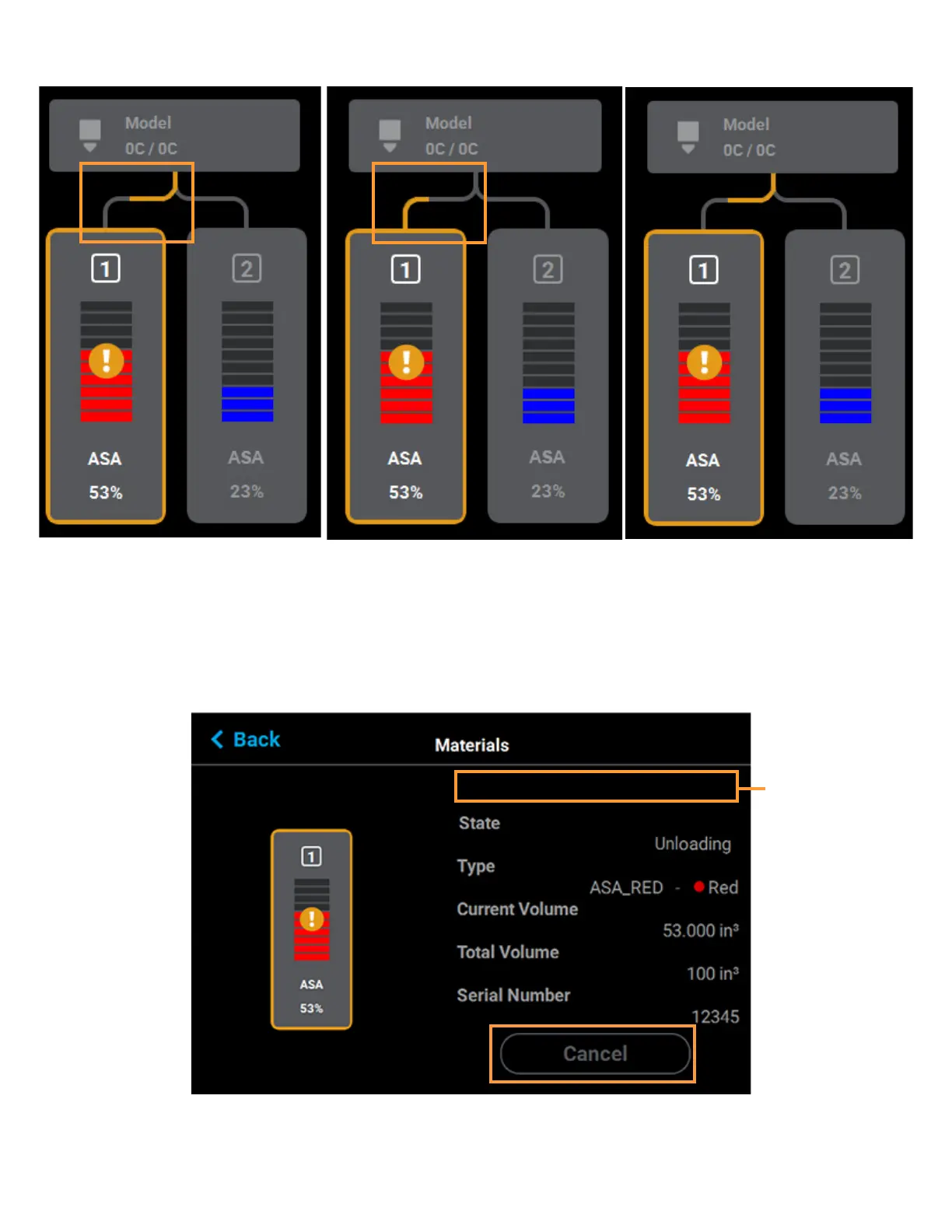
Figure 4-32: Material Load Progress - Unloading
MATERIAL LOAD/UNLOAD CANCELLATION
The Cancel button will only be displayed within the Material Details page for a material that is in the process of
being loaded/unloaded. This button allows you to cancel a material load or unload already in process.
Depending on your printer’s configuration, a warning may be generated after selecting the Cancel button. In the
event of a warning, text will be displayed on the screen to indicate the cause of the warning.
Figure 4-33: Cancel Button
Warning/
error
information
will be
displayed
here














 To Next Page