Stratasys J826 User Guide 4 Operating and Maintaining the Printer
DOC-28000 Rev. I 4-45
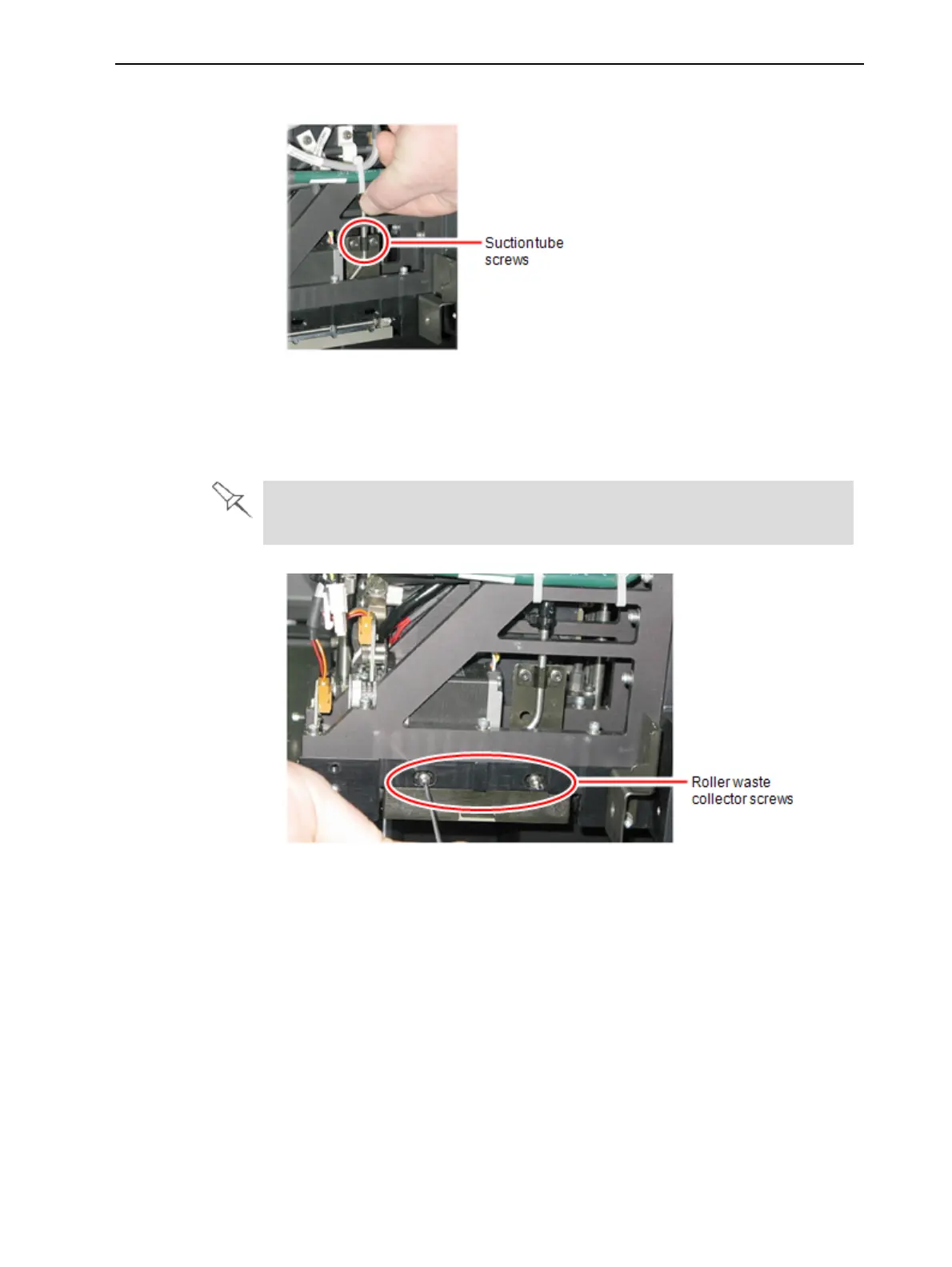
5. Loosen the two screws securing the suction tube on the print block.
Figure 4-52 Lifting the suction tube
6. Lift the suction tube to secure it in a raised position.
7. Remove the two screws securing the covering of the roller waste collector
and remove it.
Be very careful to save the covering screws. These are special screws; if
they are lost, you need to order replacements.
Figure 4-53 Removing the roller waste collector screws
8. Remove the covering by pulling it out, and then lower it.















 To Next Page