58 STRATASYS / THE 3D PRINTING SOLUTIONS COMPANY58 STRATASYS / THE 3D PRINTING SOLUTIONS COMPANY
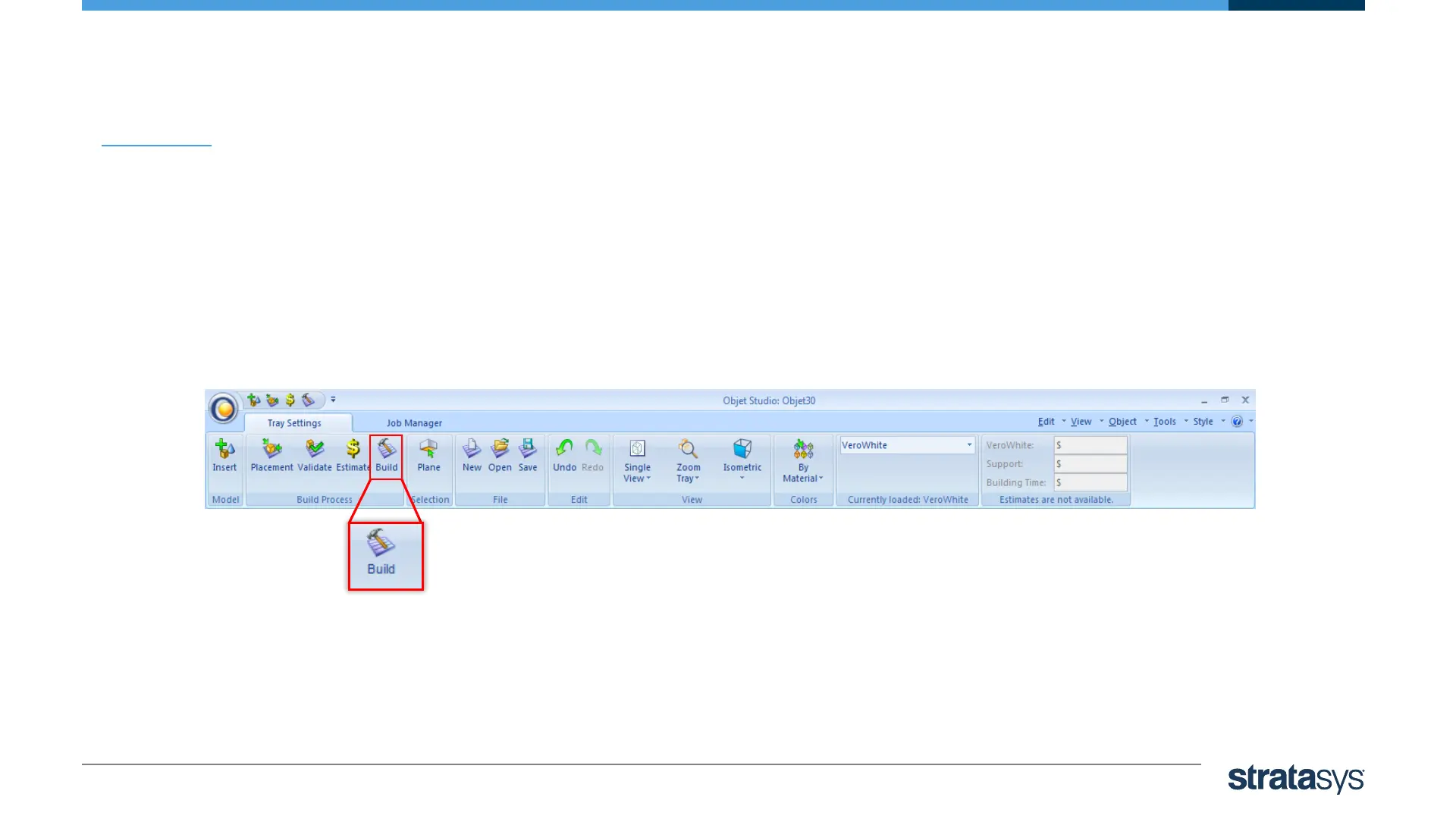
• When a tray is ready to be printed, it is sent to Job Manager, where it is
placed in the print queue.
• To send the tray to the print queue click ‘Build’:
• If the build‐tray file has not been saved, the Save As dialog box opens for you to save it now.
Printing the Tray













 To Next Page