14 STRATASYS / THE 3D PRINTING SOLUTIONS COMPANY
What: align the print heads.
Why: to ensure acceptable model quality.
How:
1. Run the Head Alignment wizard (Options Wizards Head Alignment)
2. Place a transparency sheet on the build tray, next to its left and rear edges and follow the wizard.
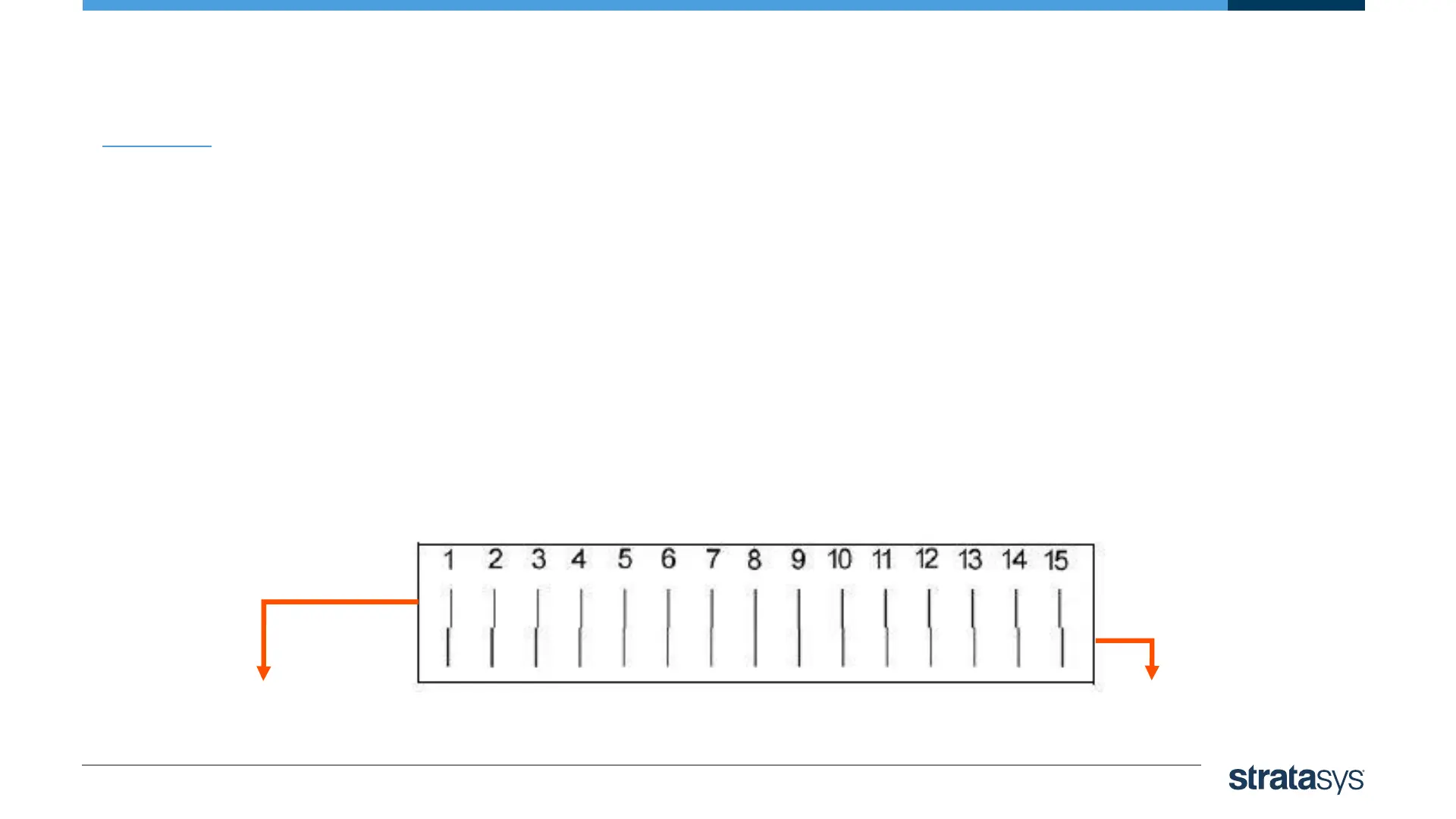
3. The transparency sheet is printed with sets of seven vertical lines in seven columns. Each column displays the
results from a different print head.
Head Alignment
The upper row is printed
by the model print head.
The lower row is printed
by the support print head













 To Next Page