34 STRATASYS / THE 3D PRINTING SOLUTIONS COMPANY
When: If the wiper is scratched, torn or worn, or if you cannot clean it completely, replace it.
How:
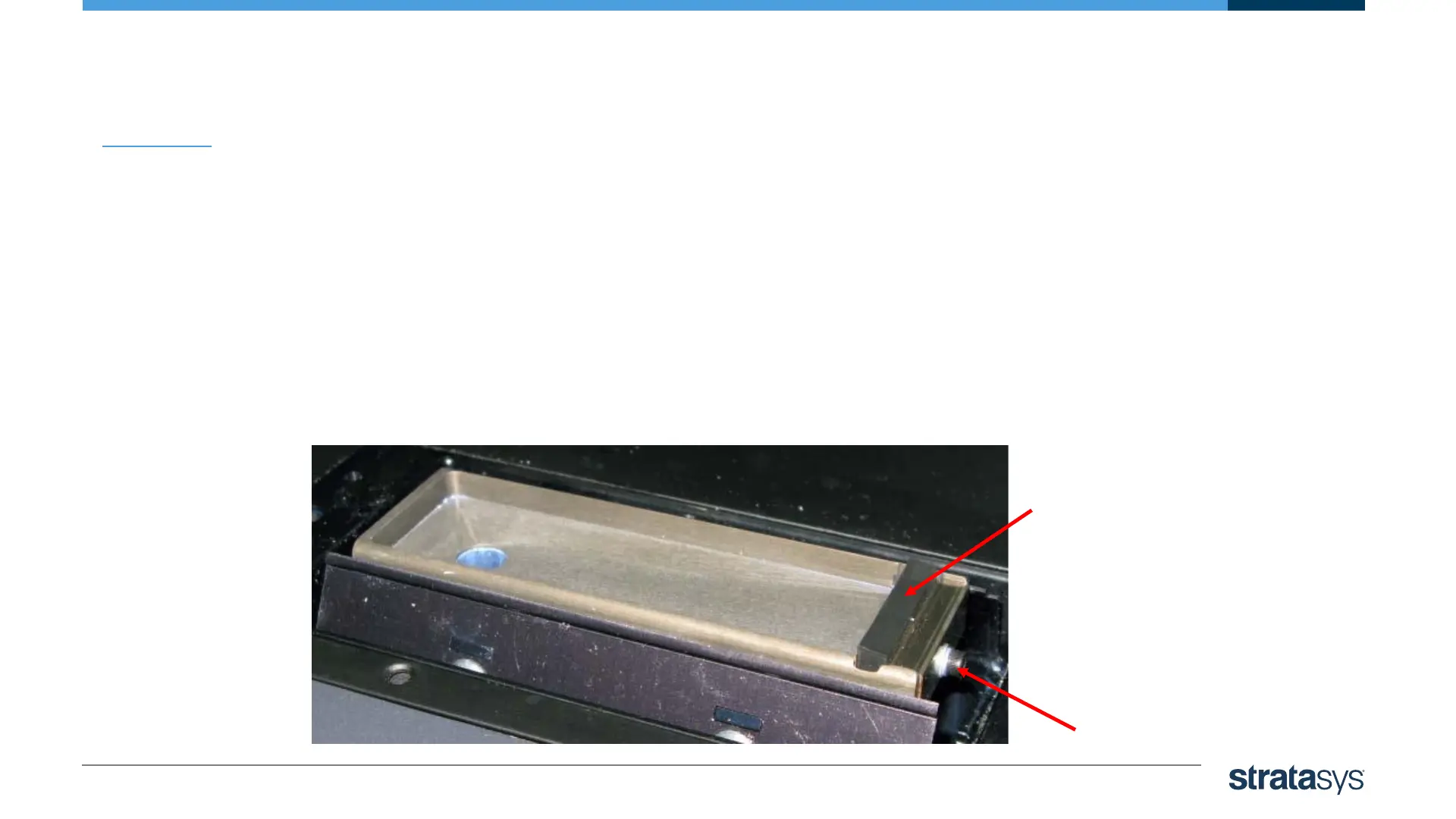
1. Using a M3 Allen key, loosen (but do not remove) the screw securing the wiper.
2. Grasp the wiper unit and remove it.
3. Insert the new wiper, making sure that it is level and tighten the securing screw.
Wiper Replacement
Wiper
Securing
Screw













 To Next Page