17 STRATASYS / THE 3D PRINTING SOLUTIONS COMPANY
• What: calibrate and test the UV radiation from the lamp.
• Why: the effectiveness of the UV radiation can change over time.
• Low UV can cause some of the printing material to remain in a liquid state.
• When: every 300 hours of printing
• How:
1. Run the UV Calibration Wizard (Options wizards UV Calibration).
2. Select ‘UV Intensity Calibration’.
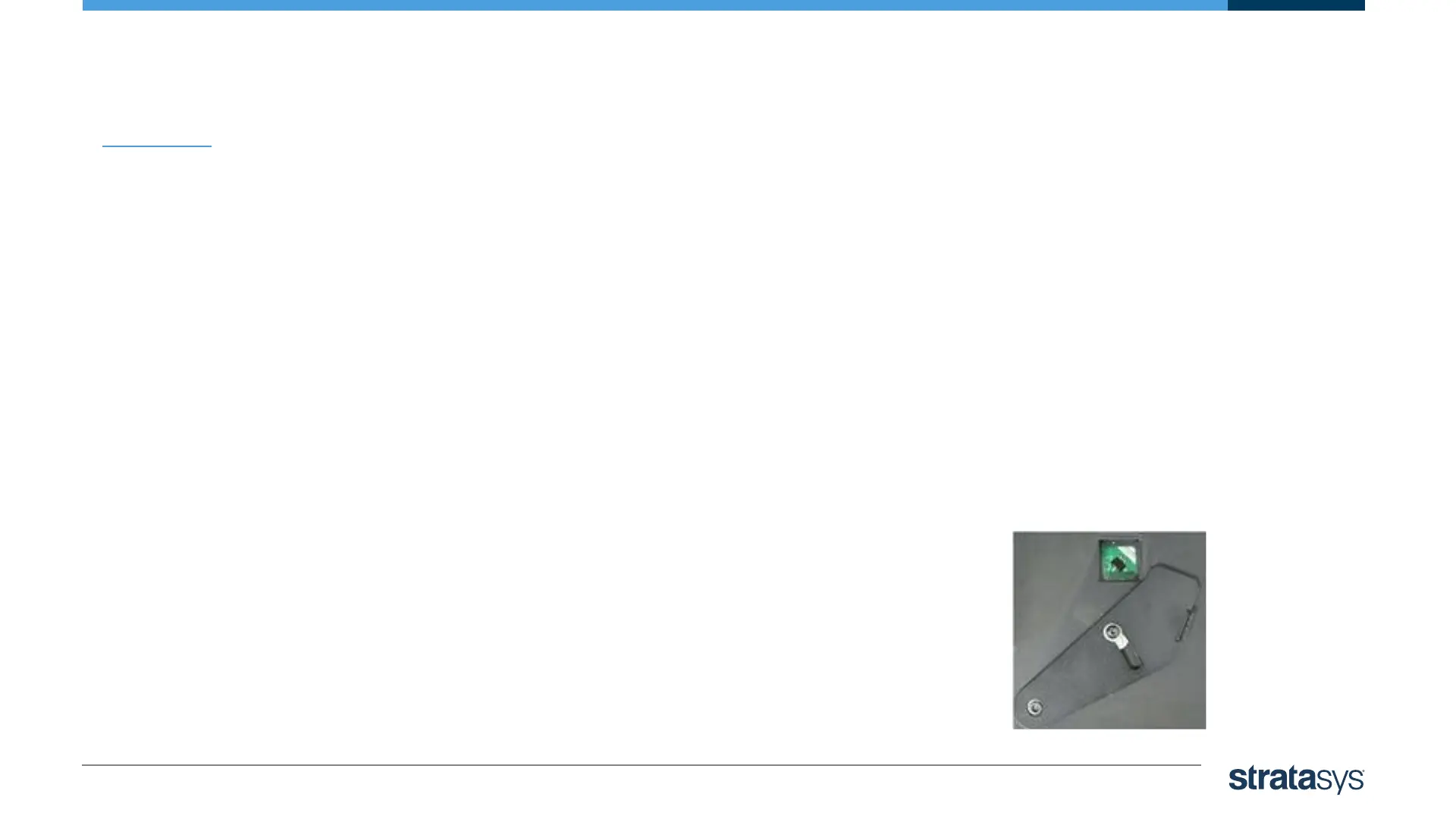
3. Expose the UV sensor and check that the glass is clean.
4. The print block passes over the sensor. The wizard
calculates the required UV level.
UV Lamp Calibration













 To Next Page