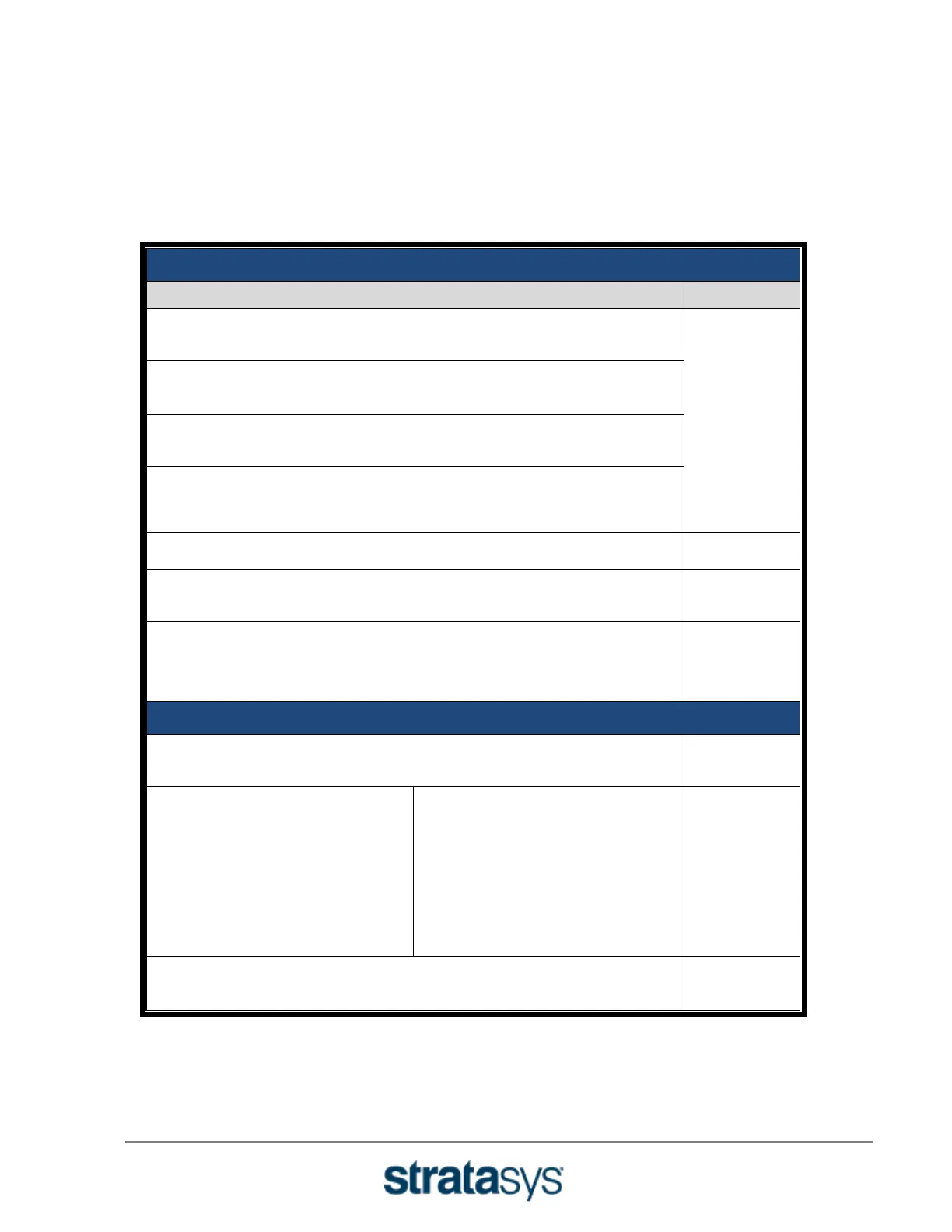
Course Outline
The operator training should be implemented during the installation.
The following is the outline for the operator training course.
System Installation & Initial Print Job
1. Unpack the Printer
Shock sensors, printer positioning
Head- cover removal, inserting cartridges
Send a print job: print service ATP
Use the quick start.
6. Operating the WaterJet
Learn to operate the WaterJet
Review Objet Studio & Job Manager with operator.
The operator sends a print job.
Using Objet Software & Operator Maintenance
1. Printer Software Control
Become familiar with the application
• Build tray cleaning
• Print Heads Cleaning
• Wiper
• Pattern test
• Head Alignment
UV Calibration
Head Optimization
• Waste container Replacement
Odor Filter Replacement
Wiper blade Replacement
• Roller waste collector
• Manual print head replacement
• UV Lamp Replacement
• System shutdown
• User Maintenance
Familiarize operator with Start-Up kit contents













 To Next Page