Objet500 User Guide 6 Operating and Maintaining the Objet500 3DPrinter
DOC-07027 Rev.E 6-37
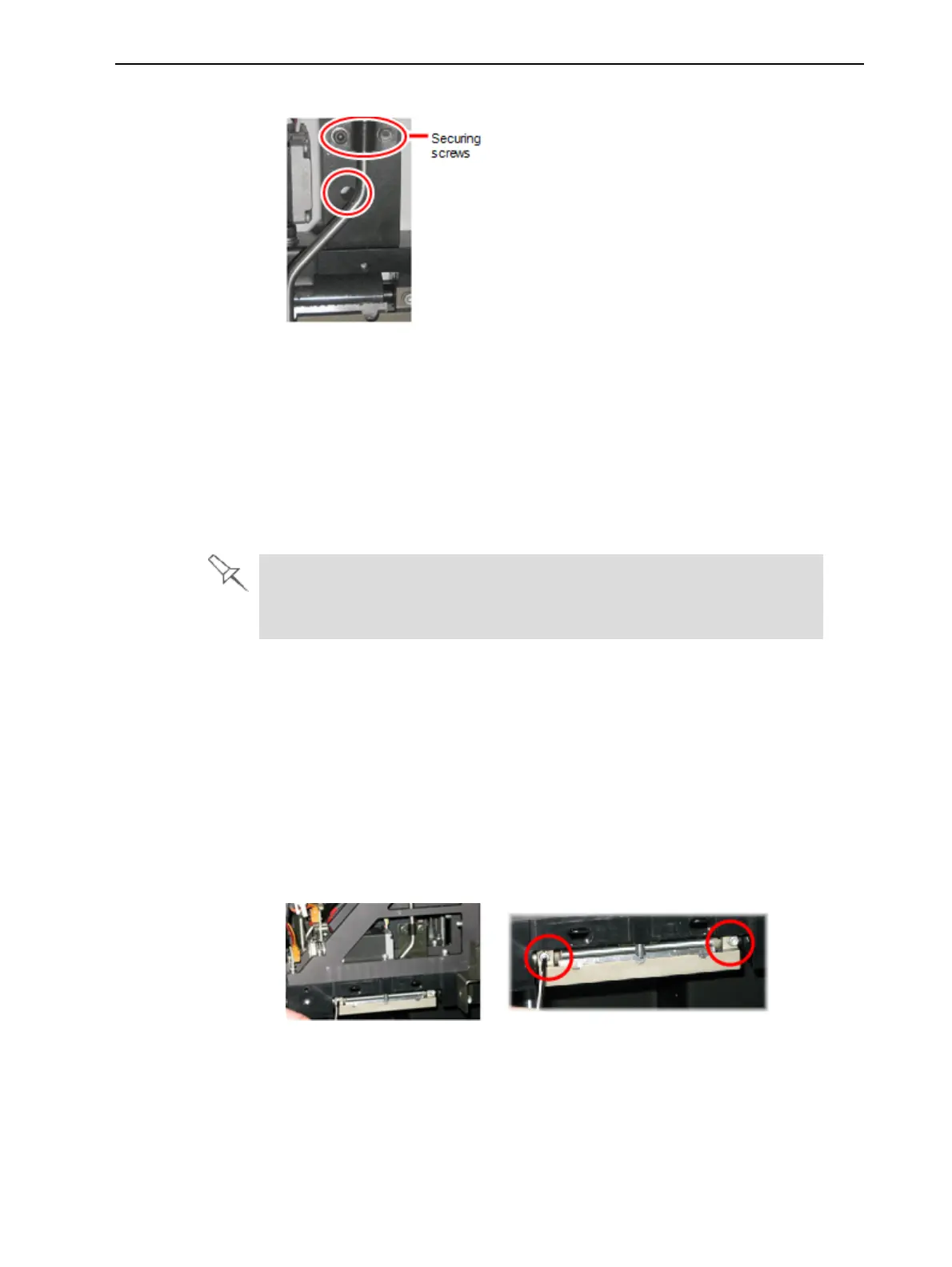
2. Loosenthescrewssecuringthesuctiontube.
Figure6-41Suctiontubecorrectlypositioned
3. Lowerthesuctiontubesothattheholeinthepanelbehindthetubeis
visible,andtightenthescrewstosecurethetube.
4. Attachtheright-UV-lampassemblytotheprintblockandreconnectthe
UVpowerandfancables.
Replacing the
Roller Scraper
Youshouldreplacetherollerscraperblade—
•after1,000hoursofprinting.
•ifitdoesnoteffectivelykeeptherollerclean.
Youshouldperiodicallytesttheeffectivenessoftherollerscraperwhen
youcleantherollerwastecollector.See"CleaningtheRollerWaste
CollectorandInspectingtheRollerScraper"onpage6-34.
Toreplacetherollerscraper:
1. Prepare—
❒ anewrollerscraperblade(KIT-01026-S)
❒ aPhillips1x75mmscrewdriver
❒ M2.5andM2Hex(Allen)keys
2. RemovetherightUVlampandtherollerwastecollectorcovering(see
steps3to6onpage6-34).
3. Loosenthetwoscrewssecuringtherollerwastecollectorandpullitout.
Figure6-42Removingtherollerwastecollector



 To Next Page