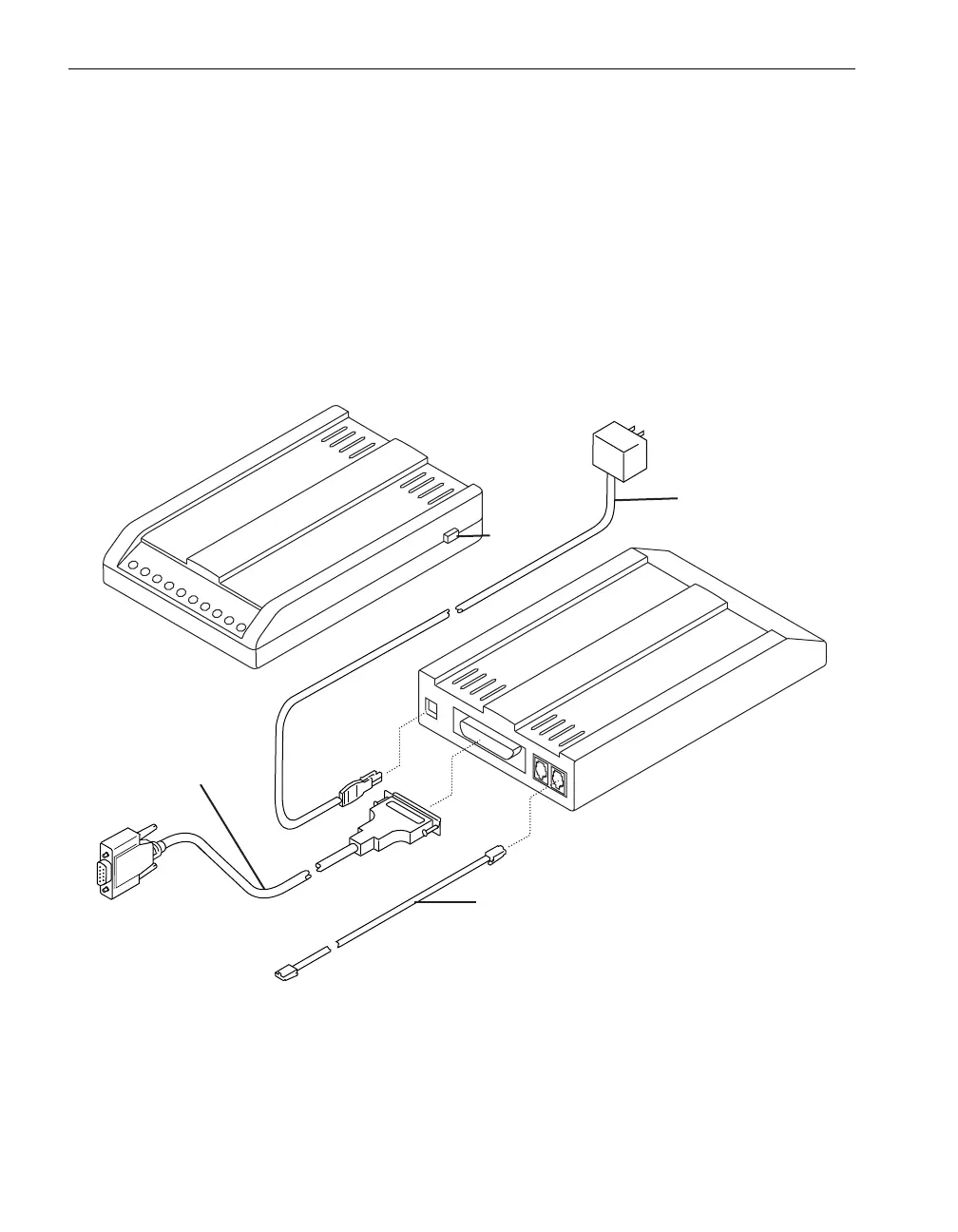
Connecting the External Modem
10-8 Stratus ftServer 29x0, 49x0, and 69x0 Systems: Site Planning and Installation Guide (R786)
For information about configuring the modem after installing and starting the operating
system, see one of the following manuals:
Stratus Automated Uptime Layer for Windows-based ftServer Systems: Installation
and Configuration (R002W)
Stratus Automated Uptime Layer for Linux-based ftServer Systems: Installation
and Configuration (R013L)
Stratus Automated Uptime Layer for VMware vSphere-based ftServer Systems:
Installation and Configuration (R004E)
Figure 10-2. Connecting Cables to the Modem
1 DB-9 connector (to COM2 on the
ftServer system)
3Power cord
2 Modem on/off switch 4 Telephone cable



 To Next Page