Installing a System Chassis
Installing the System in a Cabinet 9-15
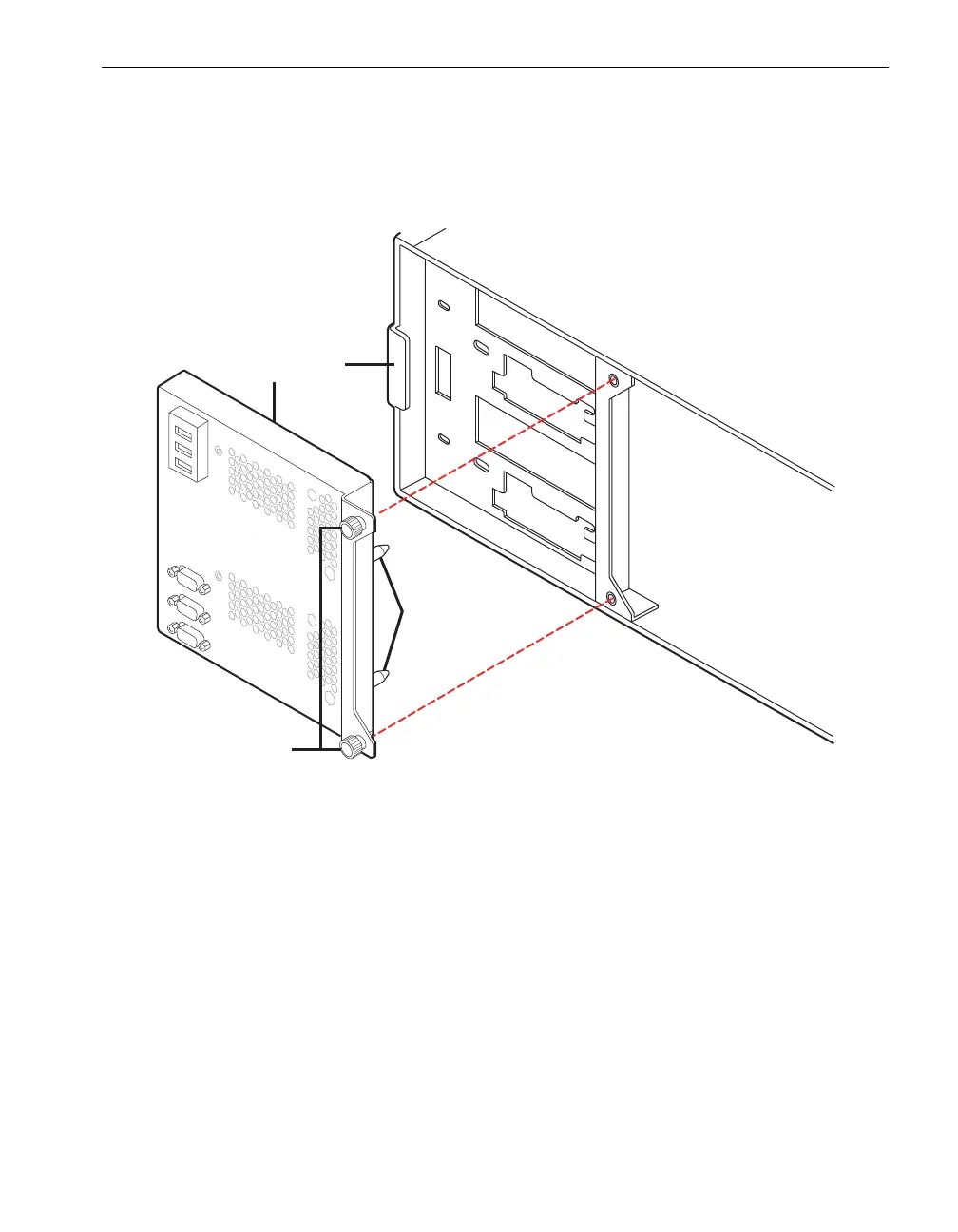
2. To remove the system backplane (number 1 in Figure 9-12), loosen the two
thumbscrews (number 3) on the right side of the system backplane assembly.
Figure 9-12. Removing the System Backplane
3. Slide the system backplane assembly to the right, out from beneath the retaining
tab (number 4), and pull the assembly out of the shelf unit.
1 System backplane assembly 3 System backplane thumbscrews
2 Guide pins 4 Retaining tab
2
3
1
4
peg013



 To Next Page