Installing a System Chassis
Installing the System in a Cabinet 9-11
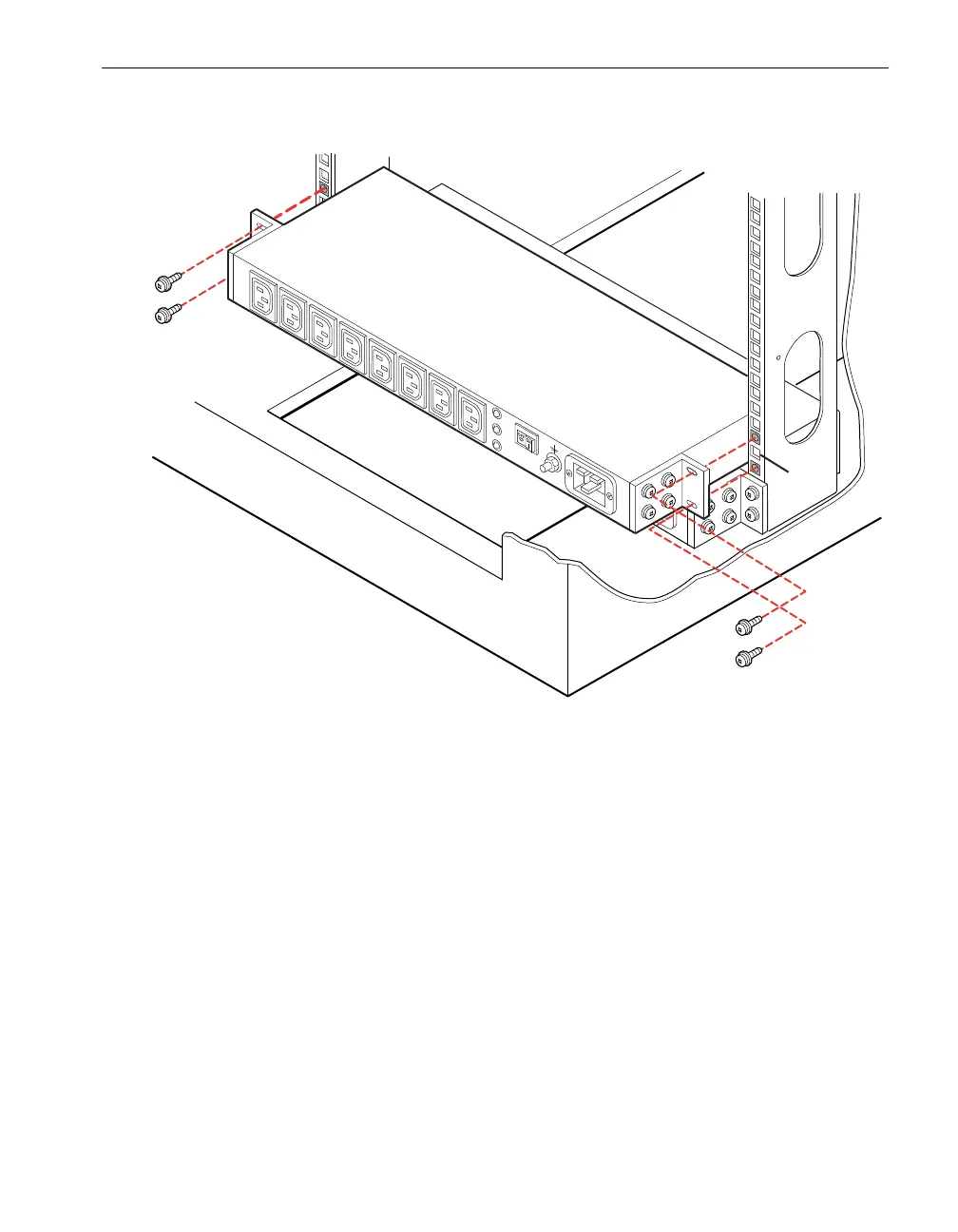
Figure 9-8. Installing the Upper PDU (at U Number 2)
4. Attach the PDU with four 10-32 screws with one hand while supporting the PDU
with the other.
5. Tighten the screws.
Installing a System Chassis
To install your system chassis in a cabinet, see the following sections:
“Attaching Rear Mounting Brackets to the Cabinet Vertical Rails”
“Installing the Shelf Unit”
Before you start assembling the system chassis, add a lock washer to each flat-head
screw. The toothed side of the washer faces the head of the screw.



 To Next Page