Ethernet Cables
4-8 Stratus ftServer 29x0, 49x0, and 69x0 Systems: Site Planning and Installation Guide (R786)
Category-6/Category-6A Cables
If your system contains embedded 10GbE ports using Category-6/Category-6A cables,
additional site planning is needed to prevent disruptions from electromagnetic
interference (EMI).
Between devices, try to have as close as possible to zero (0) volt potential relative
to earth reference ground. See “Grounding Considerations” on page B-1 for
detailed information.
Separate all power cords from the cables.
Do not route the cables near fluorescent lights.
Ground the cable trays.
Avoid using two-way radios and cell phones near the cables.
If your site is located near high electric fields, transmission towers, high-voltage
transmission lines, or electrical switching relays, consider using shielded
Category-6A cable.
See the following standards for more information about Category-6A cables and how
to qualify a test site:
The ANSI/TIA-568 family of Telecommunications Standards (C.0, C.1, C.2, C.3)
TIA/EIA-607: Grounding and Bonding Requirements for Telecommunications in
Commercial Buildings
ftScalable Storage
RAID controller
tray (note that
ftScalable Storage
systems are
optional)
3: two for
each
controller tray
and one to a
management
PC
N/A. You must supply
these cables.
24 AWG Unshielded Twisted Pair
(UTP) EIA/TIA-Verified, Category-3
or Category-5 wire, with RJ-45
modular connectors terminated with
pair-wiring adhering to the EIA/TIA
568-A or EIA/TIA 568-B standard.
For connections to an Ethernet hub
or switch, provide a straight-through
cable.
For 100-Mbps (fast Ethernet)
operation, provide full-duplex, or
Category-5 Ethernet cables.
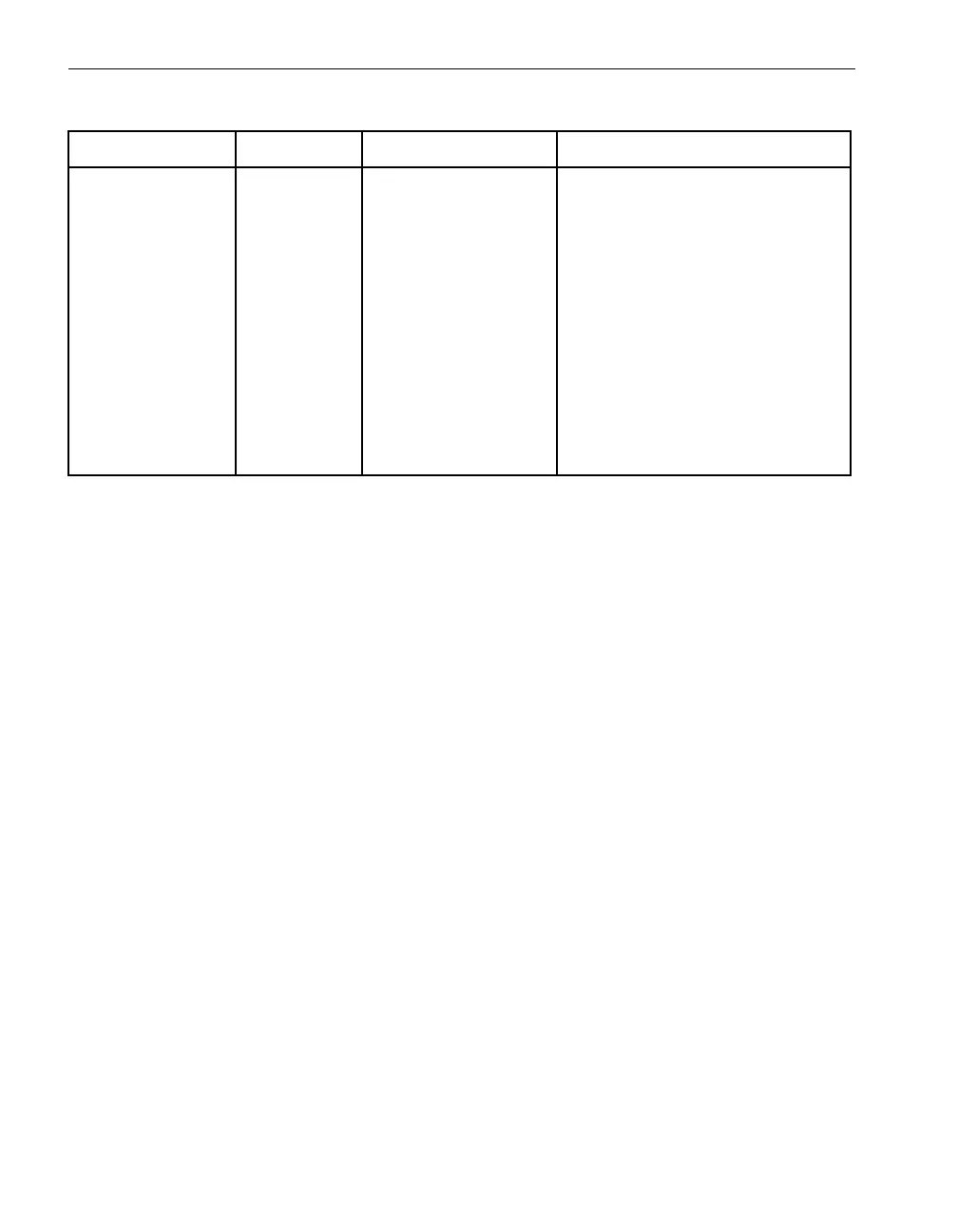
Table 4-4. Customer-Supplied Ethernet Cables (Continued)
Component Quantity Cable Length Cable Type



 To Next Page