40
Issued: 24.02.2005
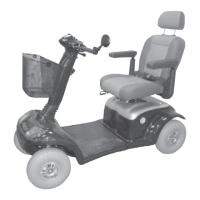
STRIDER MX
Driving the Strider
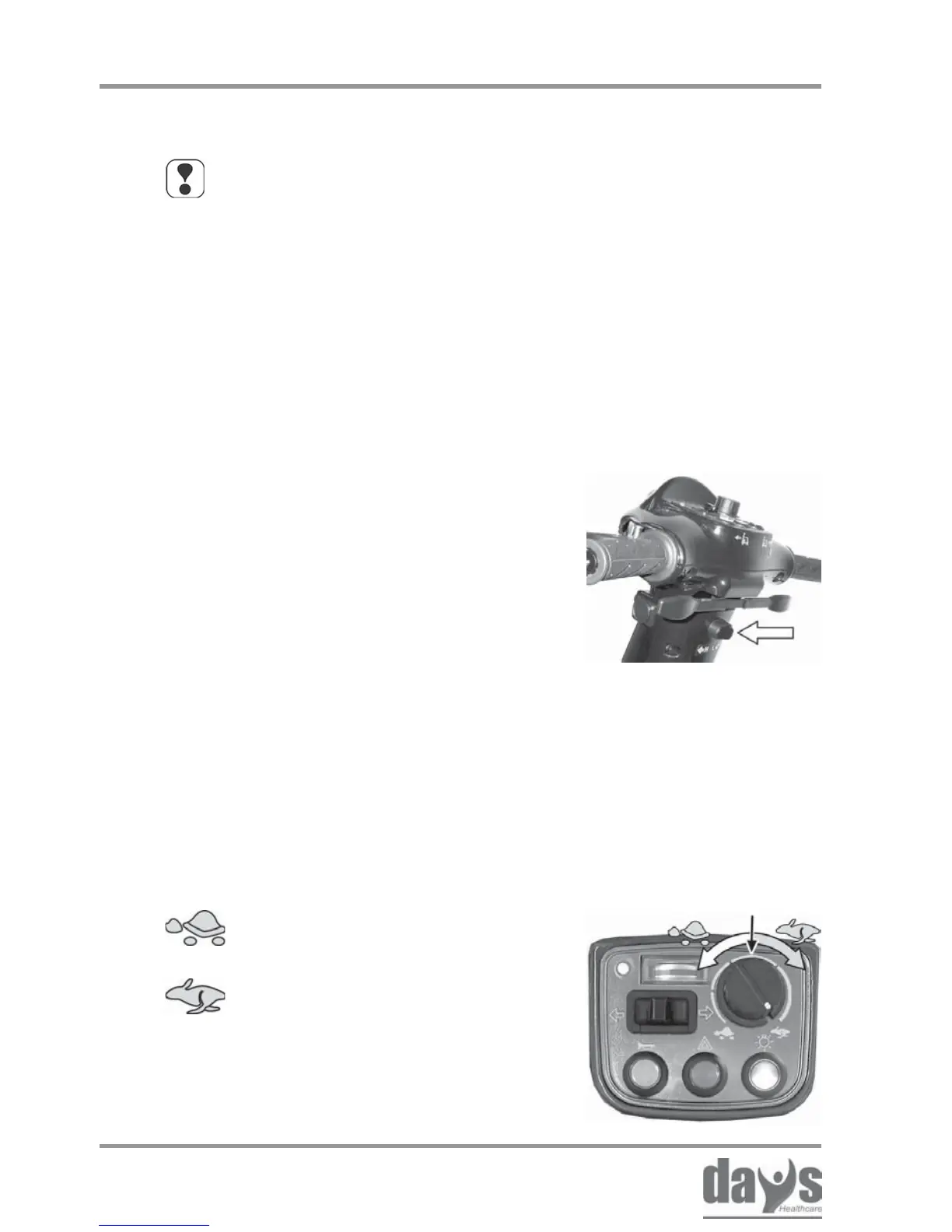
Speed controller
Adjust the required maximum driving
speed by turning the speed controller.
➨
Your maximum driving speed can be variably adjusted using
the speed controller.
Controller symbols:
Maximum driving speed = drive lever pressed as far as stop
= lowest possible maximum driving
speed for the required drive level
= highest possible maximum driving
speed
NOTE
Use the adjustment facilities to adjust the speed to suit
local conditions.
Select a lower speed if you are driving through narrow
gaps, on inclines or through crowds.
You can use the drive level selection
switch to set the maximum driving speed
to 6 kph (4 mph) and 12 kph (8 mph).
Drive levels:
H = 12 kph (8 mph) maximum driving speed
L = 6 kph (4 mph) maximum driving speed
Move the toggle switch to setting H or L
to adjust the required maximum driving
speed.
➨
Selecting the drive level
8.5 Adjusting the speed
8.5.1 Preselecting the drive level
8.5.2 Adjusting the speed



 To Next Page