93
Issued: 24.02.2005
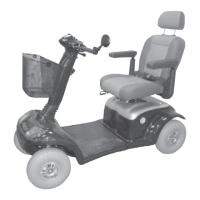
STRIDER MX
Fire and burn hazard if battery terminal is
short-circuited!
• Never touch both battery terminals simultaneously with
tools (shorting out).
• Terminals are protected with insulating caps. Only ever
remove the insulating cap from the terminal which you
are going to loosen.
Tools required:
2 x ring spanner; size 10 mm
Remove the batteries from the Strider as
described in chapter 14.3.4.
➨
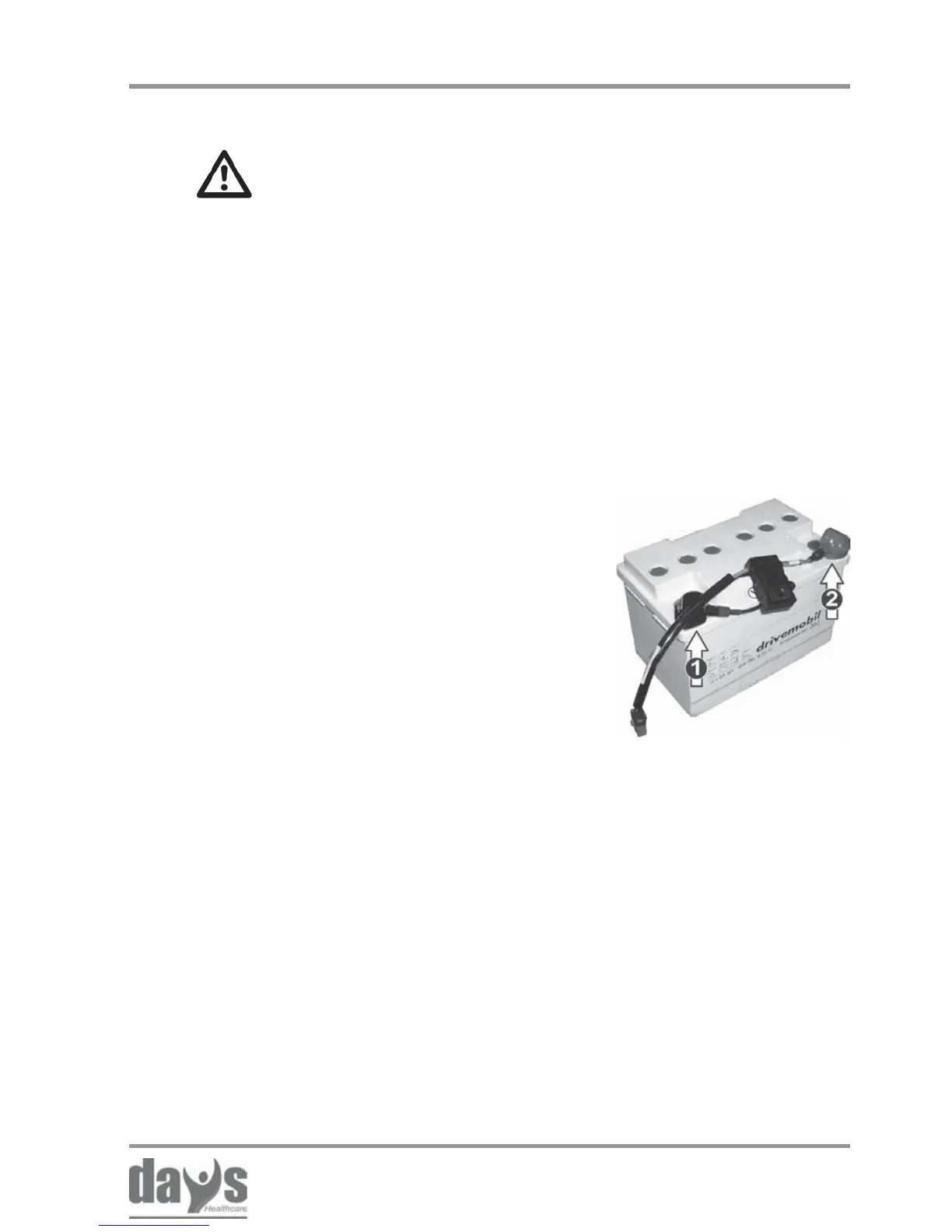
First (1) loosen the terminal on the
battery negative terminal (black cable)
with a ring spanner size 10 mm, and
remove the cable.
Then (2) loosen the terminal on the
battery positive terminal (red cable)
with a ring spanner size 10 mm, and
remove the cable.
➨
➨
Repairs - batteries
18.7.2 Refitting battery cables
Reinserting the batteries into the Strider
as described in chapter 14.4.4.
➨
Replacing the battery and connect the
battery cable in reverse order:
First connect the cable to the battery
positive terminal (2).
Then connect the cable to the battery
negative terminal (1).
➨
Refitting the battery cable:



 To Next Page