56
Issued: 24.02.2005
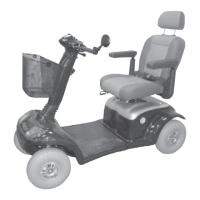
STRIDER MX
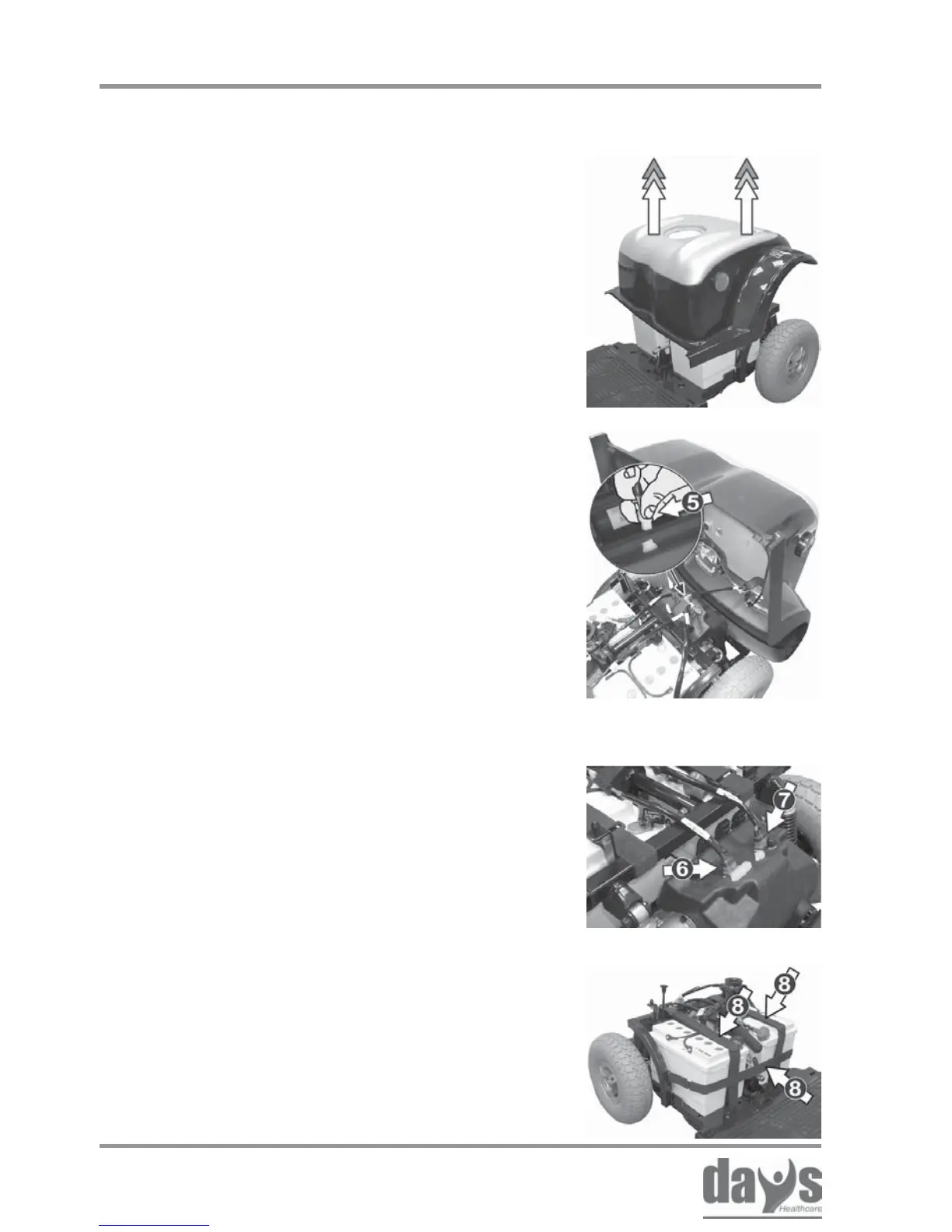
Remove the battery belts (8).
Remove the batteries.
➨
➨
Removing the batteries
Press the locking device on the plug and
disconnect the connecting plugs (6 + 7)
on the battery cable.
➨
Pull the rear panelling off the Strider
upwards.
➨
Removing the rear
panelling
Remove the rear panelling.➨
Press the locking device (A) on the
plug and disconnect the electric cable
connecting plug (5) to the rear lights
and rear indicators.
➨
Transporting the Strider
14.3.3 Removing the rear panelling
14.3.4 Removing the batteries



 To Next Page