70
Issued: 24.02.2005
STRIDER MX
Troubleshooting
17.0 Troubleshooting
17.1 Before troubleshooting
Switch the Strider off.➨
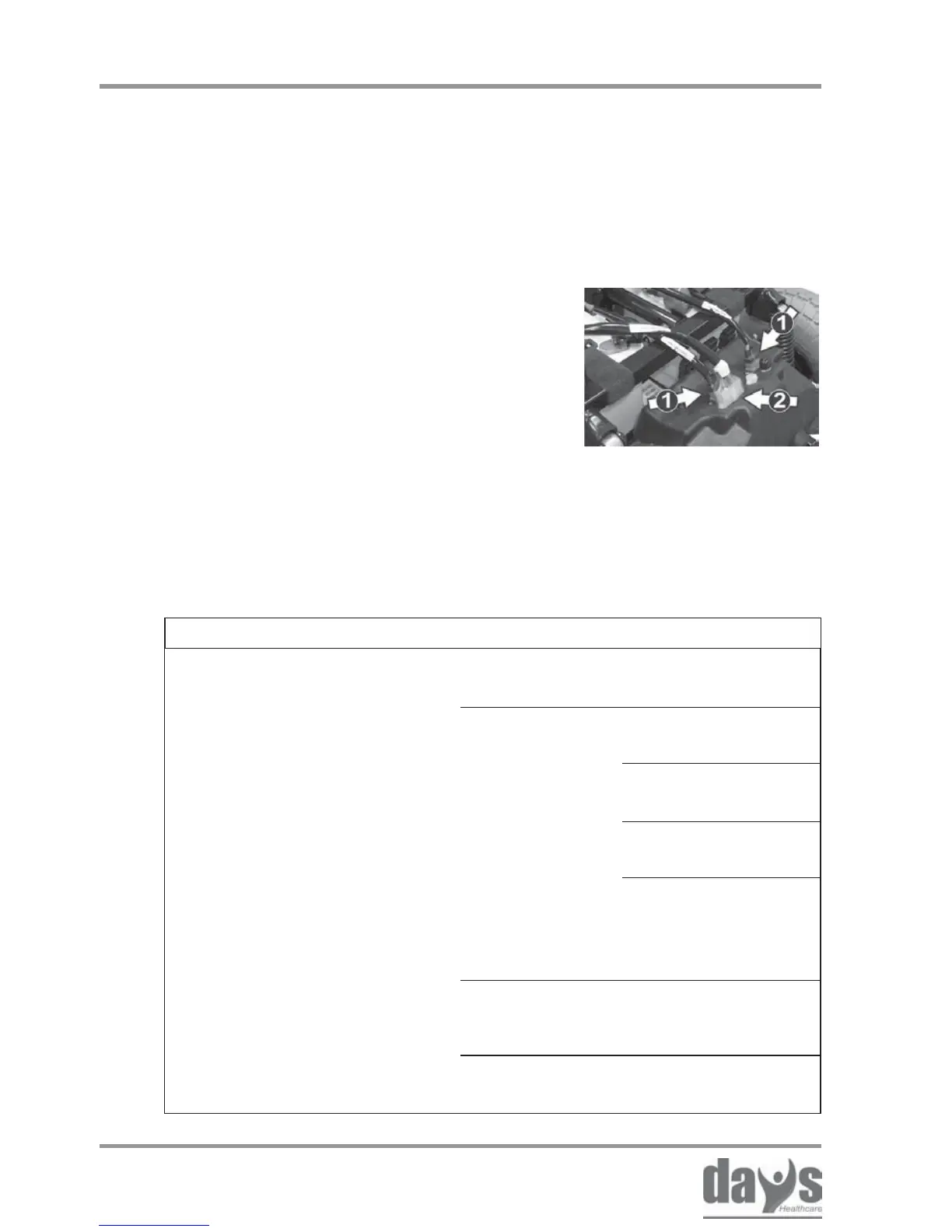
Check the main plug (1) and the
battery plug (2) for a tight fit.
➨
Switch the Strider on again.➨
Before you start troubleshooting, please
observe the following points to prevent
errors coming into the process.
If the fault occurs again, you will find
information about troubleshooting and
fault remedy in the lists in Pos. 17.2
and 17.3.
17.2 Troubleshooting
Fault Cause Remedy
Switch the scooter
on (chapter 8.4)
Battery not pluged
in
Front unit connector
not plugged in
Check the battery
fuses (chapter18.6)
Check fuse in
power supply to
tiller head
(chapter 18.6)
Charge the
batteries (chapter
12.0)
Replace batteries
(dealer)
Scooter does not run /
no display at the dashboard
Scooter not
switched on
Power supply
interrupted
Batteries
discharged
Batteries
defective



 To Next Page