44
Issued: 24.02.2005
STRIDER MX
Hazard lamps
NOTE
• Leaving the Strider with the hazard
lamps on uses up the battery.
The driving range will be reduced!
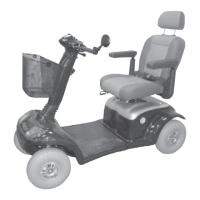
Pressure switch (6):
switch on = press switch once
switch off = press switch again
The switch indicator lamps shows
whether the hazard lamps are switched
on or not.
➨
➨
Switching on the hazard
lamps
9.0 Hazard lamps
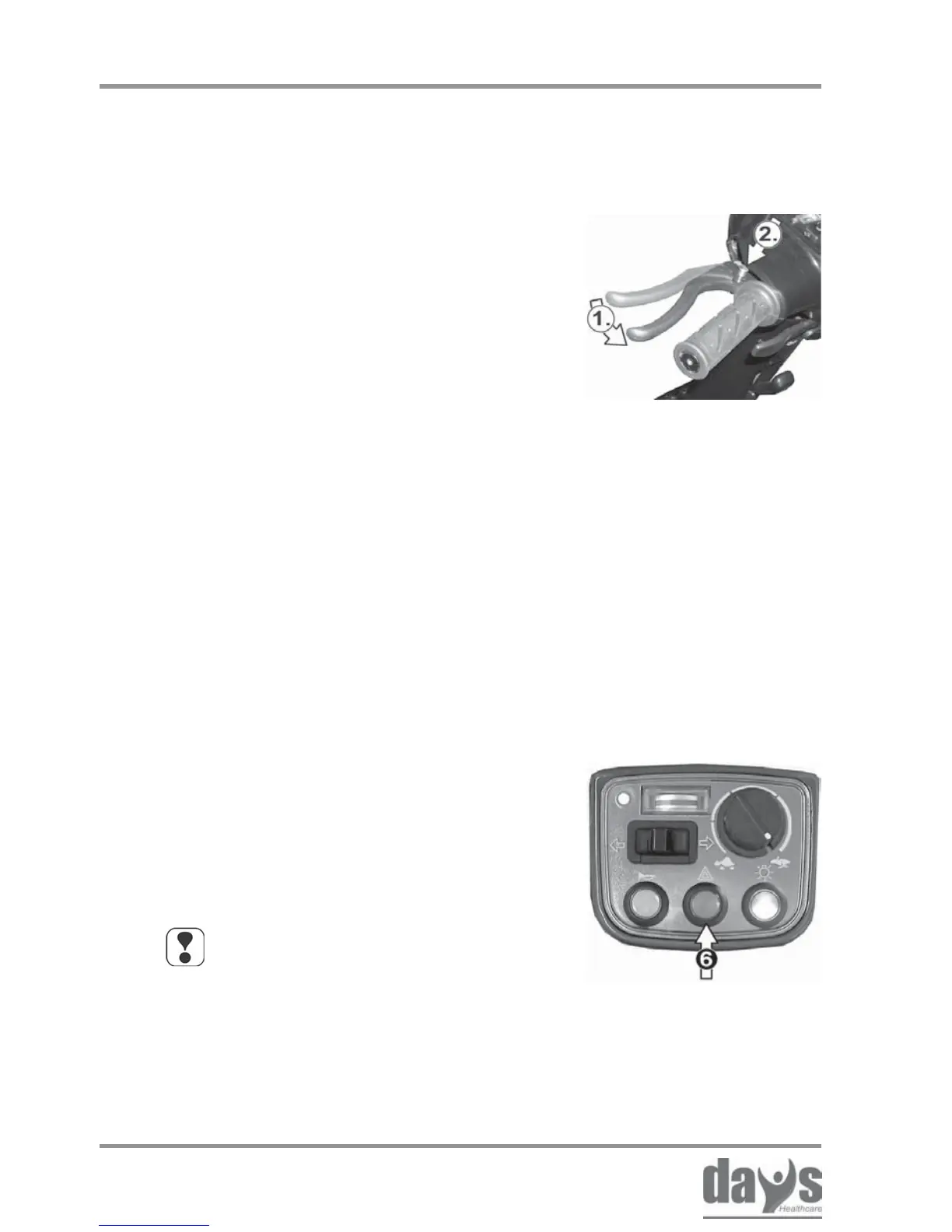
(1.) Pull the brake lever towards the
handlebar
(2.) Press the locking button in
and
release the brake lever while the button
is pressed down.
➨
➨
Applying the brake:
Pull the brake lever towards the
handlebar.
The locking button releases itself
automatically.
➨
Releasing the brake:
The Strider can be secured against rolling
away by using the wheel lock.
Wheel lock
8.12.1 The wheel lock (4-wheel version only)



 To Next Page