PART 1
z
English
16
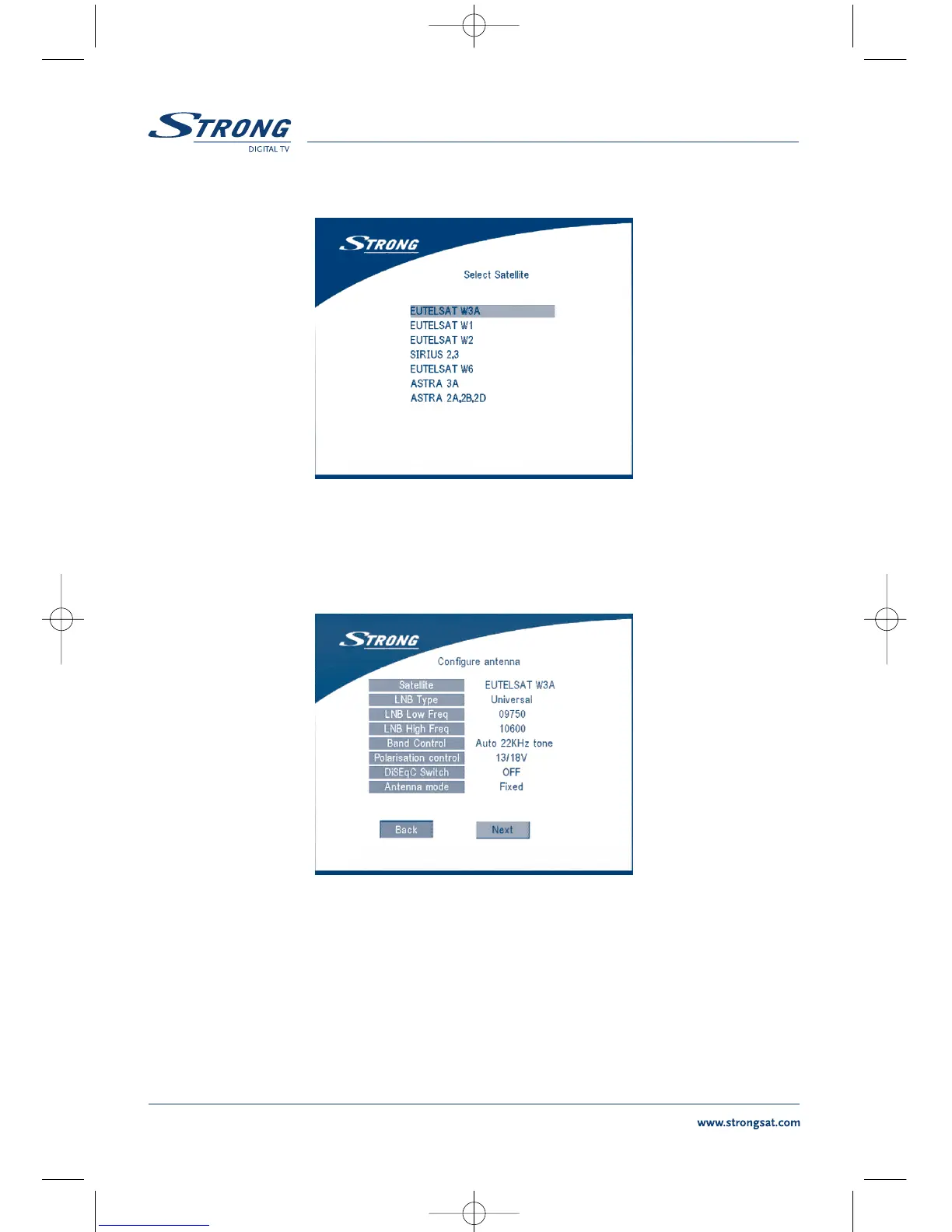
SCREEN 4
If you select a satellite in the satellite list, the configure antenna menu will appear, please set the LNB
Type, LNB Low Freq, LNB High Freq, Band control, Polarisation control, DiSEqC Switch and Antenna
mode.
SCREEN 5
2a. If you have a fixed dish then set “Antenna mode” to “Fixed”, select NEXT and press the OK
button. The Adjust antenna screen as shown on screen 6 will appears. You should select
transponder receivable at your location, adjust the antenna position for maximum level for
the signal strength and quality.



 To Next Page