PART 1
z
English
17
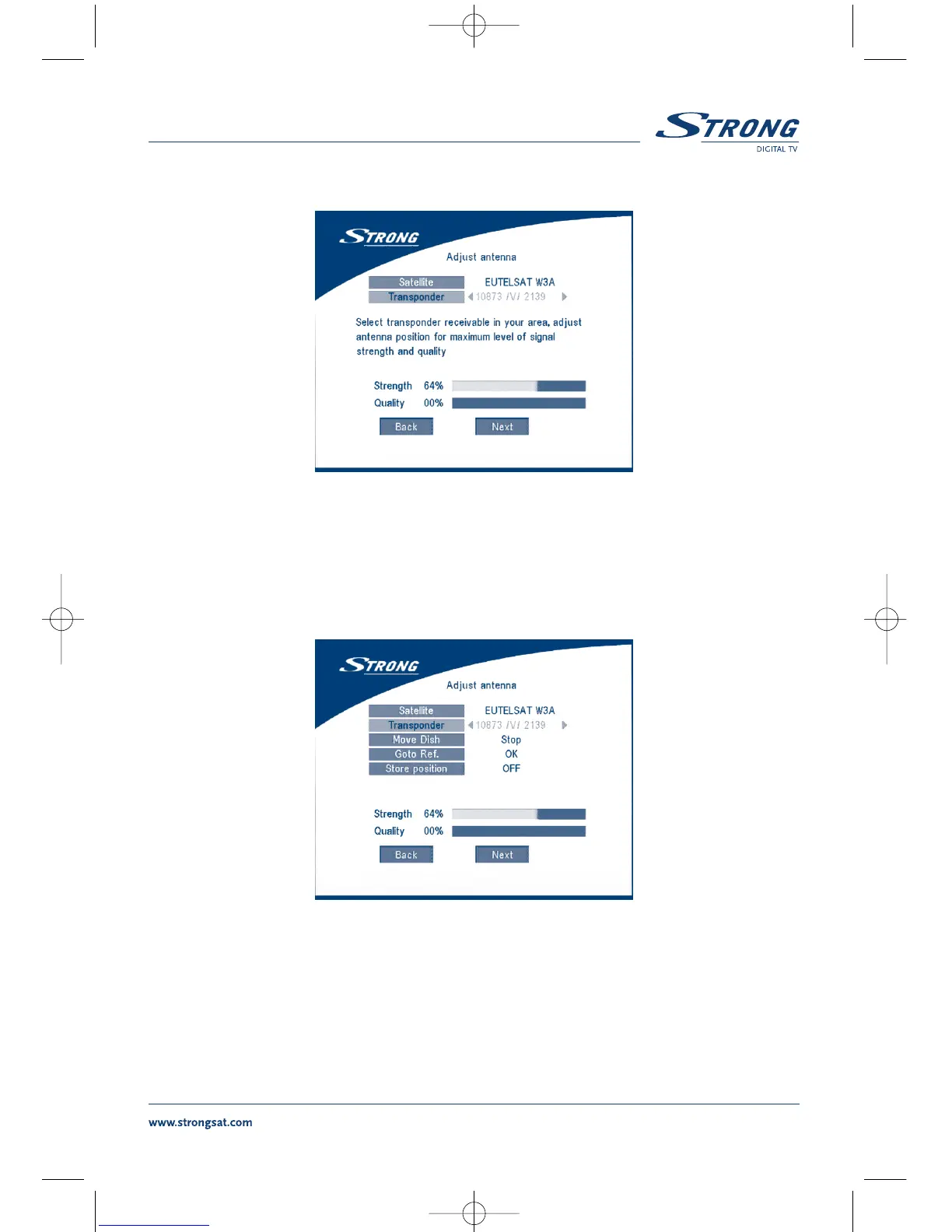
SCREEN 6
When you have completed the adjustment, choose NEXT and press the OK button. The channel Setup
menu will appear as shown on screen 8.
2b. If you have a DiSEqC Dish, you can set “Antenna mode” to DiSEqC 1.2, choose NEXT and
press the OK button. The menu Adjust antenna will appear as shown on screen 7.
SCREEN 7
You should select transponder receivable at your location (choose “Transponder“ field and select
transponder by pressing LEFT/RIGHT button). Then choose field “Move Dish” and adjust position of
the dish by pressing the LEFT/RIGHT button. Once you adjust the dish position choose “Store position”,
set number of the position by pressing LEFT/RIGHT button. Then choose NEXT and press the OK
button. You will be guided to Channel Setup menu as shown on screen 8 below.



 To Next Page