5.4 Power supply
ELECTRICAL HAZARD
The machine must be earthed (grounded).
Switch off the electrical power supply before installing electrical equipment.
Make sure that the actual electrical power supply voltage corresponds to the
voltage stated on the type plate of the machine.
Incorrect voltage can damage the electrical circuit.
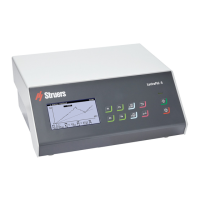
Control unit
See the Instruction Manual for this unit.
5.5 Connecting the polishing unit
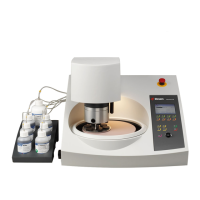
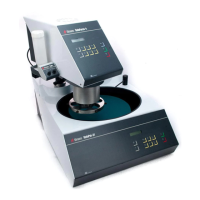
1. Connect the cable from the polishing unit to the back of the control unit.
2. Tighten the retaining ring to secure the plug.
Calibrating the pump
The first time the machine is switched on, it is recommended that you adjust the pump. See
Calibrating the pump ►25.
5.6 Mounting an extension arm (option)
You can mount an extension arm for etching/polishing specimens of up to 100mm.
Mounting the extension arm
1. Remove the gray plastic cap on the anode arm.
2. Screw in the metal rod and tighten it.
3. Slide the extension arm onto the rod.
Operate the device
Use the extension arm in the same way as the anode arm.
1. Lift the arm and place it on top of the specimen to ensure good electrical contact with the
specimen.
5.7 Connecting cooling fluid
Low-temperature polishing unit
Note
Cooling fluid must be supplied from an external cooling unit.
5 Installation
LectroPol-5 21


 To Next Page