Control Panel and Display 14
DEFLATE
INFLATE
Press and hold the Deflate button for 1.5 seconds (safety pause)
to initiate deflation. When deflation begins and after it is
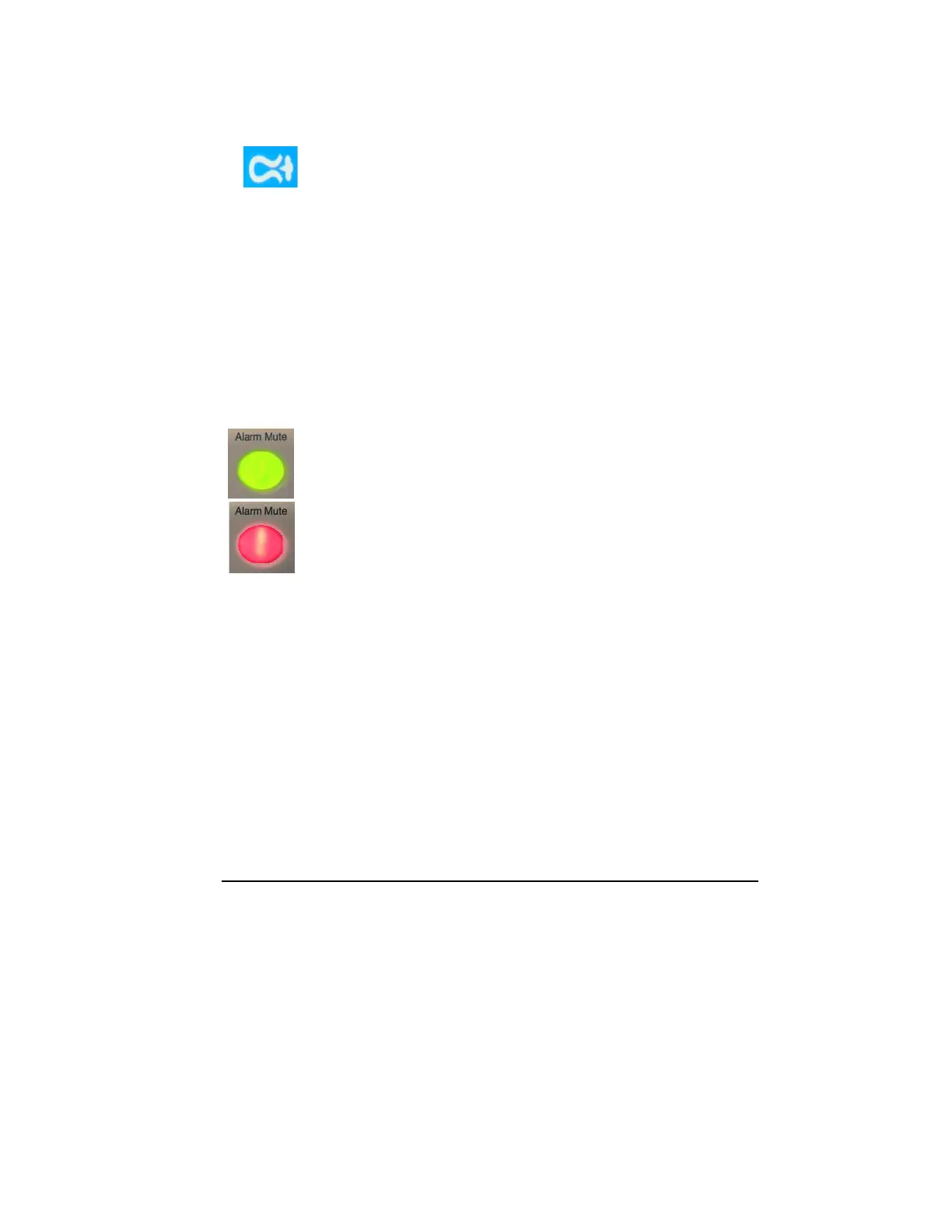
completed, the Deflation icon appears next to the cuff pressure
gauge.
The tourniquet time monitor will stop accumulating time and
display the total inflated ‘cuff time.’
N
OTE: To interrupt a deflation instantly, press the Inflate button.
Re-inflation will commence immediately. The timer is restarted to
accumulate additional elapsed ‘cuff time.’
DEFAULT
DISPLAY
At the end of a procedure and after deflation has occurred, press
the Default Display button to clear and reset the SmartPump to its
default time and pressure settings.
The Default Display button is also used to set new default time
and pressure settings for preferred practice settings. See
Changing Default Time and Pressure Settings.
A
LARM INDICATOR MUTE BUTTON
Indicator button illuminates green when the SmartPump is
operating normally.
Indicator button flashes red when the SmartPump is in an alarm
condition. Press the Alarm Indicator Mute button to mute the
audible alarm. Correct the alarm condition to restore the indicator
button to green.



 To Next Page