General Use Procedure 22
Turn On the SmartPump
Press the ON/OFF (standby) button to activate the SmartPump and
initiate the self-test.
1.10
The software version (example:
1.10) appears briefly at the bottom left
of the display.
At the conclusion of a successful, self-test:
The default time and pressure values for both cuffs are displayed.
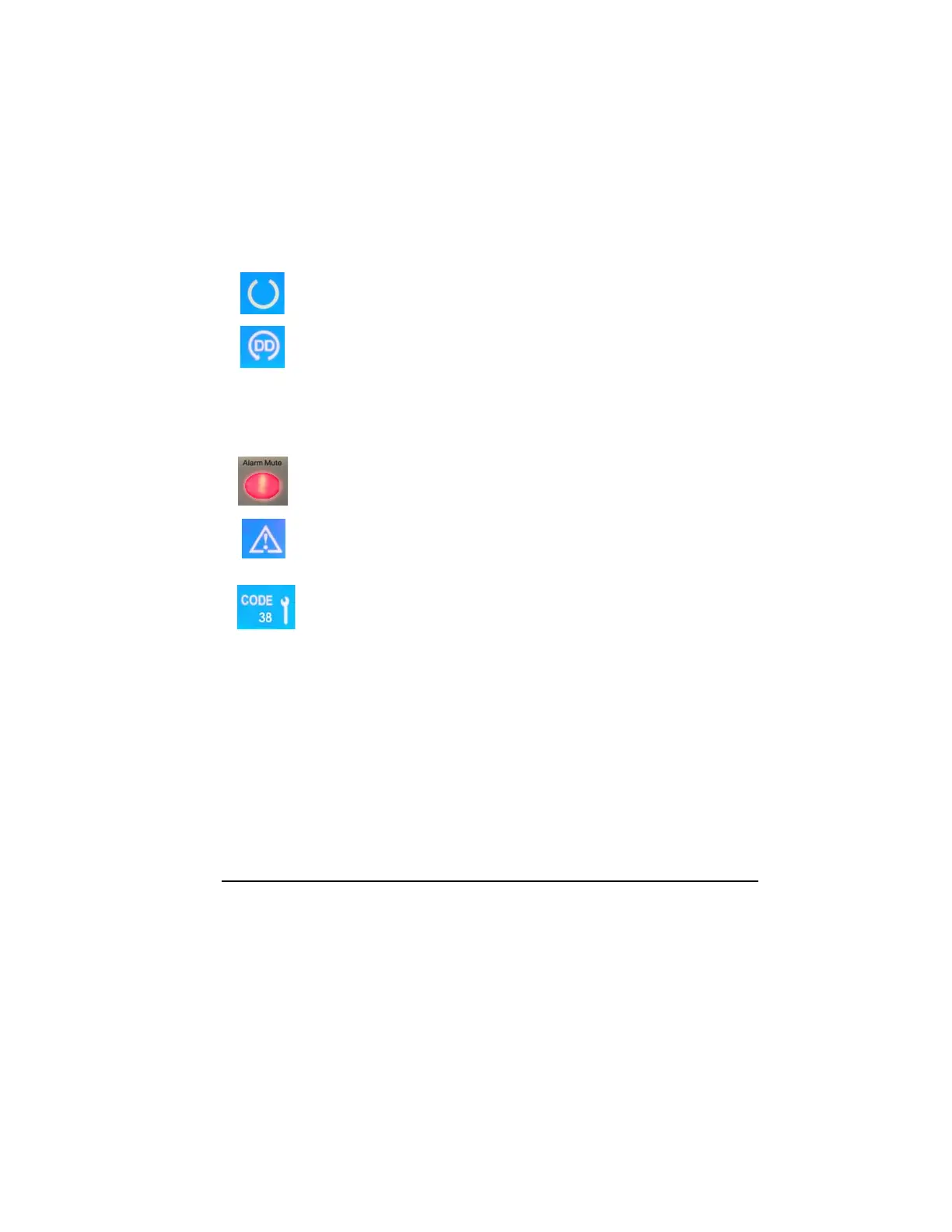
The Ready indicator appears in the center of the display.
The Default Display icon appears at the bottom of the display.
If the displayed Time and Cuff Pressure settings are acceptable,
proceed with the cuff inflation by pressing the Inflate
button.
If the self-test fails, the following occurs:
The Alarm Indicator Mute Button flashes red and the audible alarm
sounds. Press the Alarm Indicator Mute Button to mute the unit.
WARNING indicators will appear on both sides of the display and a
“wrench” icon will appear next to the service code, indicating service
is required. DO NOT proceed until you resolve the alarm condition.
Failure to comply may result in patient injury.
Note the code and call Stryker for assistance: 1-800-253-3210.



 To Next Page