General Use Procedure 24
Time Display Format
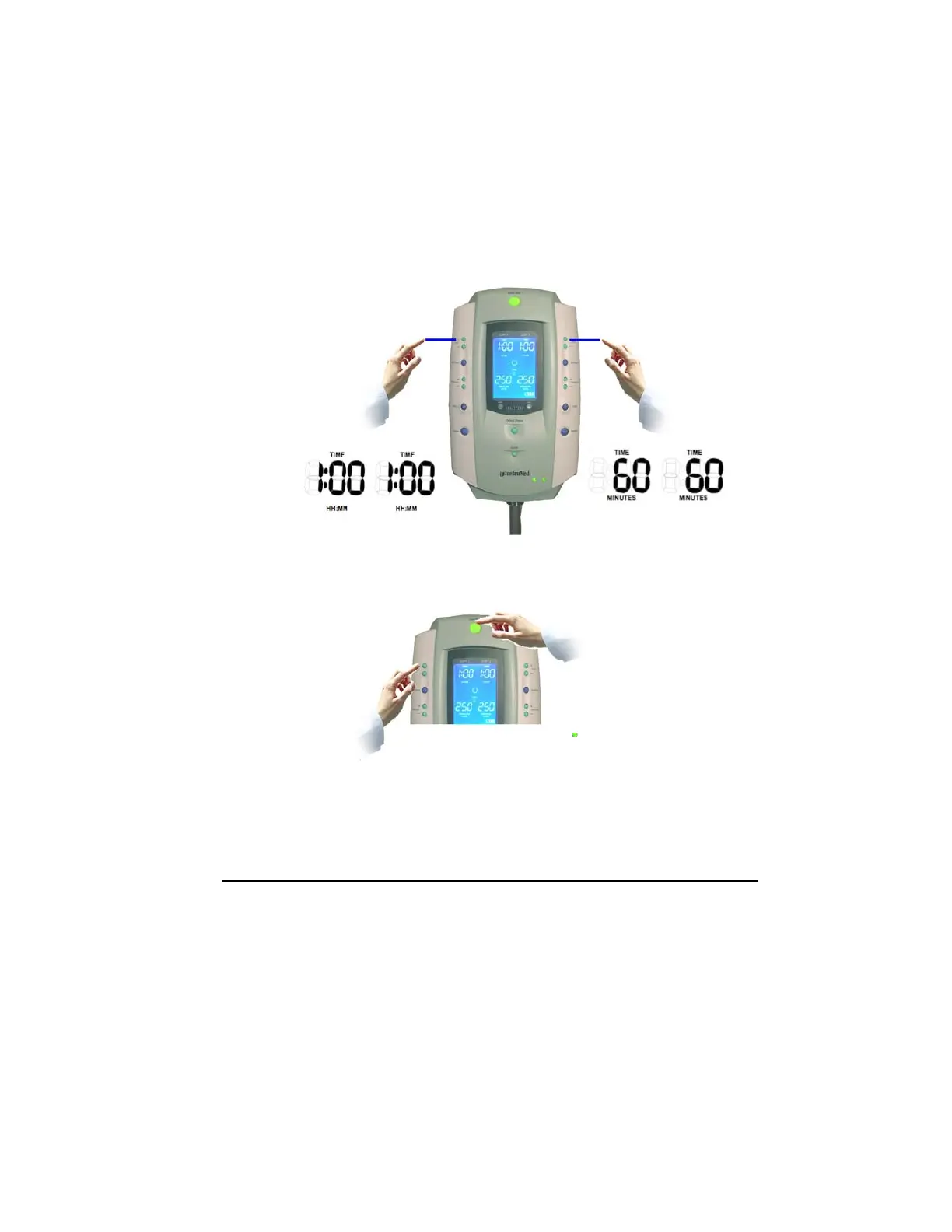
Change the Time Display format by pressing both Time (+) buttons
simultaneously while the SmartPump is in the ‘ready’ mode, with both
cuffs deflated (not active). It is not possible to change the time
format if a procedure is started.
If it is currently displaying H: MM (hours and minutes) it will
automatically shift to Minutes and vice versa.
A Time Display format change remains in effect permanently until
changed again.
Alarm Volume Adjustment
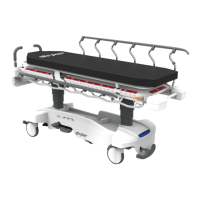
While pressing the Alarm Indicator Mute Button, press either the (+) or (-) buttons on
the top left of the SmartPump to increase or decrease the alarm volume to a desired
level. Alarm volume may be changed when the SmartPump is active or in the ‘ready’
mode.



 To Next Page