Black plate (208,1)
北米Model "A1100BE-A" EDITED: 2010/ 3/ 23
5-16 Audio
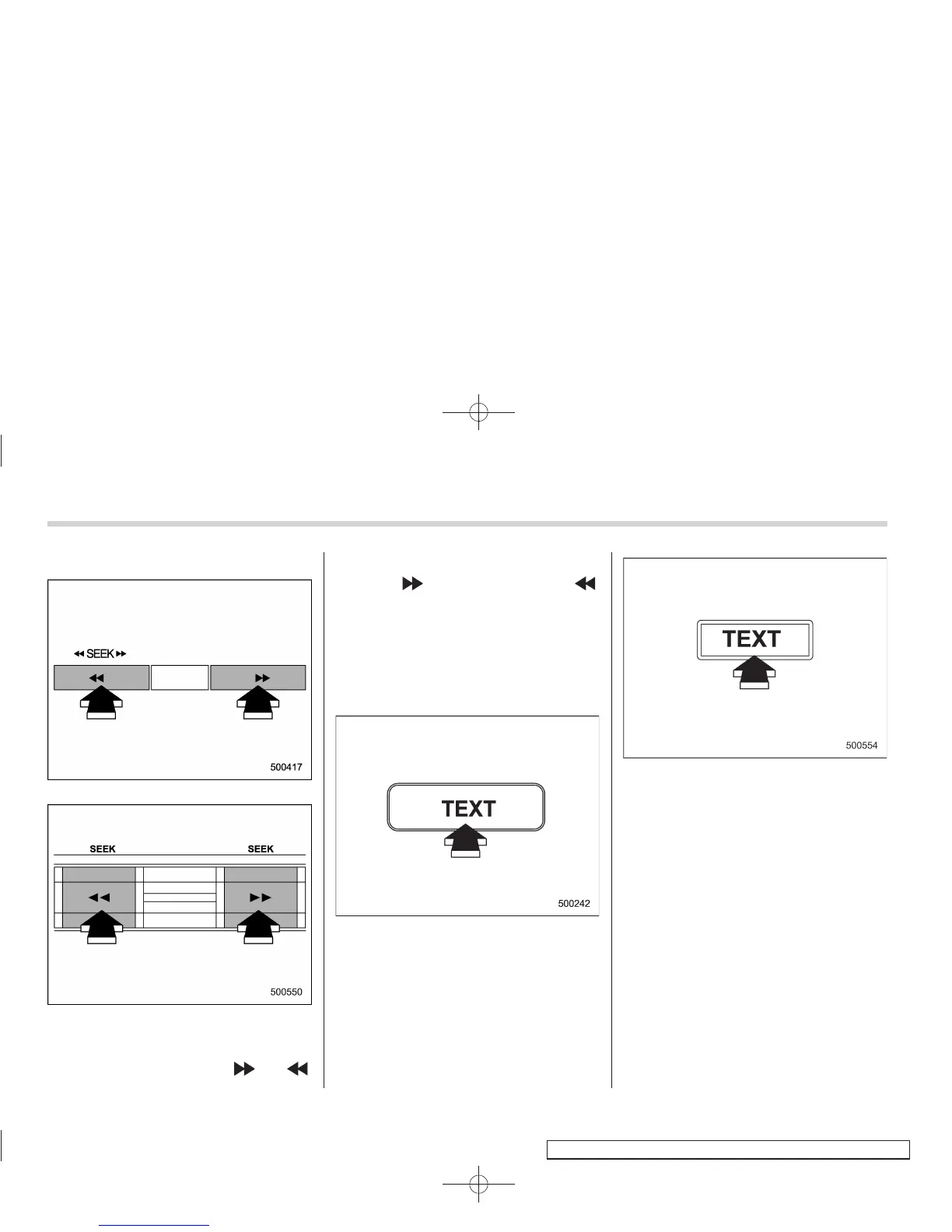
! Seek in PTY (Program type) group
Type A and B audio
Type C audio
In the PTY selection mode, when the
desired PTY group has been selected,
pressing the “SEEK” button “
” or “ ”
seeks within that PTY group.
Pressing “
” seeks up. Pressing “ ”
seeks down.
The control function returns to the normal
mode after approximately 10 seconds.
& Displaying radio PS (Pro-
gram Service Name) and RT
(Radio Text)
Type A and B audio
Type C audio
If the PS (Program Service Name) and/or
RT (Radio Text) are available, pressing
the “TEXT” button changes the display
among PS, RT and frequency. The initial
setting is “PS”.
NOTE
. The maximum number of characters
that can be displayed for PS is 8.
. The maximum number of characters
that can be displayed for RT is 64.
. If RT is 13 characters or longer,
press and hold the “TEXT” button for
0.5 second or longer in order to change
the page.















 To Next Page