Black plate (218,1)
北米Model "A1100BE-A" EDITED: 2010/ 3/ 23
5-26 Audio
Press a desired one of the disc select
buttons the disc number indicator of which
steadily lights up. The player will then start
playback of the selected CD, beginning
with the first track.
If a disc that the player cannot read has
been loaded, the player will display the
message “CHECK DISC”.
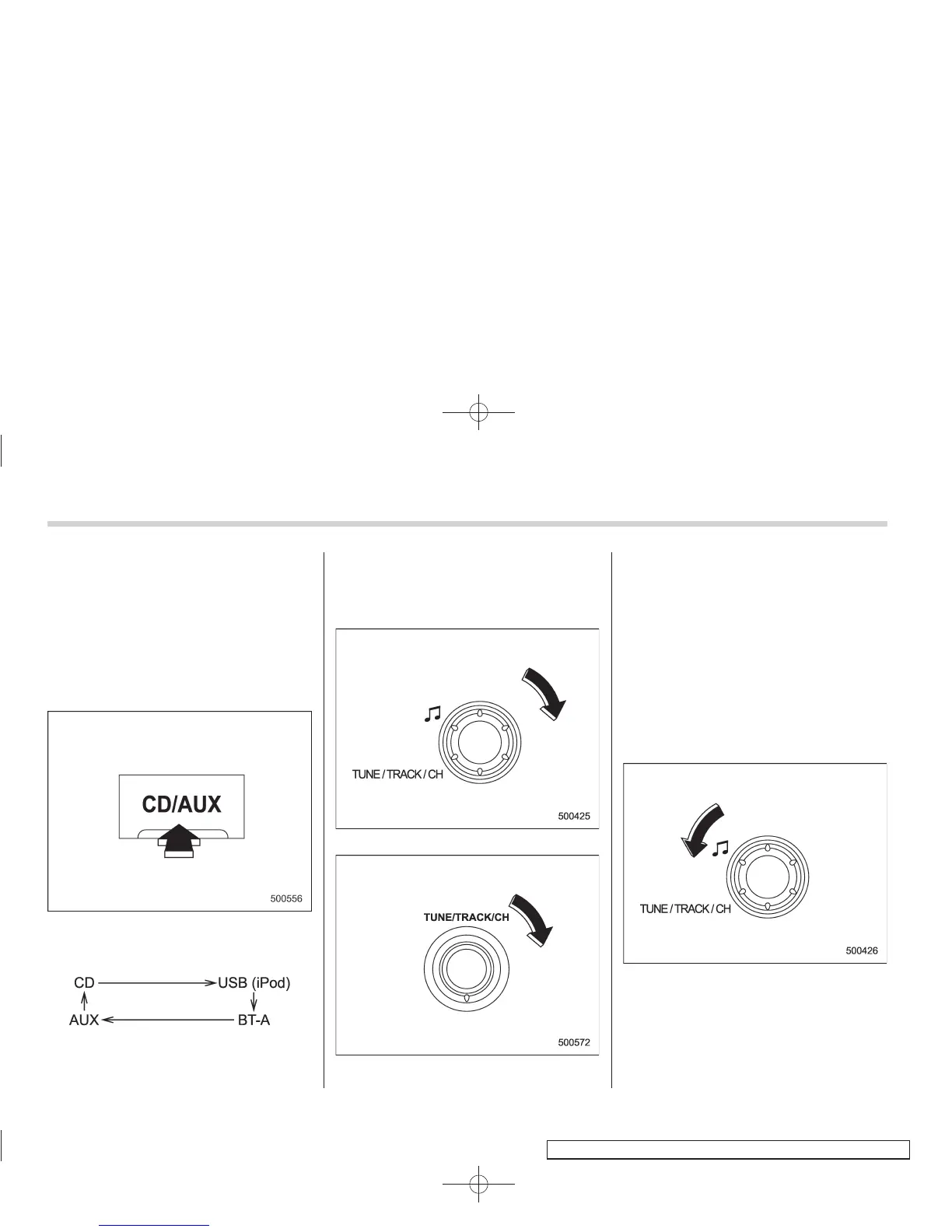
! When CD is in the player (type C)
Each brief press of the “CD/AUX” button
changes the modes in the following
sequence.
When the CD mode is selected, the player
will start playback.
& To select a track from its
beginning
! Forward direction
Type A and B audio
Type C audio
Turn the “TUNE/TRACK/CH” dial clock-
wise to skip to the beginning of the next
track/file (track). Each time the dial is
turned, the indicated track/file (track)
number will increase.
NOTE
In an MP3, WMA or AAC (type C audio)
folder, skipping past the last track/file
(track) will take you back to the first
track/file (track) in the folder.
! Backward direction
Type A and B audio














 To Next Page