Black plate (213,1)
北米Model "A1100BE-A" EDITED: 2010/ 3/ 23
“ ” changes the category up by one step.
Pressing “
” changes the category down
by one step.
When a category is selected, turning the
“TUNE/TRACK/CH” dial selects channels
only within the selected category.
The control function returns to the normal
mode after approximately 10 seconds.
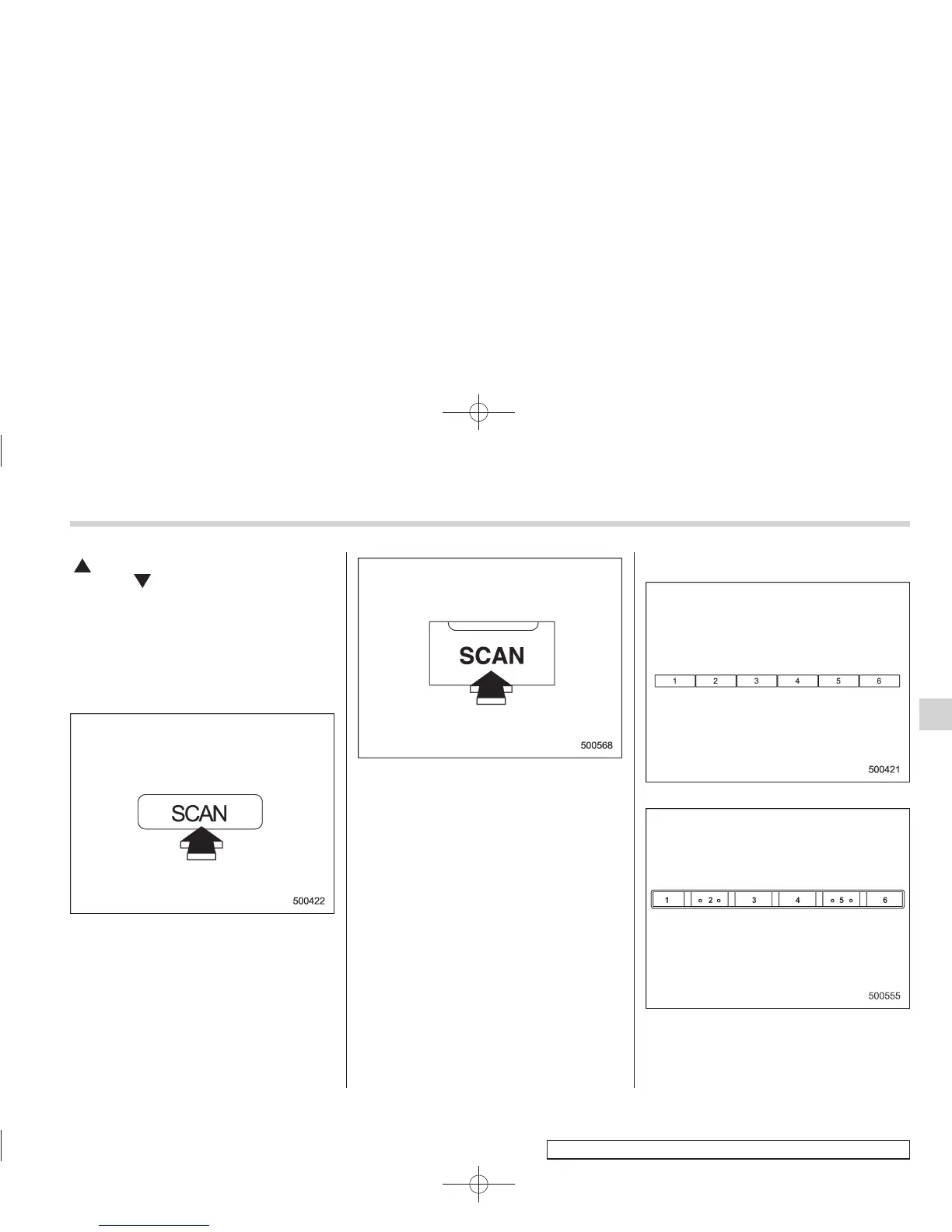
! Channel scan
Type A and B audio
Type C audio
Press the “SCAN” button to change the
radio to the SCAN mode. In this mode,
under the selected category, the radio
scans through the channel until a station
is found. The radio will stop at the station
for 5 seconds while displaying the channel
number, after which scanning will continue
until the entire channel has been scanned
from the low end to the high end.
Press the “SCAN” button again to cancel
the SCAN mode and to stop on any
displayed channel.
& Channel preset
Preset buttons (type A and B audio)
Preset buttons (type C audio)
Audio
5-21
– CONTINUED –
5














 To Next Page