Black plate (223,1)
北米Model "A1100BE-A" EDITED: 2010/ 3/ 23
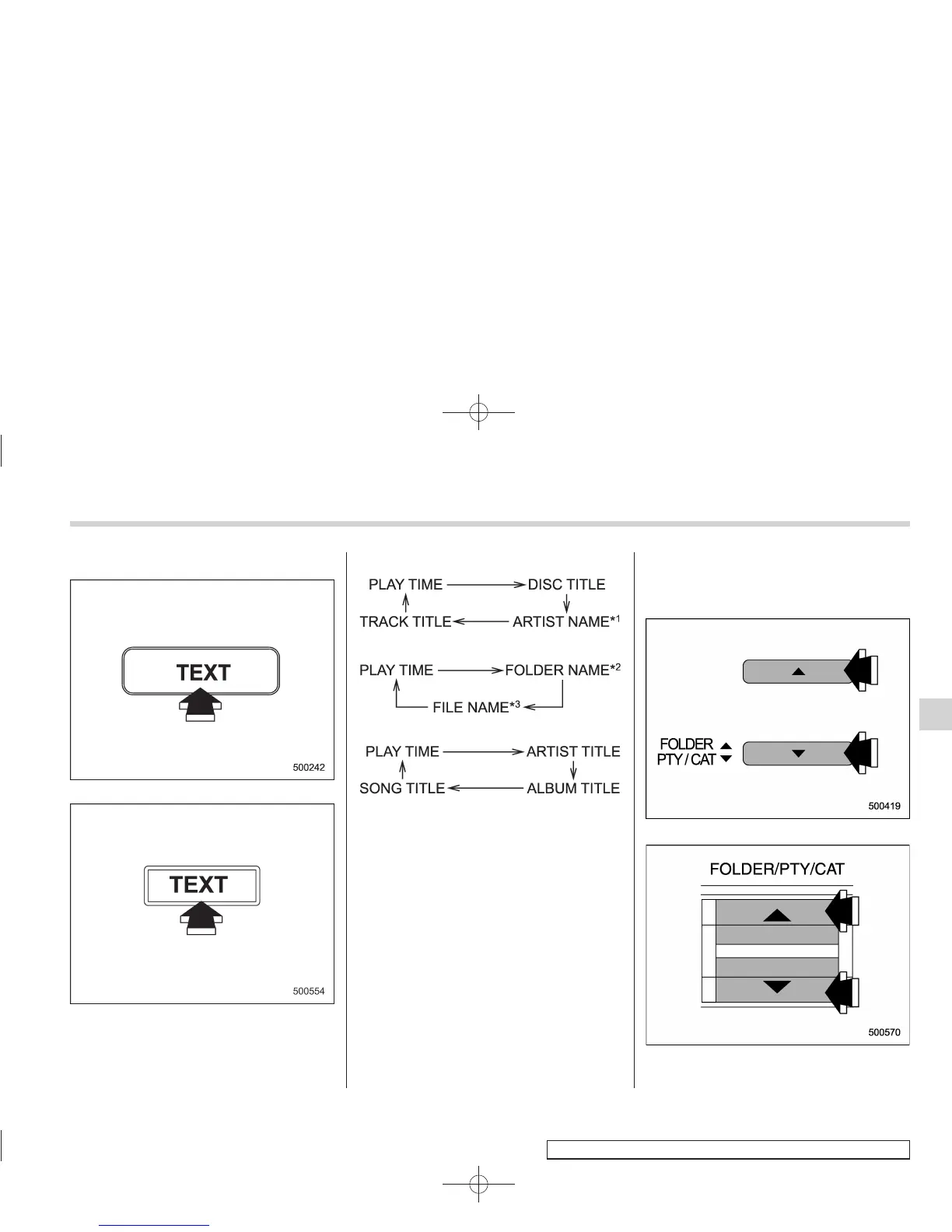
& Display selection
Type A and B audio
Type C audio
If you press the “TEXT” button during
playback, the indication will change to the
next one in the following sequence.
For CD-DA:
For MP3/WMA/AAC:
For iPod
®
:
*1: For type C audio , “ARTIST TITLE” is
displayed.
*2: For type C audio, “FOLDER TITLE” is
displayed.
*3: For type C audio, “FILE TITLE” is displayed.
! Page (track/folder title) scroll
If you press the “TEXT” button again for at
least 0.5 second, the title will be scrolled
so you can see all of it.
NOTE
. The display is designed to show
titles for up to 24 characters.
. If no operations are performed for 10
seconds, the screen that was displayed
before pressing the “TEXT” button for
more than 0.5 second will be shown.
& Folder selection
Type A and B audio
Type C audio
Audio
5-31
– CONTINUED –
5














 To Next Page