Black plate (224,1)
北米Model "A1100BE-A" EDITED: 2010/ 3/ 23
5-32 Audio
Press the “ ” side of the “FOLDER/PTY/
CAT” button briefly to select the next
folder. Press the “
” side of the button
briefly to go back to the previous folder.
For type A and B audio, the folder title will
be shown each time you press one of the
buttons.
NOTE
. Sel ecting folders in this way is
possible only within a single disc.
. Only MP3/WMA/AAC folders are re-
cognized when an attempt to select the
next or previous folder is made. If no
appropriate folder exists on the disc,
pressing the “
” or “ ” side of the
“FOLDER/PTY/CAT” button starts play-
back beginning with the first track/file
(track).
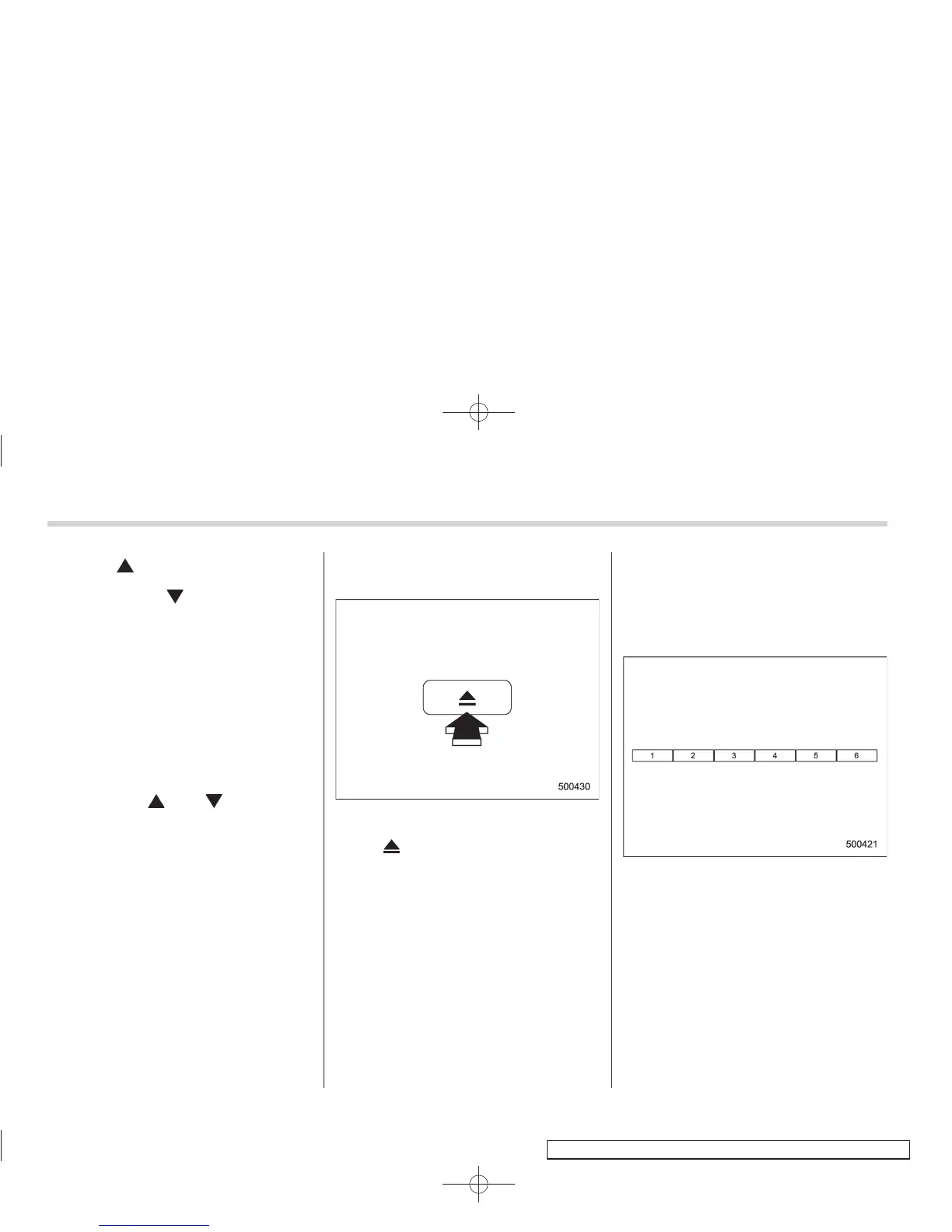
& How to eject a CD from the
player (type A and C)
When a disc is being played back or when
a disc is in the player, press the eject
button “
”. The disc will be ejected.
NOTE
. Avoid driving the vehicle with a CD
sticking out, because vibration might
make it fall out.
. If the disc is left ejected for more
than approximately 15 seconds after
the ignition switch is turned to the
“OFF” position, a disc protection func-
tion will operate, automatically reload-
ing the disc. In this case, the disc is not
played.
& How to eject CDs from the
player (type B)
! Ejecting a CD from the player
Of the discs loaded, you can select and
remove only one disc.
Disc select buttons
1. Use the disc select button to select the
disc to be ejected.















 To Next Page