Black plate (233,1)
北米Model "A1100BE-A" EDITED: 2010/ 3/ 23
! When connecting iPod
®
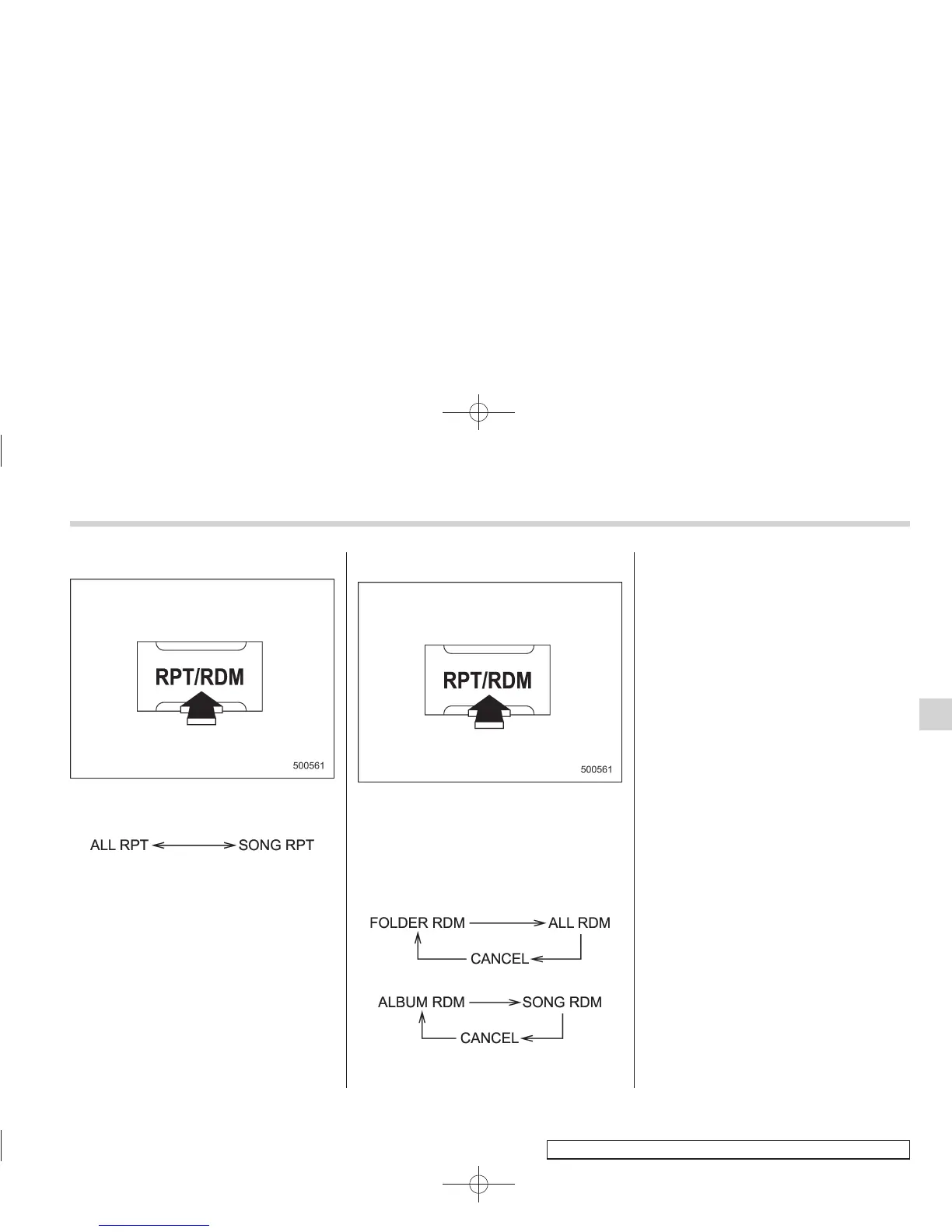
Each time you briefly press the “RPT/
RDM” button, the mode changes in the
following sequence.
NOTE
. The “ALL RPT” indication refers to
the repeat playback of all indexes in the
entire iPod
®
.
. The “SONG RPT” indication refers
to the repeat playback of a single index.
It repeats the index that is playing.
. When an audiobook is playing, the
mode does not change even if you
press the “RPT/RDM” button.
& Random playback
To playback a track/index/file(s) at ran-
dom, press the “RPT/RDM” button for 0.5
second or longer while the track/index/file
is playing.
Each time you press the button, the mode
changes in the following sequence.
When connecting USB storage device:
When connecting iPod
®
:
NOTE
. The “FOLDER RDM” indication re-
fers to the random playback in the
folders. It randomly repeats all of the
tracks in the folder.
. The “ALL RDM” indication refers to
the random playback in the entire USB
storage device. It randomly repeats all
of the tracks in the USB storage device.
. The “ALBUM RDM” indication refers
to the shuffle playback in the album. It
randomly repeats all of the indexes in
the album.
. The “SONG RDM” indication refers
to the shuffle playback in the entire
iPod
®
. It randomly repeats all of the
indexes in the iPod
®
.
. When an iPod
®
is connected, the
files are played back at random by the
shuffle function of the iPod
®
. There-
fore, iPod
®
operation may be different
depending on the model of the con-
nected iPod
®
.
. When an audiobook or a podcast is
playing, the mode does not change
even if you press the “RPT/RDM”
button for 0.5 second or longer.
To cancel the random playback mode,
press the “RPT/RDM” button for more than
0.5 second and select CANCEL. The
“RDM” indication will turn off, and the
normal playback mode will resume.
Audio 5-41
– CONTINUED –
5














 To Next Page