Black plate (157,1)
北米Model "A1120BE-B" EDITED: 2011/ 10/ 28
& Selection screen
Select an item by operating the “ ” or “ ” switch. When the “ /SET” switch is pulled and held, the setting screen for each menu can
be displayed.
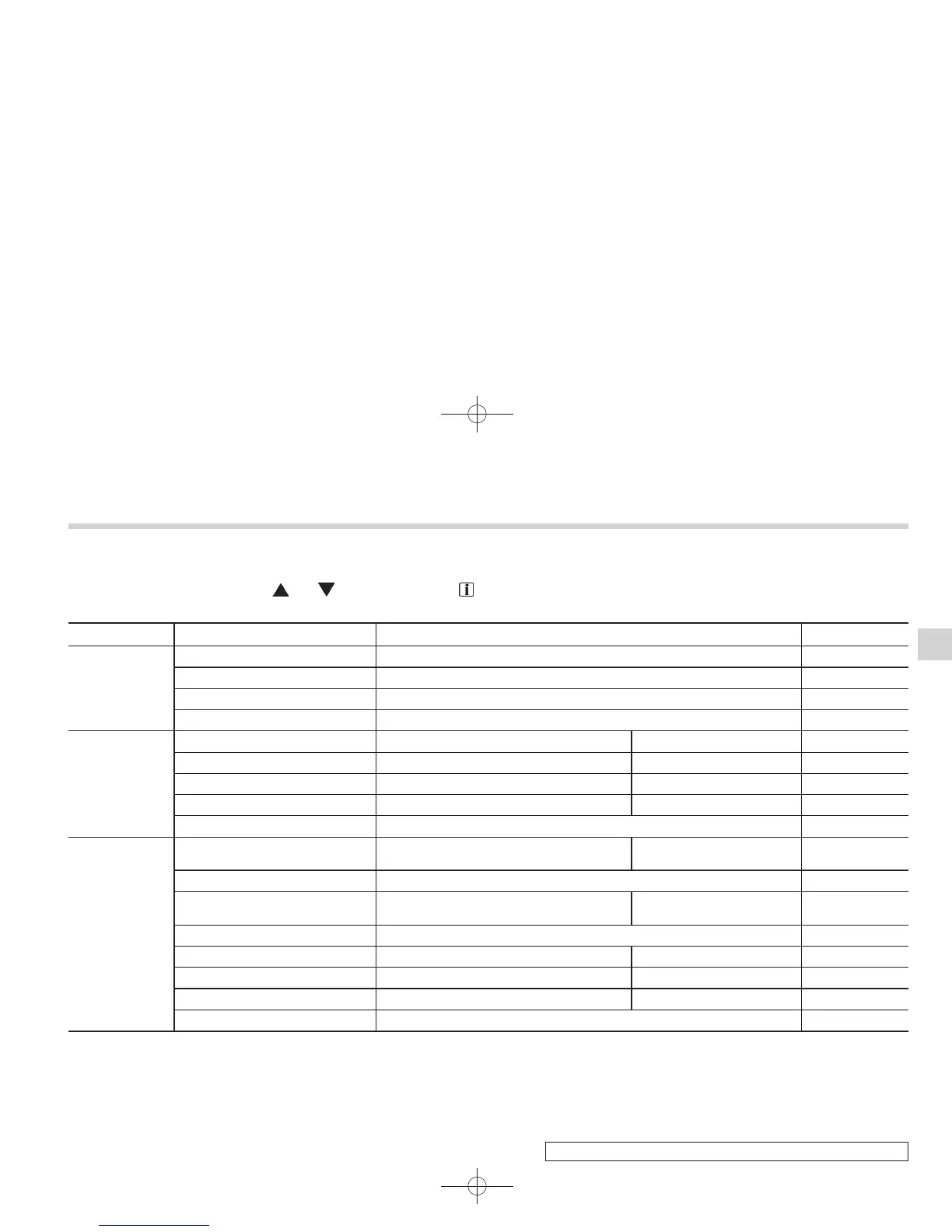
Top menu Menu option Description Page
Date
Date Set and adjust the time and date. 12h or 24h format can be selected. 3-37
Birthday Set a birthday. 3-38
Anniversary Set an anniversary day. 3-39
Return Return to the top menu. —
Display
Brightness Adjust the brightness. +5 ↔ −53-41
Contrast Adjust the contrast. +5 ↔ −53-42
Screen Off Turn the screen on or off. On or Off 3-42
Beep Adjust the beep sound volume. High, Low or Off 3-43
Return Return to the top menu. —
Screen Setting
Top Display
Set and customize the top display informa-
tion contents.
Avg Cons, Inst Cons, Range
or Off
3-44
Cons Customize the fuel consumption information display. 3-45
Eco History
Set and customize the time of logging fuel
consumption history.
30 min, 60 min or 120 min 3-46
Triple Meter Set and customize the triple meter. 3-48
Clock Select the clock format. Analog, Digital or Off 3-49
Bypass Screen Set the bypass screen for each item. On or Off 3-50
Languages Select the display language. English or French 3-51
Return Return to the top menu. —
Instruments and controls
3-35
– CONTINUED –
3















 To Next Page