Black plate (274,1)
北米Model "A1120BE-B" EDITED: 2011/ 10/ 28
5-48 Audio
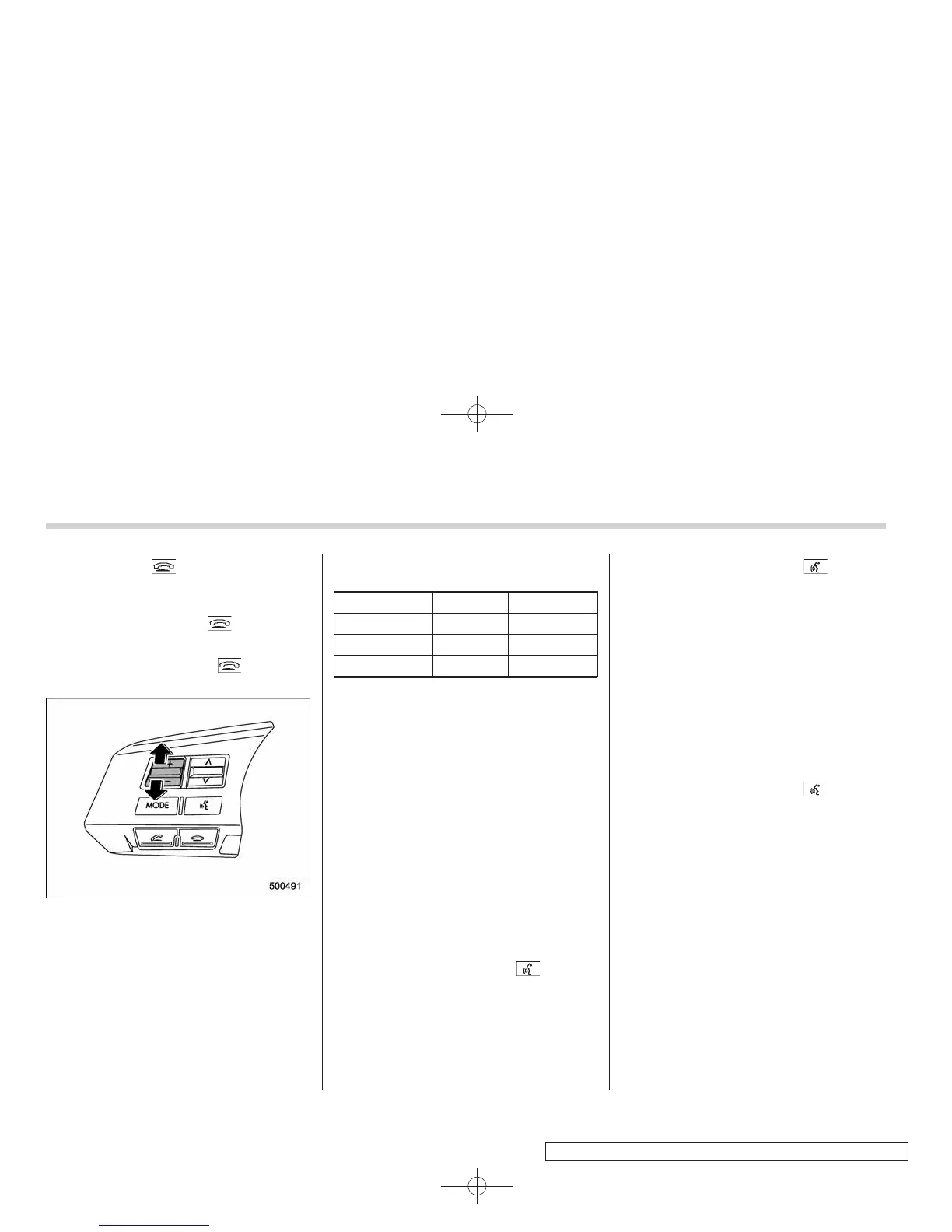
ON hook switch briefly.
To decline an incoming call (only if the
cell phone has this function): Press and
hold the ON hook switch
.
! Ending a call
Press the ON hook switch
.
! Volume control
You can adjust the phone call volume, the
voice volume and the voice guidance
volume. Refer to “Volume control switch”
F5-33.
! Adjustable level of each volume
Volume Range Initial setting
Phone call 0 to 14 7
Voice 0 to 14 7
Voice guidance 0 to 6
3
& Bluetooth
®
setting
! Security setting
After selecting the “SECURITY” menu,
perform the following procedures.
! Setting PIN code
The PIN code is a 4-digit number and is
used when locking the phonebook.
1. Select the “SET PIN” menu.
– Then “CURRENT PIN?” is dis-
played.
2. Input the current PIN code by perform-
ing either of the following procedures.
– Operate the “TUNE/TRACK/CH”
dial.
– Press the talk switch
and say
the number.
3. Select the “CONFIRM” menu.
4. Input the new PIN code by performing
either of the following procedures.
– Operate the “TUNE/TRACK/CH”
dial.
– Press the talk switch
and say
the number.
5. Select the “CONFIRM” menu.
! Locking the phonebook
1. Select the “PHBK LOCK”/“PHONE-
BOOK LOCK” menu.
– Then “CURRENT PIN?” is dis-
played.
2. Input the PIN code by performing
either of the following procedures.
– Operate the “TUNE/T RACK/CH ”
dial.
– Press the talk switch
and say
the number.
3. Select the “CONFIRM” menu.
– If the inputted PIN code is correct,
“LOCKED” is displayed and the pho-
nebook is locked.
NOTE
While the phonebook is locked, if the
operation restricted menu is selected,
“PHBK LOCK” is displayed.
! Unlocking the phonebook
1. Select the “PHBK UNLOCK”/“PHONE-
BOOK UNLOCK” menu.
– Then “CURRENT PIN?” is dis-
played.















 To Next Page