Black plate (257,1)
北米Model "A1120BE-B" EDITED: 2011/ 10/ 28
& Folder selection (only when
connecting USB storage de-
vice)
Refer to “Folder selection” F5-22.
NOTE
When an iP od
®
is connected, you
cannot select a folder.
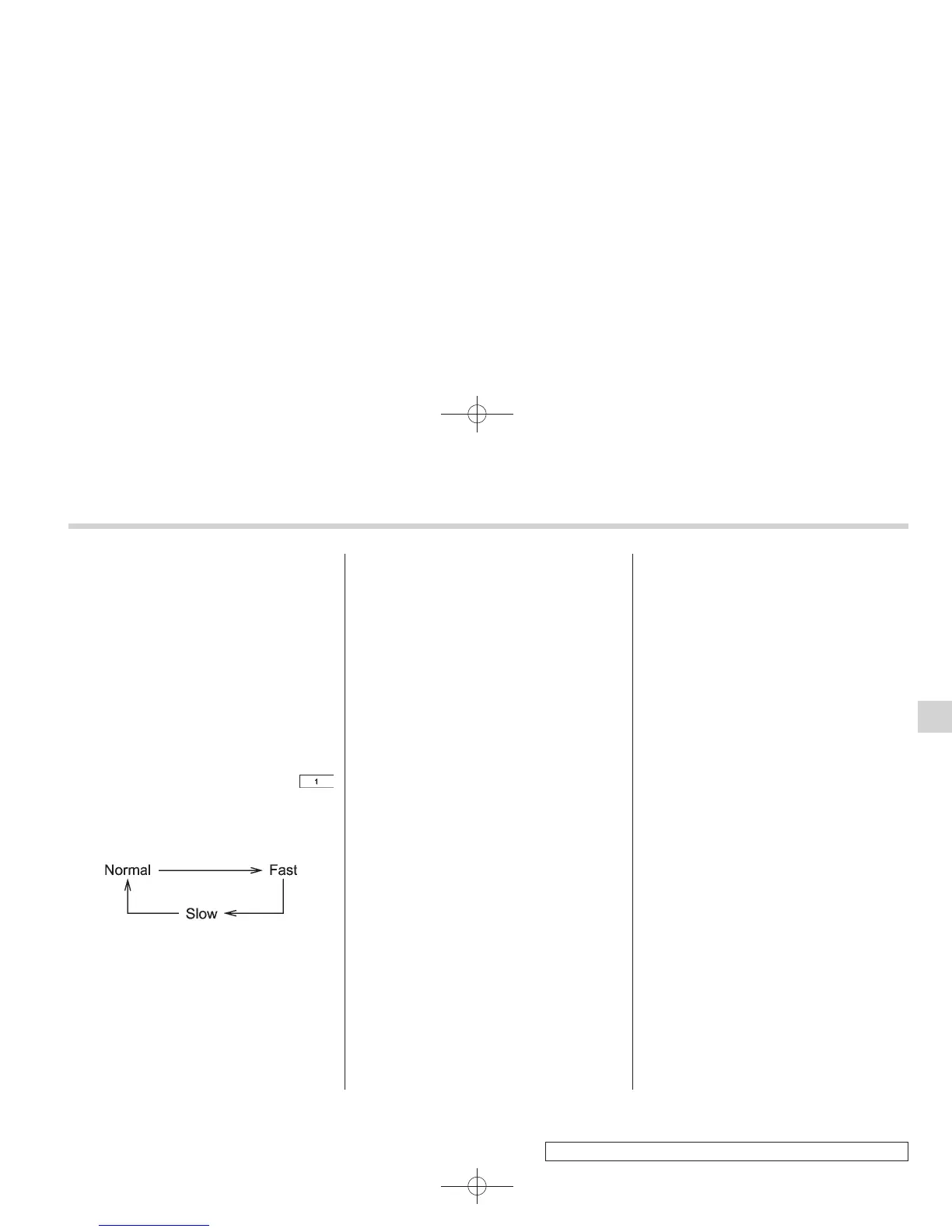
& Setting the playing speed
(only when the audiobook is
playing) (type C audio)
Each time you briefly press the
button (the “RPT” button) while the audio-
book is playing, the playing speed
changes in the following sequence.
& When the following mes-
sages are displayed
If one of the following messages is
displayed while connecting the USB sto-
rage device/iPod
®
, determine the cause
based on the following information. If you
cannot clear those messages, please
contact your SUBARU dealer.
! When “CHECK DEVICE” is dis-
played
This message is displ ayed under the
following conditions.
. When there is a short in the USB bus
. When an unsupported device (for ex-
ample a USB mouse) is connected
. When an unsupported iPod
®
is con-
nected
. When a connected iPod
®
is frozen
. When a transmission malfunction oc-
curs
. When an iPod
®
confirmation malfunc-
tion occurs
. When a HUB class USB storage
device is connected
Disconnect the USB storage device/iPod
®
and check it.
! When “NO USB” is displayed (type
C audio)
This message is displ ayed under the
following conditions.
. No USB storage devices/iPod
®
are
connected.
. An incompatible USB storage device/
iPod
®
is connected.
Connect a supported USB storage device/
iPod
®
.
! When “No song” is displayed (type
C audio)
This message is displayed whe n no
playable audio files are in the connected
USB storage device/iPod
®
. Connect a
USB storage device/iPod
®
that has play-
able audio files stored in it.
Audio 5-31
5















 To Next Page